Looks like you don't have ESC button on your device
Choose one of the following options
trial versionHas a license

Looks like you don't have ESC button on your device
Choose one of the following options
trial versionHas a licenseIRONCAD is a comprehensive 3D CAD program. In the construction industry, it is used for buckets, plows, and attachments made of bent sheet metal and welded steel, incorporating hydraulics, motion, and large assemblies within a single file.
Over 1000+ satisfied customers


.avif)
Buckets and plows made of bent sheet metal
Hydraulics and Motion in the Same Model
Drawings and DXF files from the model
IRONCAD IRONCAD is a 3D CAD program for industrial design, ranging from machinery and sheet metal to layouts and fixtures. What sets apart from traditional CAD systems is the freedom of choice: you decide for yourself how to model. Design freely using drag-and-drop and TriBall, add constraints and parametric dimensions only where they’re needed, and modify imported geometry directly without a history tree. These methods can be combined within the same , and the entire assembly is contained in a single file. This page shows how manufacturers of construction equipment use it. part
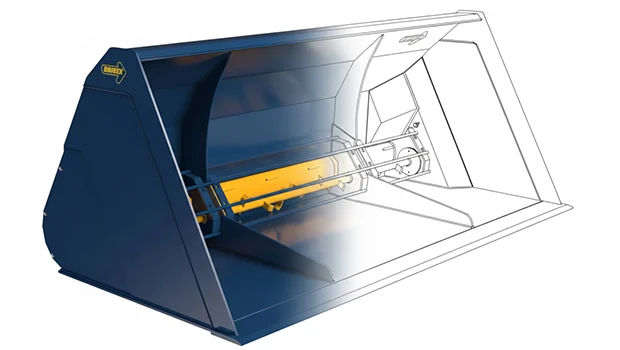
The video is Drivex’s own promotional video about the KS2500-3000 clamshell bucket with a floating flap, one of the attachments manufactured at IRONCAD in Edsbyn. The bucket is constructed from bent sheet metal and welded parts, with hydraulic cylinders, the mounting bracket, and the flap’s movement all integrated into the same model, and is rendered in KeyShot for brochures and the web. Would you like to see what your next attachment might look like in IRONCAD?
Book a demo and we’ll show you!
You choose the method for each part, not for each program.
All three work in the same file, and they can be combined in a single tool.
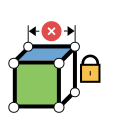
For bucket families with multiple widths. Lock the width, depth, and pitch using constraints, and the next size will be recalculated without you having to redraw it.
MOST POPULAR
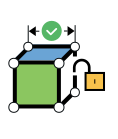
The standard method for customizing tools. Drag and drop sheet metal parts, cylinders, and fasteners from the catalog, position them using TriBall, and adjust the width or mounting as the customer desires. No mandatory constraints.
For the machine manufacturer's STEP files of brackets and quick-release couplings. Select a surface and drag it, trim the bracket to fit the frame, and add holes. No history is required.
The sides, bottom, and reinforcements of the bucket are fabricated from sheet metal with a bend radius and K-factor specified by your shop. Flanged sheet metal, which serves as a transition from round to square, is bent in beams.
The parts are unfolded with a single click and sent to the laser as DXF files. The bend angles are indicated on the drawing.
Cylinders, valves, and couplings are retrieved from suppliers’ 3D files or from IC Mechanical and placed directly in the plow. The machine manufacturer’s mounting bracket is opened as a STEP file and used as is.
Wear-resistant steel, bolted joints, and bearings are listed in the catalog and are selected with the correct dimensions.
Guides, cylinders, and links are connected via mechanisms so that the bucket or flap can be moved between its end positions in the model. This makes it possible to see if anything gets caught before the sheet metal is cut.
The motion is shown to the customer in a video. The video shows an excavator arm with its mechanisms.
The customer wants the bucket to be wider, the mount on the other side, or the roller moved. The parts are not locked into a history tree, so the change is made directly in 3D without any rebuild errors.
Drivex switched from parametric CAD specifically so it could make precise changes when needed.
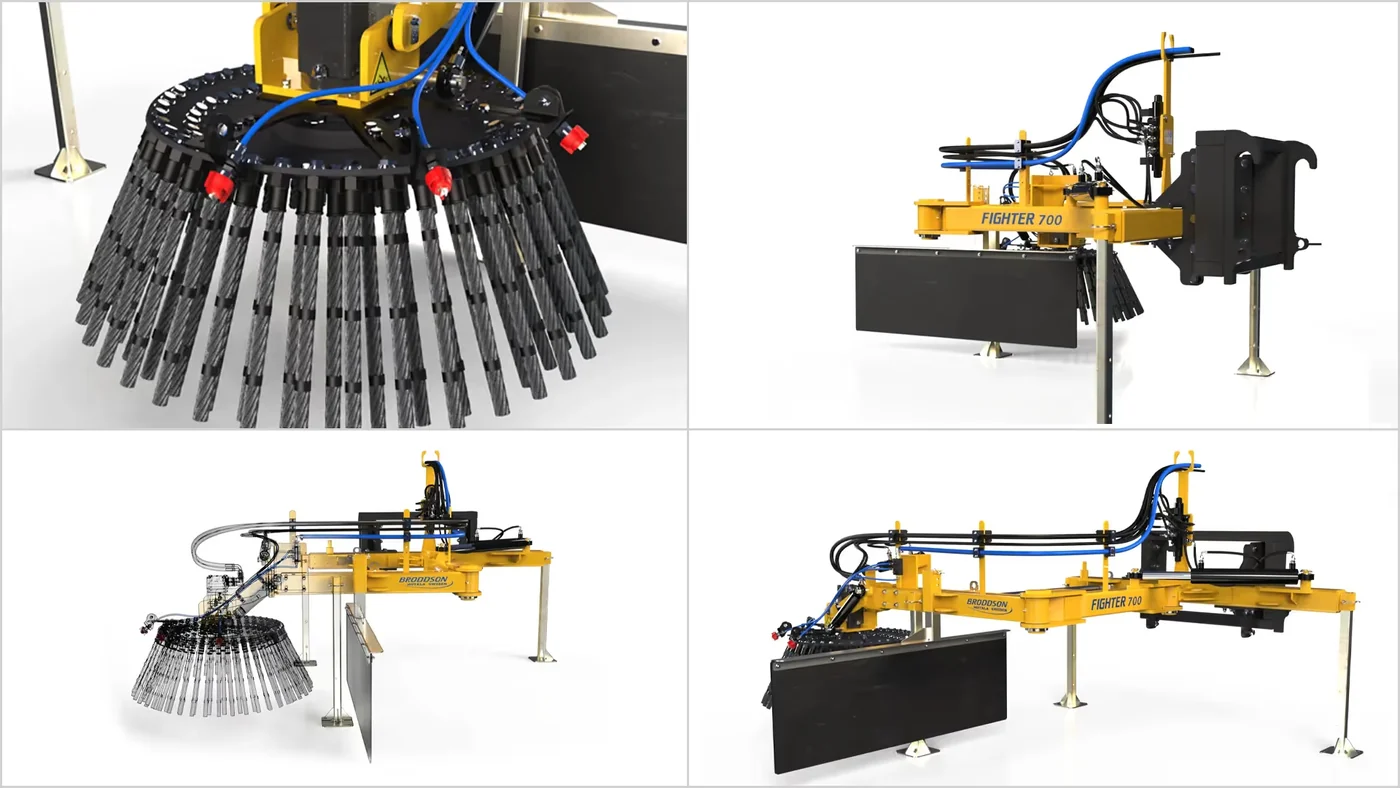
Motors, hydraulic motors, hoses, and quick-connect fittings from suppliers are listed in the same catalog as the company’s own welded parts. Broddson describes it as building with Legos: drag items from the catalog next to the screen and drop them into place.
The entire machine is contained in a single file, and parts are grouped in the tree as folders.
Exploded views, assembly instructions, and spare parts lists are generated directly from the model, with parts color-coded for clarity. The bill of materials retrieves part numbers, materials, and quantities from the 3D model and is exported to Excel.
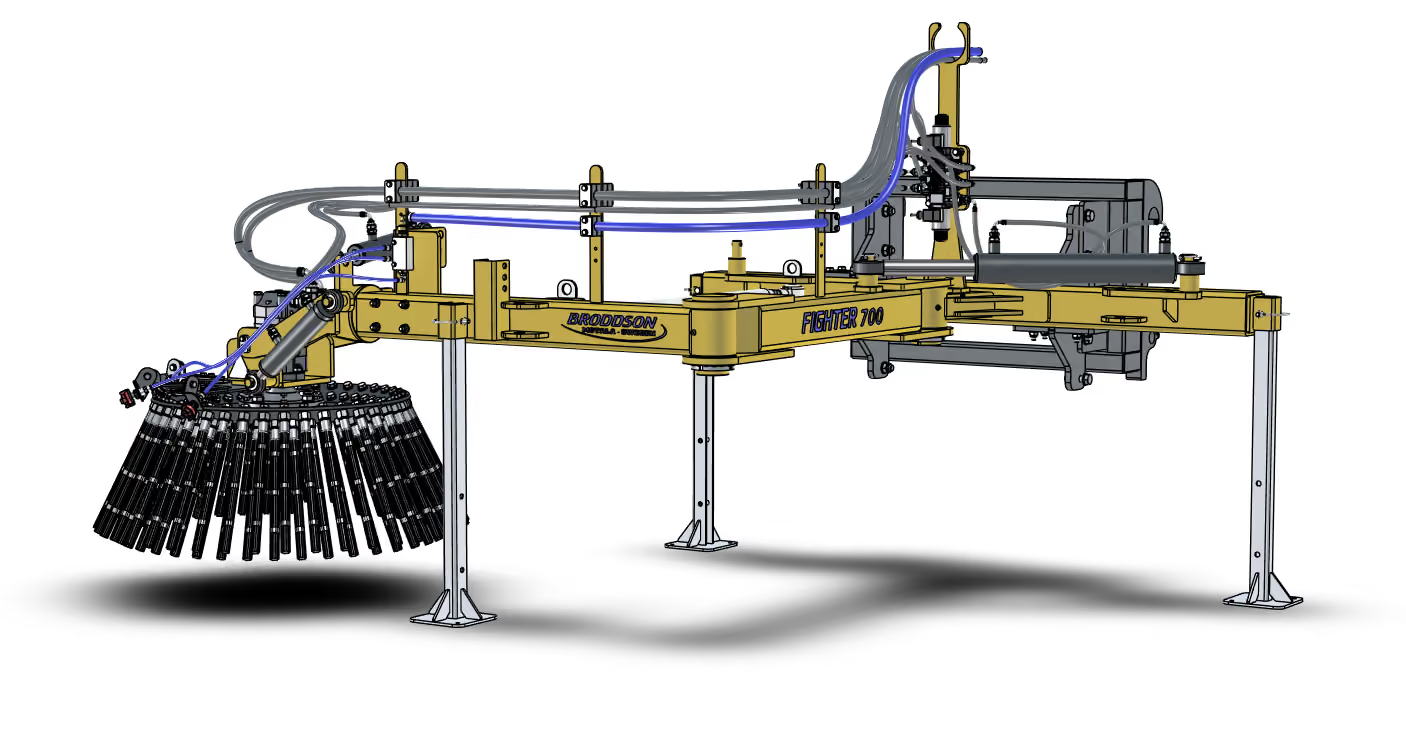
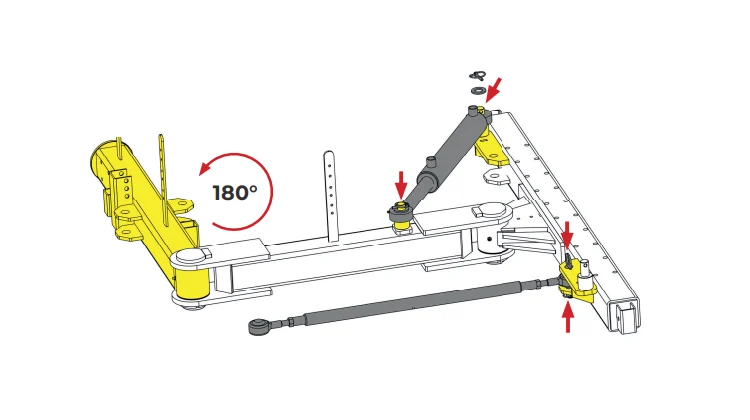
The image shows installation instructions from Broddson for changing the brush position.
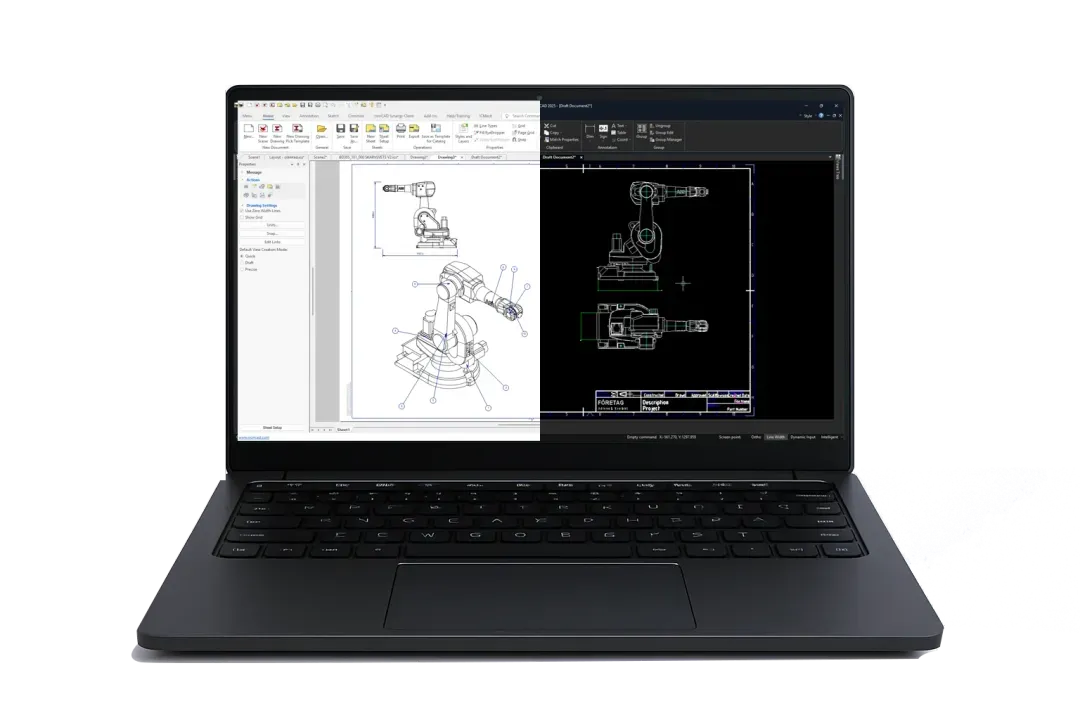
ICD renders the bucket with views, sections, bend angles, ISO-compliant dimensions, and an automatic bill of materials. DRAFT features a traditional 2D interface similar to AutoCAD and opens the customer’s DWG and DXF files.
Both follow the model when the tool is changed. Choose the one that fits the drawing, or use both.
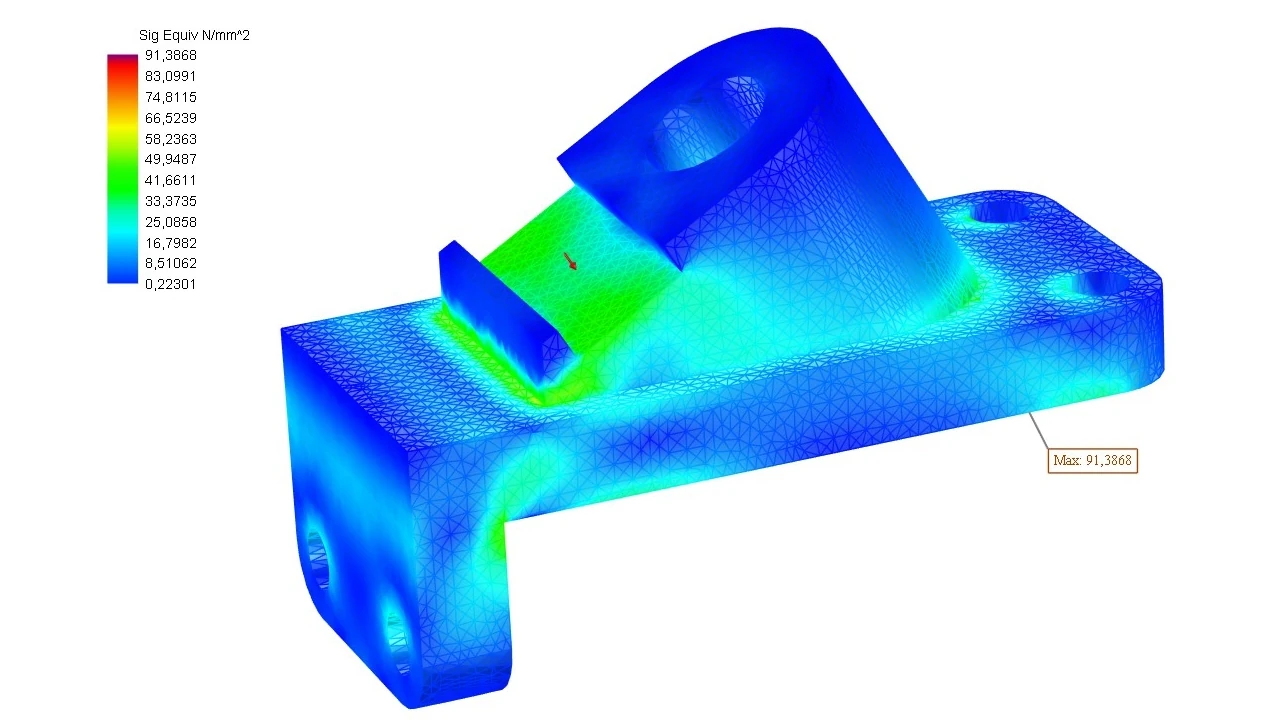
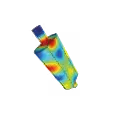
MultiPhysics IRONCAD applies loads and constraints to the bucket or attachment and displays stress and deformation directly on the model, without exporting to a separate FEM program.
Change the material thickness, recalculate, compare. The report is generated at the push of a button.

Buckets, plows, and covers made of bent sheet metal, with dimensions and DXF files.
Bucket profiles and mounts are freely sketched in 2D. Parameters are optional—not mandatory.

Brackets, cylinders, wear plates, and our own standard parts with a push-and-release mechanism.

Move, copy, and align cylinders and mounts precisely, without constraints.

Attachments for wheel loaders and tractors from Edsbyn, a family-owned company since 1969 and an industry leader. All new product development takes place at IRONCAD, and the buckets are rendered at KeyShot for brochures and the website.
“After working with several parametric 3D CAD systems, I realized just how powerful IRONCAD is. The system makes it possible to make precise changes when needed, which wasn’t possible in other programs.”
Robert Eriksson, CAD Manager, Drivex AB
Street sweepers and road maintenance equipment from Motala, exported to the Nordic countries, Africa, and the Middle East. Switched from a parametric CAD system to allow for free creation and modification within the assembly.
“You can simply drag and drop various 3D basic shapes, standard components, and beams from the catalogs on the side of the screen, right into the 3D environment—just like Lego!”
Richard Liljedahl, Design Engineer, Broddson AB
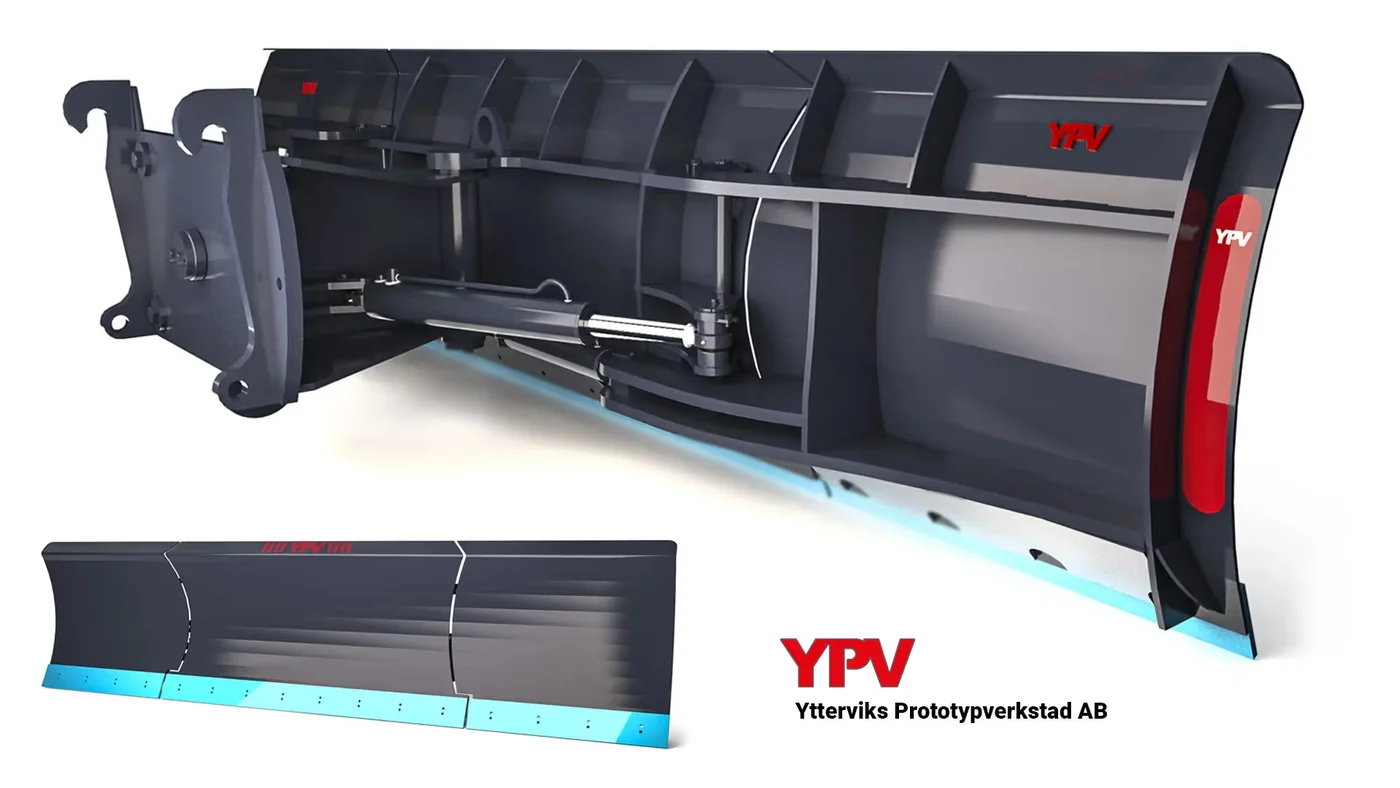
Has been developing and manufacturing attachments for construction machinery since 1992, with a focus on custom plows and buckets. The 3D model is shared with the customer and adjusted before manufacturing begins.
“What I like about IRONCAD is its flexibility and how quickly I can create new models and modify existing ones. A large part of our manufacturing involves customer-specific tools.”
Pontus Lundström, production technician, Ytterviks Prototypverkstad AB

Sketch the profile, bend it in 3D, or draw bend lines directly on the sheet metal; select the bend radius and K-factor. The part is unfolded with a single click and exported as a DXF file for laser cutting, with bend angles included in the drawing.
Yes. Cylinders, valves, and couplings are retrieved from suppliers’ 3D files or from catalogs in IC Mechanical and placed in the model. Mechanisms show stroke length and motion, ensuring that nothing comes into contact at the end positions.
Yes. STEP and IGES files open immediately, and with Translator , SolidWorks, Inventor, and CATIA files open as well. The file is used as a base and can be cut and modified without a history tree.
Yes. With MultiPhysics for IRONCAD , loads and fixings are applied to the bucket or mounting, and stress and deformation are displayed directly on the model. Change the material thickness, recalculate, and compare.
The parts are not locked into a history tree, so a wider bucket or a repositioned mounting bracket can be modified directly in 3D without causing rebuild errors. Broddson chose IRONCAD specifically to avoid constraint-based redesigns.
With Design Data Manager, every bucket, attachment, and drawing is assigned a part number, revision, and searchable properties, regardless of whether the file comes from IRONCAD, SolidWorks, or Inventor. Customer variants are kept separate, and the correct revision is sent to the workshop.
Full version for 30 days, free of charge. Swedish support and training from Solidmakarna.

30-day full version of IRONCAD . No credit card information required, no obligation to purchase.

Install the software, open your own files, and follow the setup wizard in the IronCAD Academy.

We'll show you how IRONCAD fits your specific production needs—in just half an hour.

A 2 + 2-day instructor-led introductory course, or self-paced study. Course instructors who design their own projects in IRONCAD.