Student License for IRONCAD
The same 3D and 2D software that companies use for design. Apply with your student ID, and you'll receive the license key by email.
Full version, no cut-down versionRenewed for as long as you're enrolledFree introductory course included
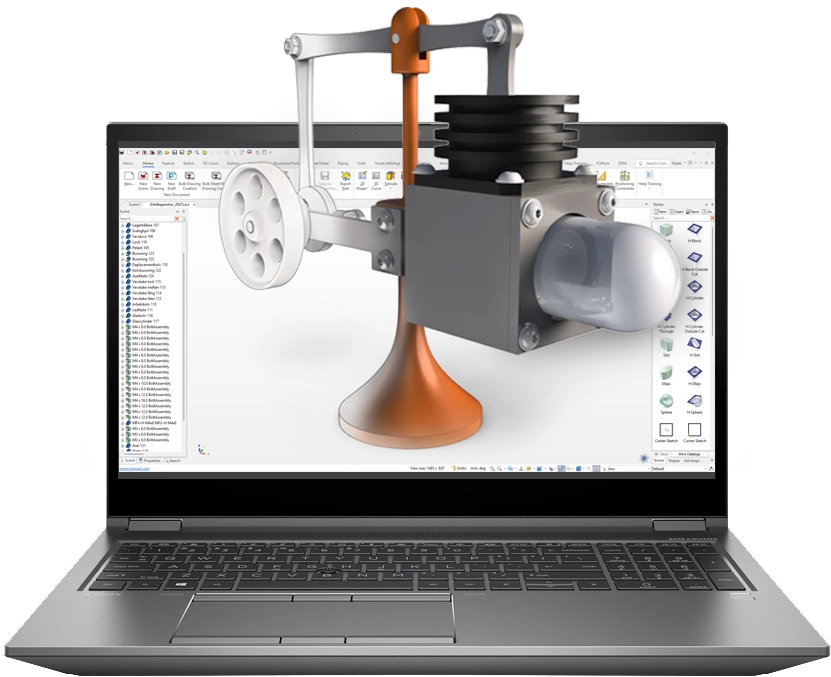
01 Used by

"We have found that there are significant benefits to using IRONCAD." Åke Lindholm
Read more about Husqvarna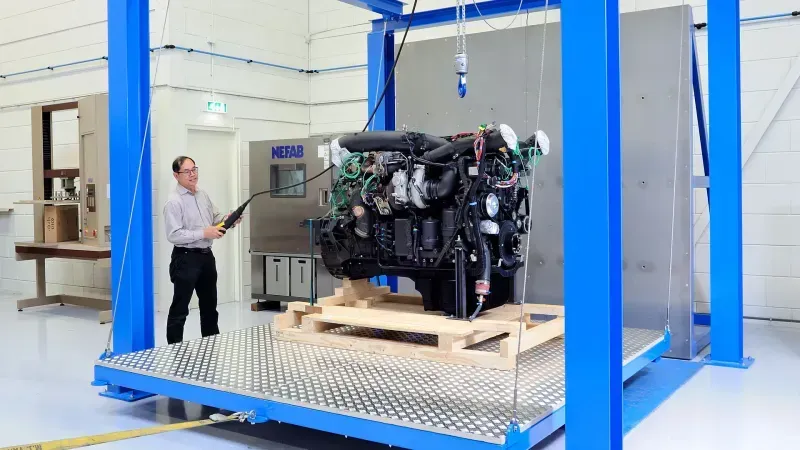
Over 300 " IRONCAD" users around the world.
Learn more about NEFAB
Designs in IRONCAD and manages the files in DDM.
Read more about Baltic Yachts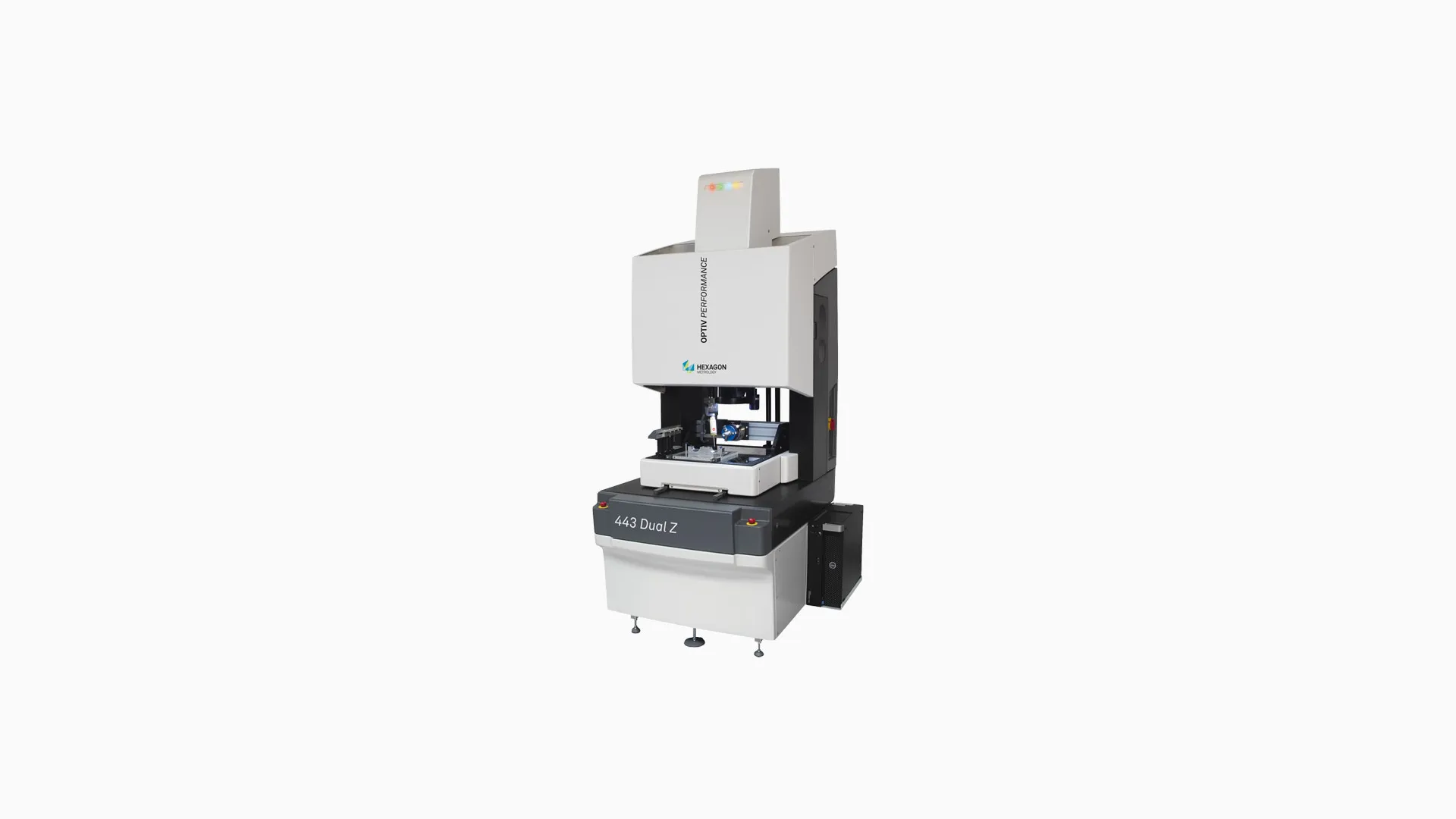
75% higher productivity after switching to IRONCAD.
Learn more about HexagonMore companies are using IRONCAD in all customer cases



02 What's Included

Parts and assemblies of prefabricated building blocks, with no conditions to keep track of.
Read more about IRONCAD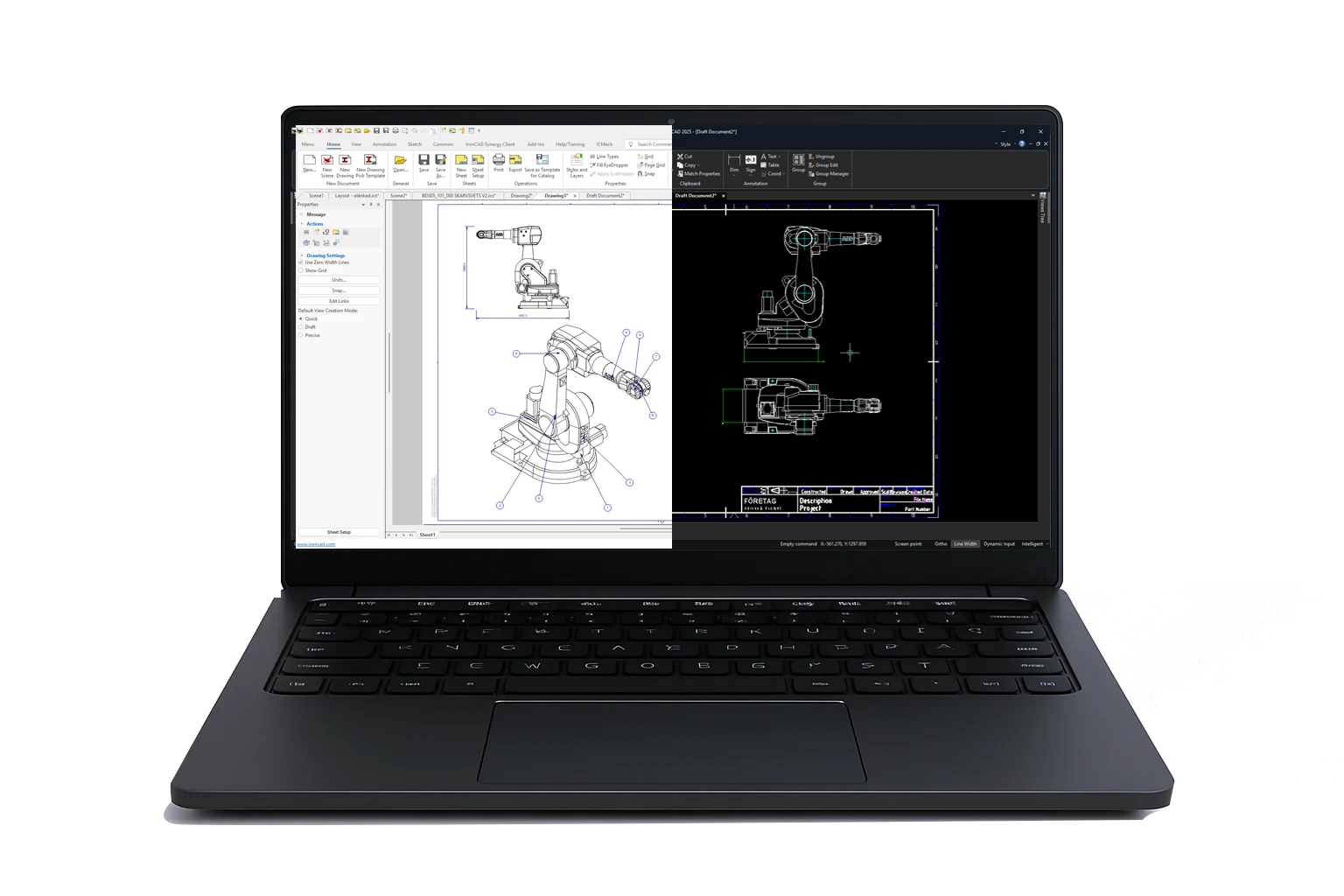
Views, dimensions, and a parts list from the model, updated whenever the model is modified.
More about drawing software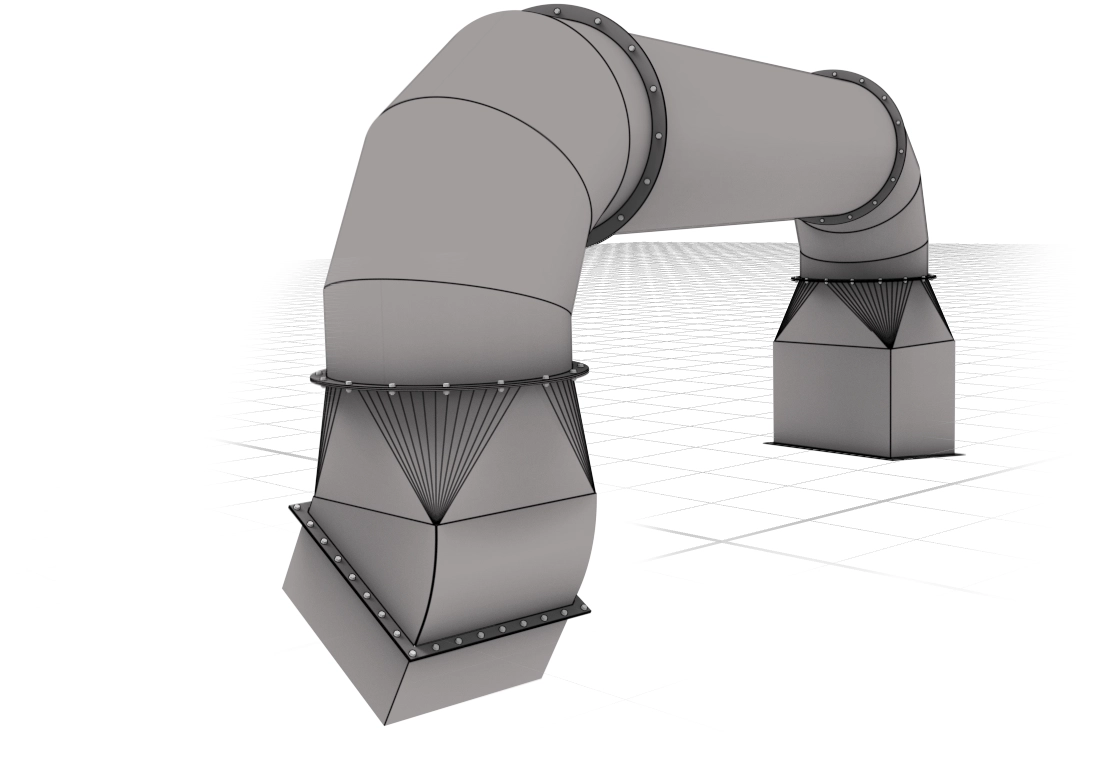
Sheet metal cutting for laser and press brake, and export to the school's 3D printer or CNC milling machine.
More About Sheet Metal
A limited version of MultiPhysics for stress and strain analysis, directly on the 3D model.
Learn more about MultiPhysics
The entire introductory course as video lessons in Swedish, with no registration required.
Start the introductory courseSubmit a new application with a valid certificate at the end of the year, and you'll get another year.
Apply for a Student LicenseThe list of features and the three modes are available on the page about IRONCAD. Everything listed there also applies to the student version.
03 Who is allowed to use it?
Not a student? Try it free for 30 days, or view models and drawings without a license in COMPOSE.
04 How to Apply
Fill out the form at ironcad.com and upload the certificate. The key will be sent to you by email, usually within one to three business days.
Apply for a Student LicenseDownload the latest version of IRONCAD and follow the installation instructions step by step.
Installation InstructionsOpen the License Management Tool, select "Activate a Software License," and enter the information from the email.
Activation guideThe license is valid for twelve months from the date of activation. If you are still a student, submit a new application with a valid certificate, and you will receive an additional year.
Mac: Windows via Parallels or Boot Camp. Computer specifications.
You can access the three steps, along with a link to the form, at IronCAD.
05 Student or Full Version
 Student Edition
 IRONCAD
After completing your studies: a 30-day trial version and licensing options on the software page.

A Sample from the Introductory Course
06 Learn IRONCAD
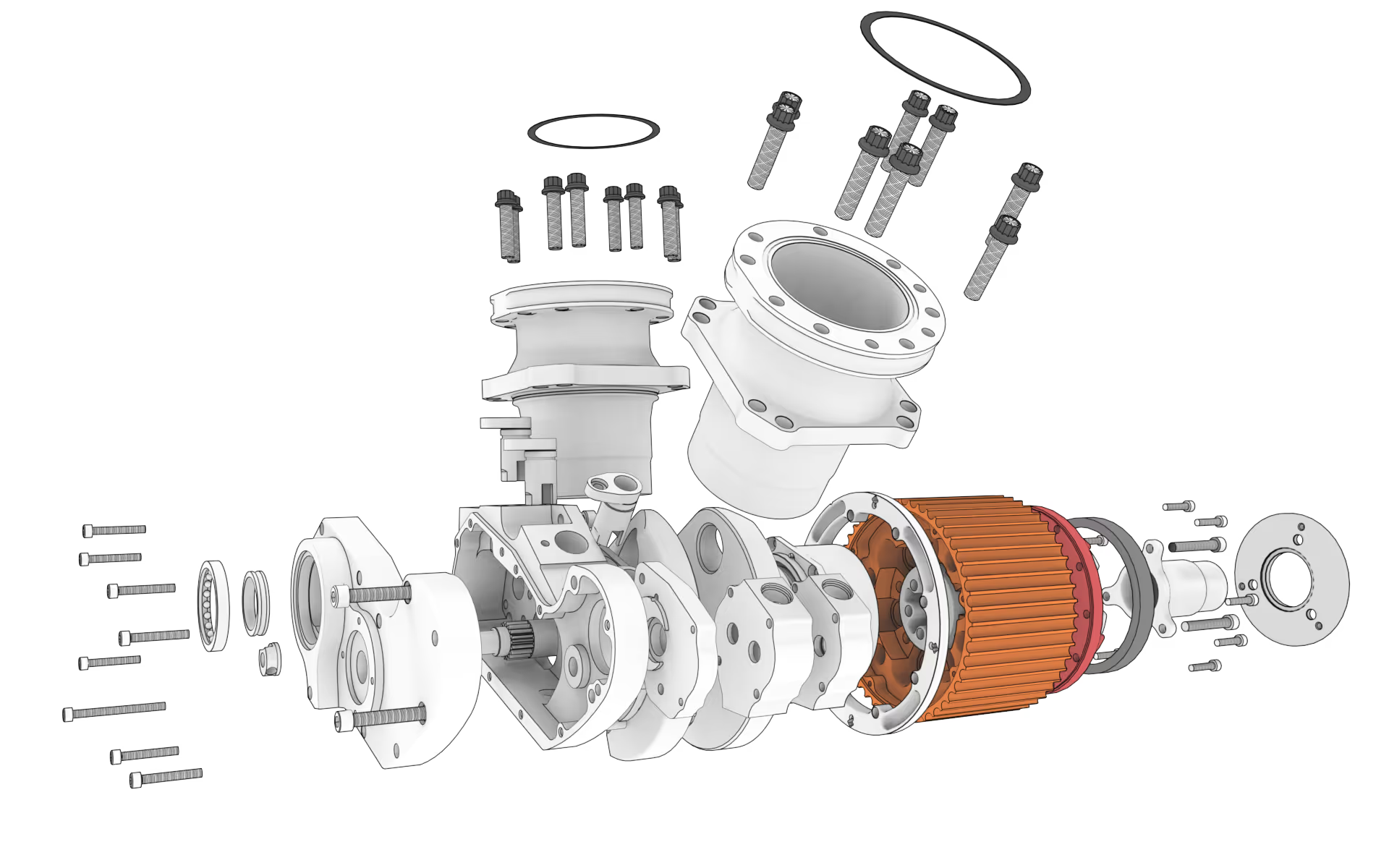
The same materials that companies use. You'll build a Stirling engine from sketch to blueprint, at your own pace and without having to register. More self-study guides are available for Sheet Metal, Sketch, rendering, and DRAFT.
Start the introductory course07 · For Teachers and SchoolsFree licenses for students and teachers, and educational materials covering CAD, Levels 1 and 2.
It is used, among other places, at Balderskolan in Skellefteå and Osbecksgymnasiet in Laholm.
08 Frequently Asked Questions
Yes. Students and teachers get full access to IRONCAD at no cost for 12 months for schoolwork. The license is renewed with a new application as long as you are enrolled in school.
You must be a currently enrolled student at a university, college, vocational college, or high school in Sweden, or a teacher, and provide valid proof, such as a Ladok transcript, an admission letter, or a Mecenat card.
Twelve months from the activation date. Submit a new application with a valid certificate when it expires, and you'll get another year.
Yes, the same features with no restrictions. There are two differences: files from the student version cannot be opened in the commercial version, and 2D drawings are marked as having been created in the student version.
Usually within one to three business days after we receive your certificate. The key will be sent to the email address provided in the application.
No, only on 64-bit Windows 10 or 11. On a Mac, you can run Windows using Parallels or Boot Camp.
Yes. If you're working for a company that has its own IRONCAD license, they won't be able to open your files, so export them to STEP, DWG, DXF, or PDF.
Yes, under the same terms as students, and with teacher and student guidance for the CAD course in accordance with GY25. Schools can also purchase network licenses for support for their teachers.
Next step
While you're waiting for the key, you can start the introductory course at the IronCAD Academy.