LAST CHECKED:
October 29, 2026

Emil Rindell

Jonas Bryntesson

Henrik Andersson
PUBLISHED:
2023-04-04
Emil Rindell
Jonas Bryntesson
Henrik Andersson
2023-04-04
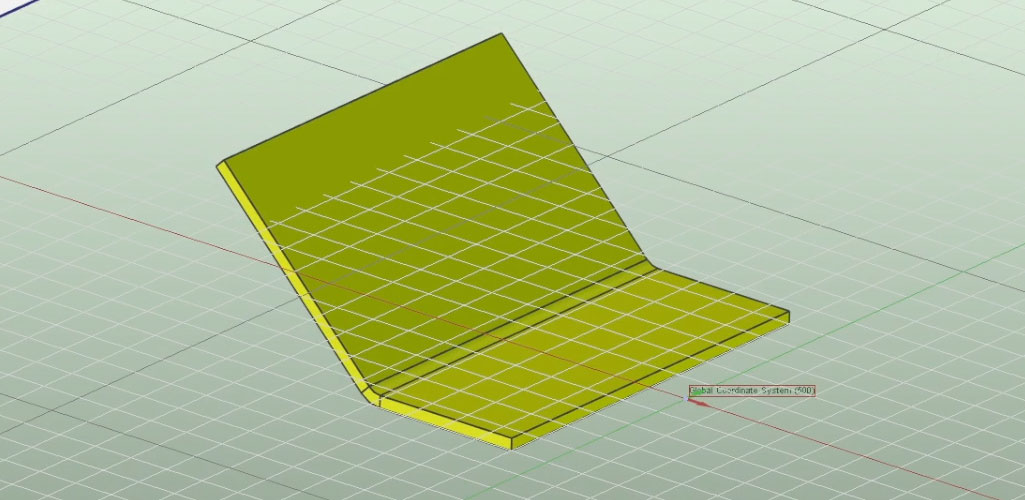
We sometimes get questions on support on how to fix sheet metal that appears twisted in a drawing. To adjust this, you can use the Front View Definition tool. With Front View Definition, you control the view placement in the 2D drawing directly from the object in the 3D scene. The video above demonstrates how to easily adjust the sheet metal. The video was created by Malcom Crowe and shows how to set up the view in CAXA, though the settings are very similar in the ICD environment:
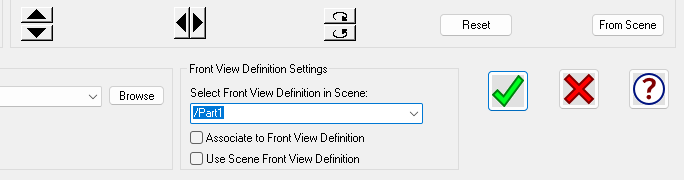
You also use Front View Definition when creating templates for bulk drawings. More on that in a future post.