Looks like you don't have ESC button on your device
Choose one of the following options
trial versionHas a license

Looks like you don't have ESC button on your device
Choose one of the following options
trial versionHas a licensePara-Flex automates work planning in IRONCAD and creates complete production documentation for the interior design and furniture industries, even for custom orders.
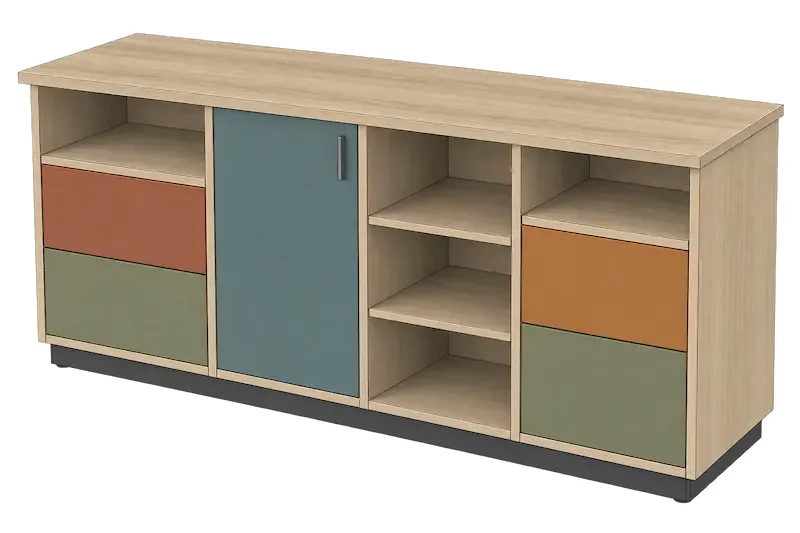
Para-Flex is the add-on that turns IRONCAD into a complete tool for the interior design and furniture industry. Cutting lists, purchase lists, nesting plans, reports, DXF files, and NC code for the CNC machine are generated directly from the 3D model, without the need for manual calculations. When the model changes, the output updates automatically. This speeds up both custom and mass production, resulting in fewer errors and better material utilization.
The designer draws the cabinet, kitchen, counter, or store fixture in IRONCAD as usual. Para-Flex reads the model and generates everything the workshop needs: which panels to cut and to what dimensions, which hardware and materials to purchase, how the parts should be nested on the panel, and what machining operations the CNC machine should perform. If the customer wants the cabinet to be 60 millimeters wider, you simply modify the model and regenerate the cutting list. Watch the video below to see the entire workflow from drawing to finished cutting list.
Para-Flex works with the model you already have. Each part in the model contains its own information about materials, edging, drill holes, and machining, and that information serves as the basis for production.
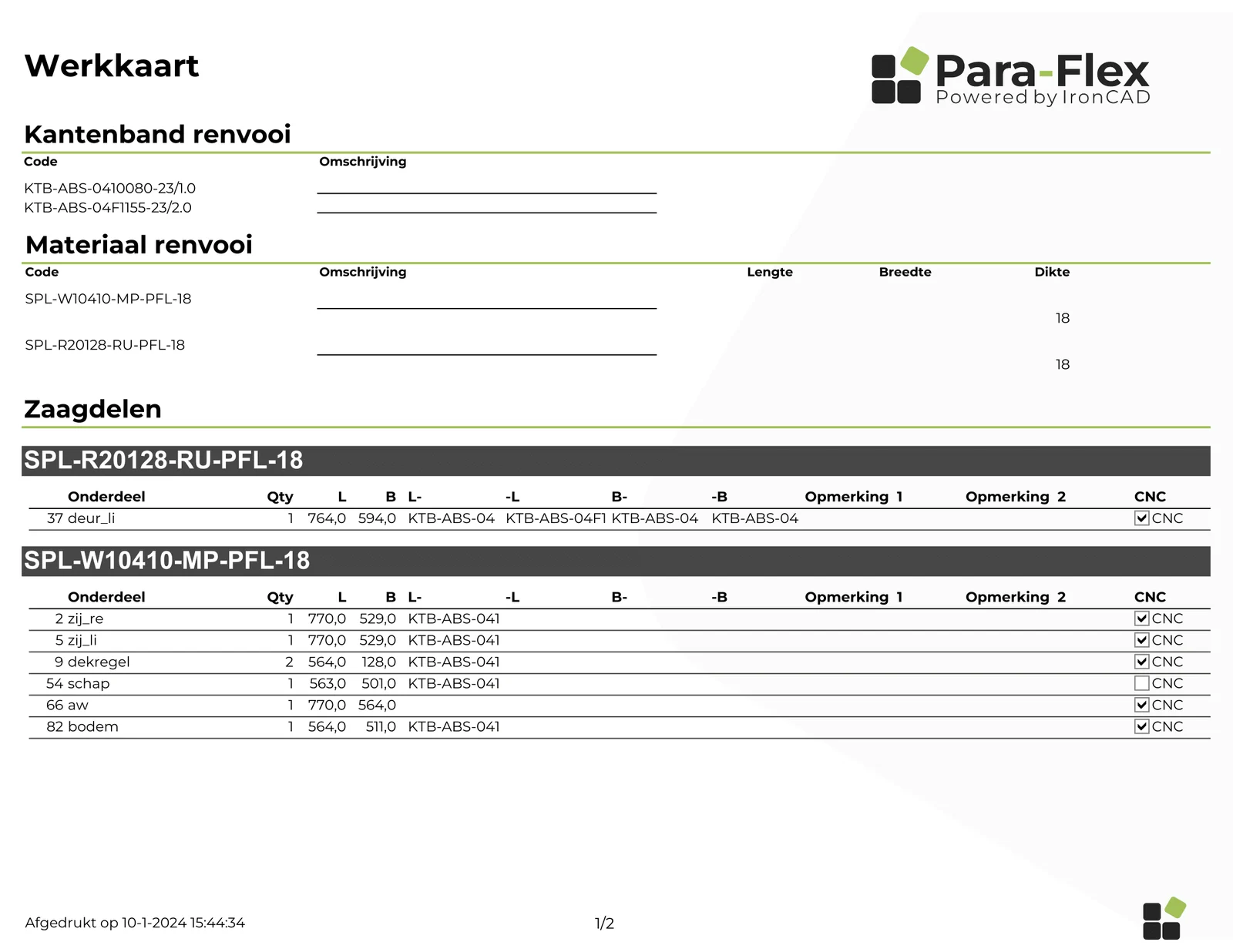
The cut list shows each part with its gross and net dimensions, material, edge banding, and quantity. The purchase list totals the sheet material, edge banding, and hardware for the entire order.
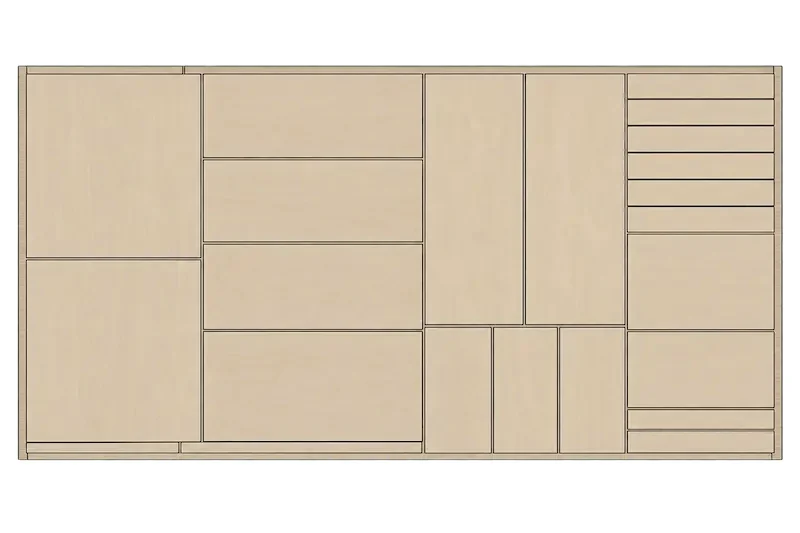
The parts are automatically placed on the sheets with the least possible waste. The result shows how many sheets the order requires and how each sheet should be cut.
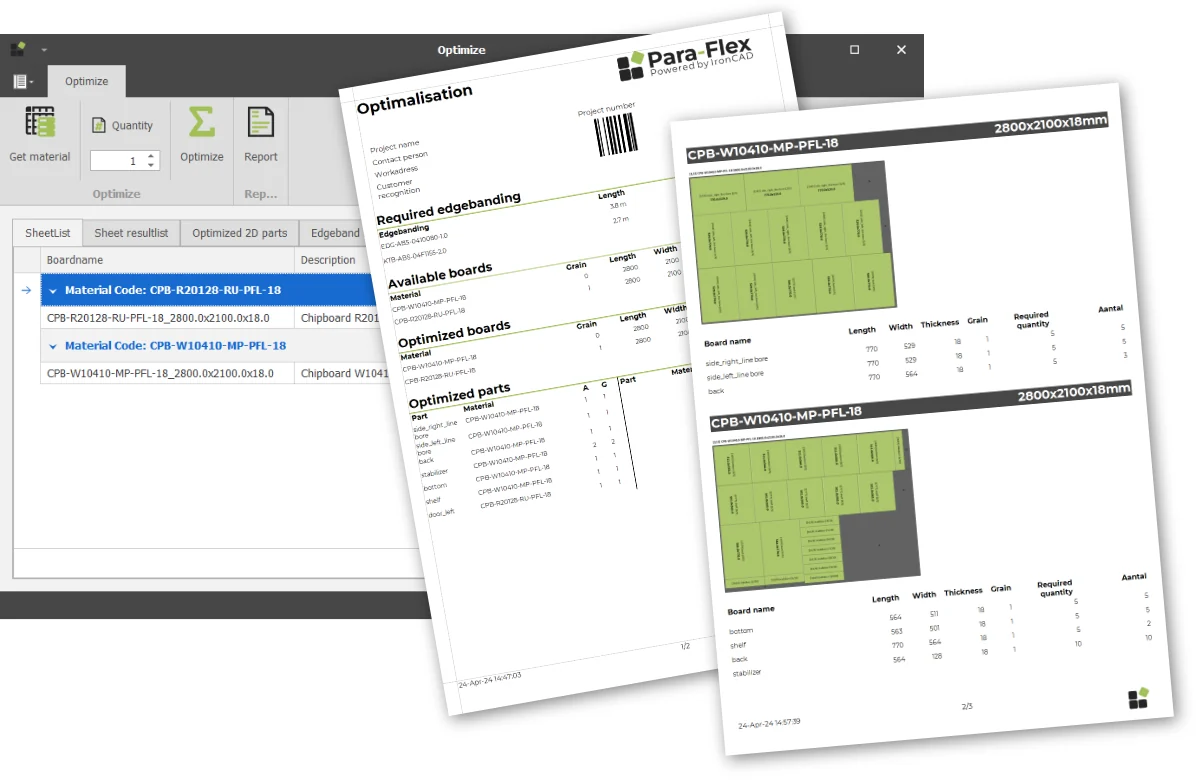
Pre-designed reports for the workshop, purchasing, and customers. With the Report Designer included in the Pro package, you can customize the reports to match your own layout and logo.
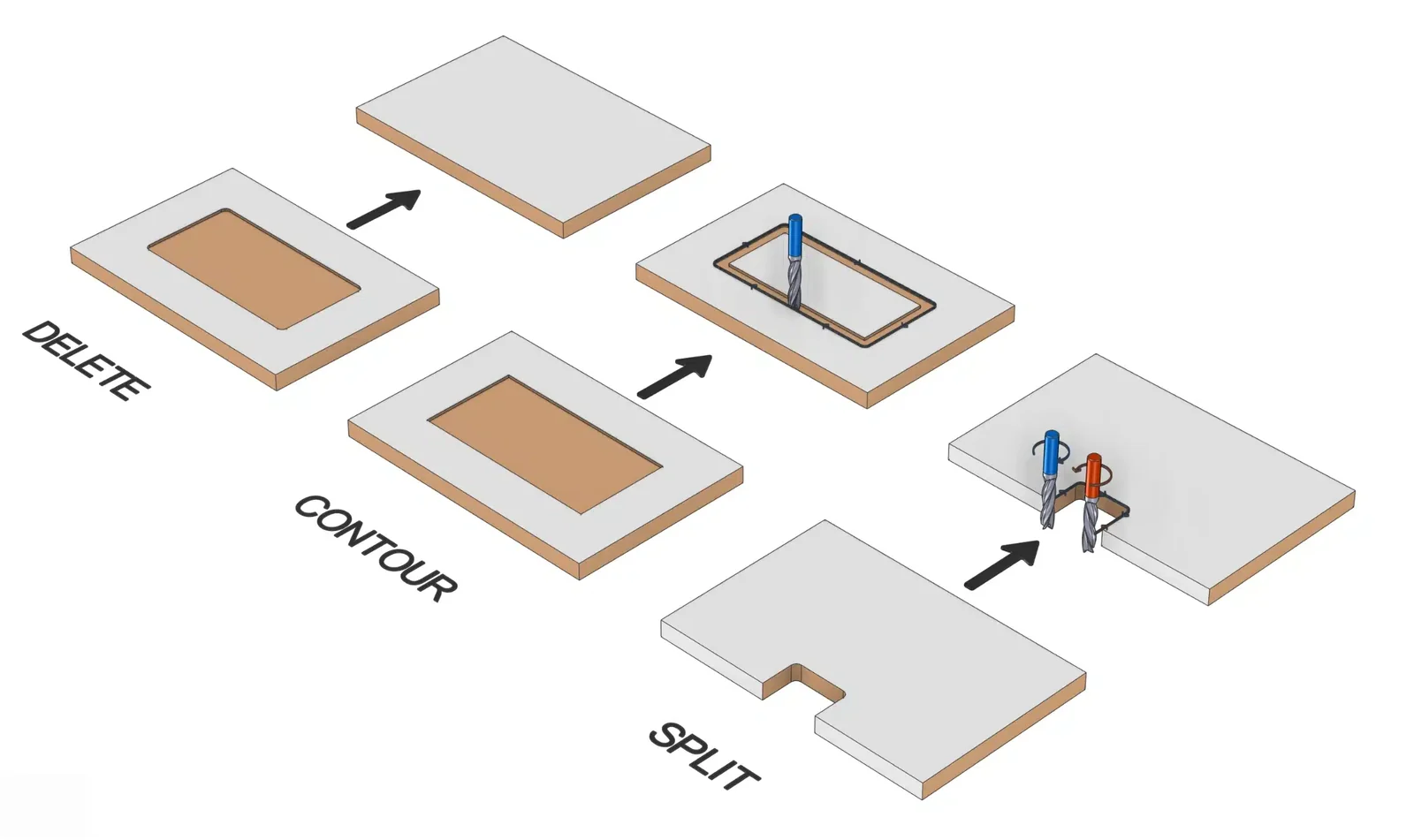
The Pro package generates DXF files for each part. The CAM package controls the CNC machine directly from the model and supports Homag, Biesse, SCM, Masterwood, and Busellato, among others.
Para-Flex is available in three packages so you can start with the basics and grow as your needs change.
All packages are hosted at IRONCAD.
The Basics of Work Planning
Cape lists
Shopping lists
Smart patterns (pattern)
Reports
Sheet metal nesting
Integration with third-party applications
Advanced Automation
Everything in the "Start" section, plus:
Smart panels
Drilling functions
Report designer
Generation of DXF files
CNC Manufacturing
Everything in Pro, plus:
Direct CNC Control
Homag, Biesse, SCM, Masterwood, Busellato
Para-Flex Academy is the supplier’s digital learning platform, which documents the entire workflow and is divided into Basics, Shop Floor, Tools, CAM, and Options. It features step-by-step explanations and instructional videos—from basic functions to advanced tools—so you can learn at your own pace.

Para-Flex is an add-on for IRONCAD that automates work preparation for the interior design and furniture industries. Cutting lists, purchase lists, nesting, reports, and NC code are generated directly from the 3D model, without the need for manual calculations.
Three packages: Start with cut lists, parts lists, smart patterns, reports, sheet metal nesting, and integration with third-party software. The Pro package adds smart panels, drilling functions, a report designer, and DXF generation. The CAM package provides direct CNC control and is available upon request.
Since production data is generated from the model, design changes are handled immediately and with high precision. This speeds up both custom production and mass production, resulting in fewer errors and better material utilization.
Para-Flex integrates with IRONCAD and CNC machines. The CAM package provides direct CNC control for machines from Homag, Biesse, SCM, Masterwood, and Busellato, among others, and the Pro package generates DXF files. Contact us to review your machine fleet.
Para-Flex Academy is the vendor’s digital learning platform, featuring step-by-step explanations and instructional videos—from basic functions to advanced tools—that you can follow at your own pace. Support is provided by the vendor, Dynfos, through the Para-Flex support desk. To order a license, Solidmakarna; contact us and we’ll help you get started.
Both are designed for interior design and woodworking and are based on IRONCAD. WoodLAB is a complete CAD/CAM solution with its own design catalogs and rule-based CAM, while Para-Flex is an add-on that focuses on automated job preparation: material lists, nesting, reports, and NC code generated from existing IRONCAD models. Contact us and we’ll help you choose.