Looks like you don't have ESC button on your device
Choose one of the following options
trial versionHas a license

Looks like you don't have ESC button on your device
Choose one of the following options
trial versionHas a license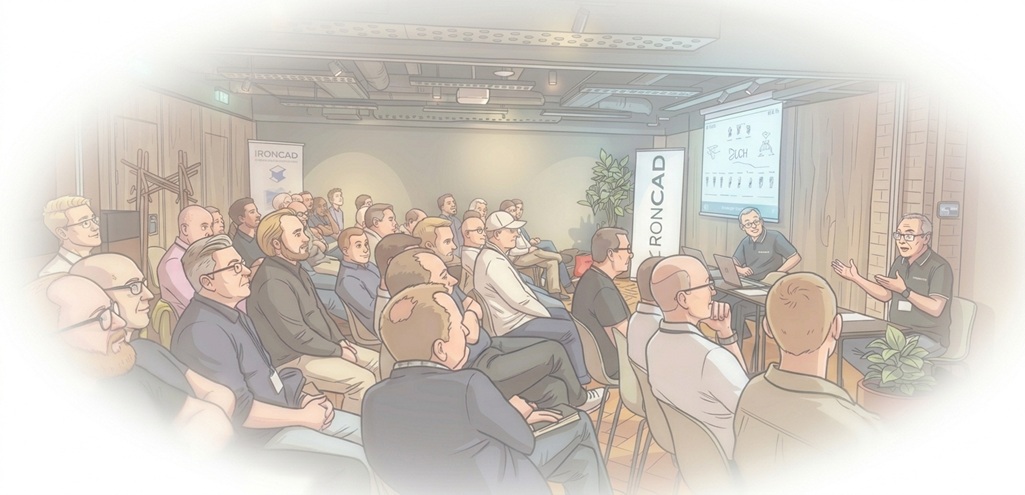
published
|
September 7, 2026
Solidmakarna recently hosted a well-attended conference in Stockholm, where attendees spent the day learning about the latest developments in AI for 3D CAD and other new features in the latest version of IRONCAD. In addition, attendees were treated to a cutting-edge presentation on how to use reverse engineering from 3D scans to create 3D CAD models, as well as an interesting demonstration of a state-of-the-art CAM system for CNC and robot control, featuring a KUKA robot performing free-form milling right there on the floor.
The day began with a brief presentation by Henrik and Jonas from Solidmakarna who spoke a bit about our long history in Swedish industry, as well as IronCAD’s position in 3D CAD and its still completely unique and fast workflows - features not found in other CAD systems. Although several of the more than 50 visitors have been satisfied users for over 20 years, not everyone was aware of the multitude of features and workflows in IRONCAD or that the term “IronCAD ” is actually an acronym from 1998 standing for “Industrial Revolution on CAD”—and, of course, isn’t limited to CAD for iron products =)
IronCAD DCS version 2027 was recently released on the Swedish market, so it was the perfect opportunity to highlight new, useful features such as Flexible Assembly, which supports various setups of identical assemblies - such as hydraulic/pneumatic cylinders in a design - or simple adjustments to the camera functions for "one-handed operation" or the graphical “pivot sphere,” which is now displayed on the screen at the point where the camera rotates. At the same time, there was an opportunity to answer some questions about day-to-day work.
When it comes to the very current and much-discussed field of AI, IronCAD ’s R&D team recently succeeded in integrating the entire open API for IRONCAD with Python, which in turn has made it possible to access and control parts of the program in an entirely new way. Currently, there is access to an IronCAD AI Chatbot that can provide support and information about the program’s features—and for which you can apply for a license valid through the end of the year - but there is also the option to ask the AI to assemble and modify parameter-driven 3D models via the AI Design Assistant, as well as to use advanced image recognition and automation of 2D drawings with the AI Drawing Assistant.
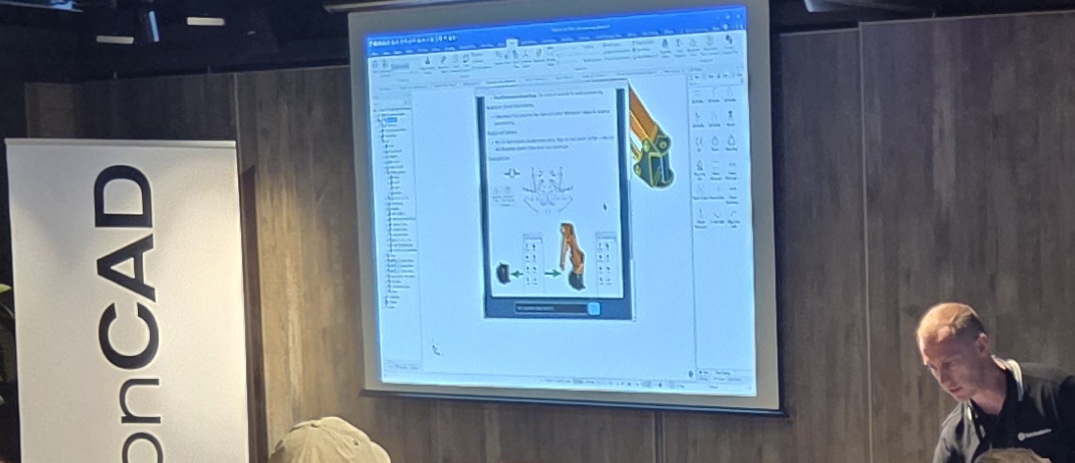
R&D’s work with IRONCAD, Python, and AI is far from complete; currently, the main focus is on developing an AI Script Agent that allows users to use plain text to instruct the AI to generate ready-made commands, such as “organize the history tree” or “export selected models” to various formats, such as STEP or Parasolid. These scripts are then saved in catalogs for future use. Work is also underway on a “gesture/action” connection that will create a truly “interactive, context-aware AI assistant” - much like having an expert looking over your shoulder and offering helpful tips and advice.
After a quick grab-and-go lunch, Fredrik Johansson from SetByFred demonstrated how to manage a 3D-scanned model and import it into Rhino, which uses "SubD" and "Quadremesh" to convert the triangulated facet data into NURBS (solid data), which can then be imported and modified using IRONCAD.
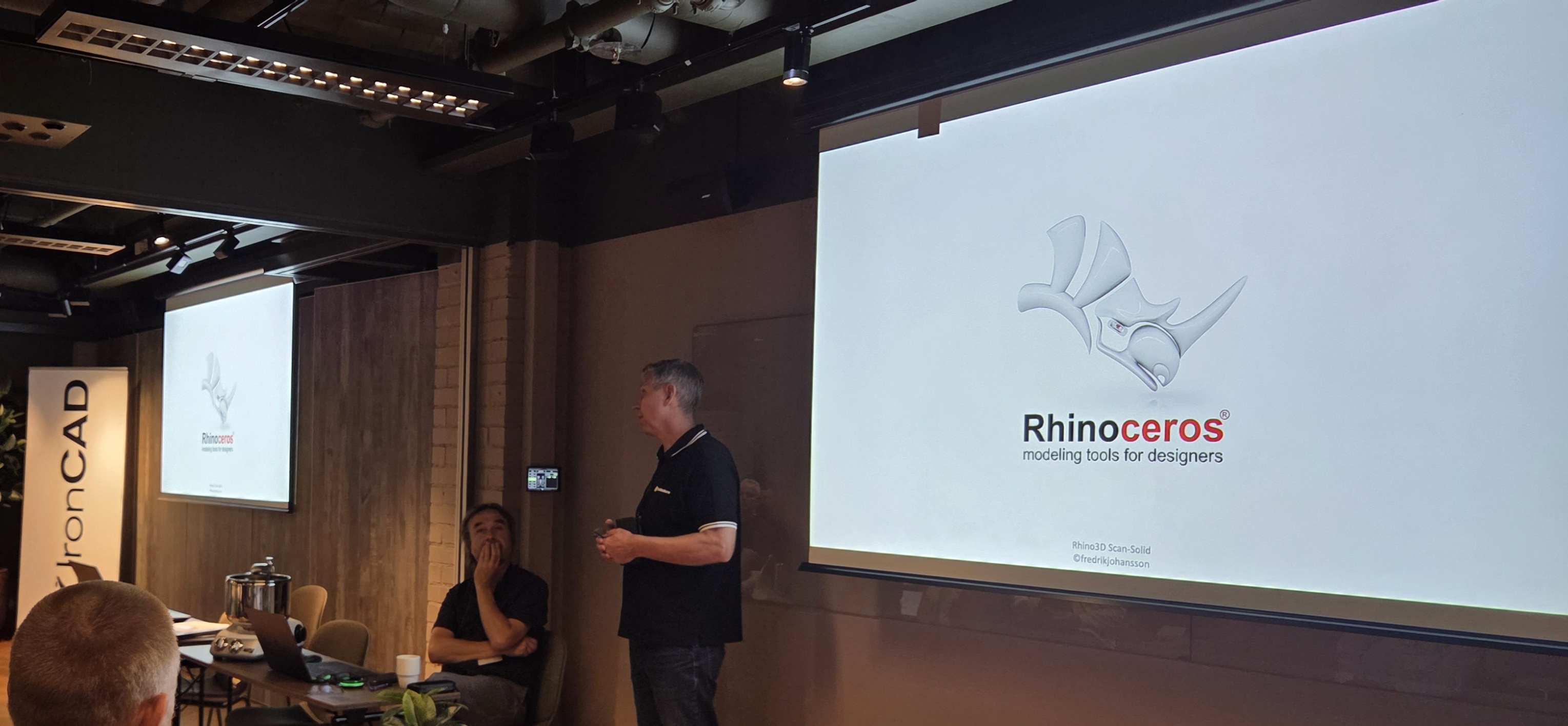
This is an area that many users encounter, and it was clear that Fredrik has extensive experience - including stints at the Swedish Television and as a certified Rhino instructor - which allowed him to clearly highlight common problem areas and offer practical solutions. He also took the opportunity to describe different types of 3D scanners, highlighting differences in cost, functionality, and results. He even demonstrated some affordable and smart add-ons for Rhino in relation to other software in the field - all of which are worth knowing about.
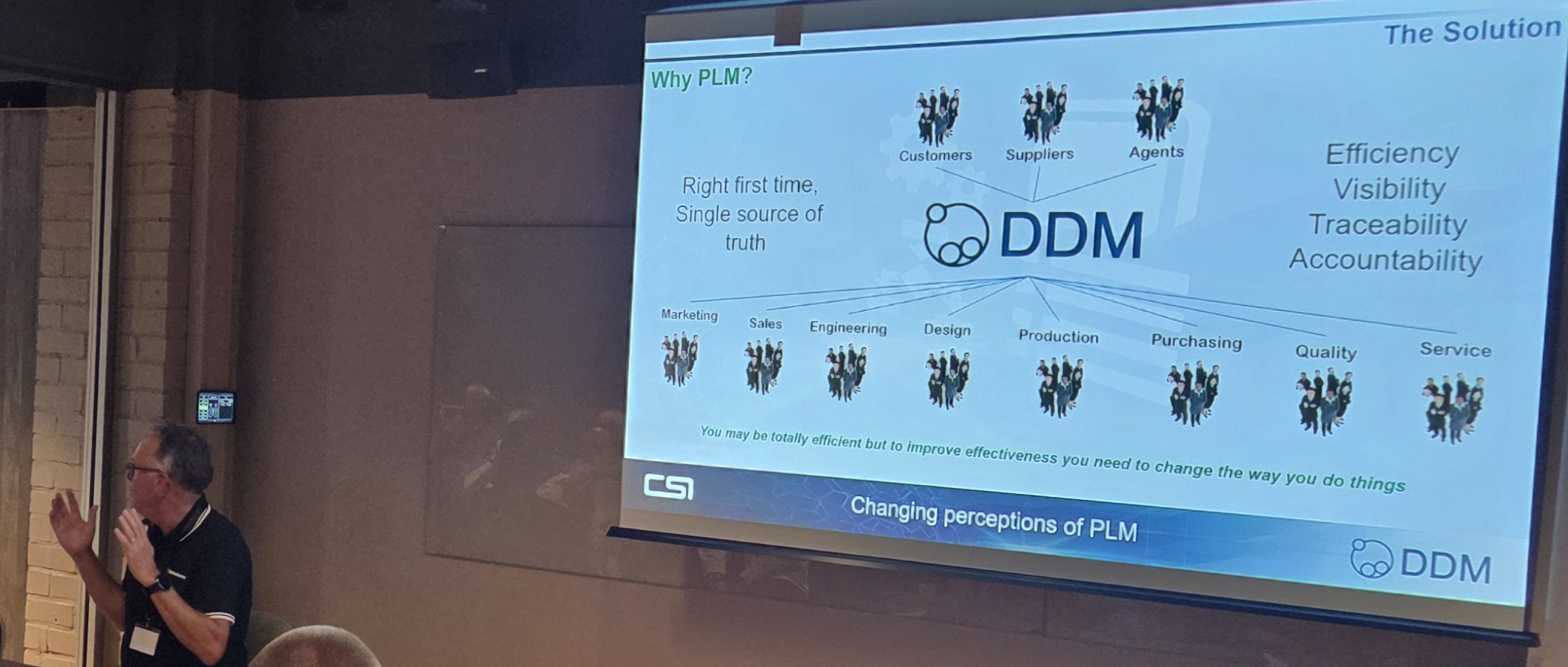
Leif from Solidmakarna later presented an overview of some new features in the CAD-neutral PDM system Design Data Manager, where several aspects of everyday functions such as saving and opening have been given additional and improved controls. The latest available versions of both DDM and IRONCAD are compatible with each other and are available through Solidmakarna.
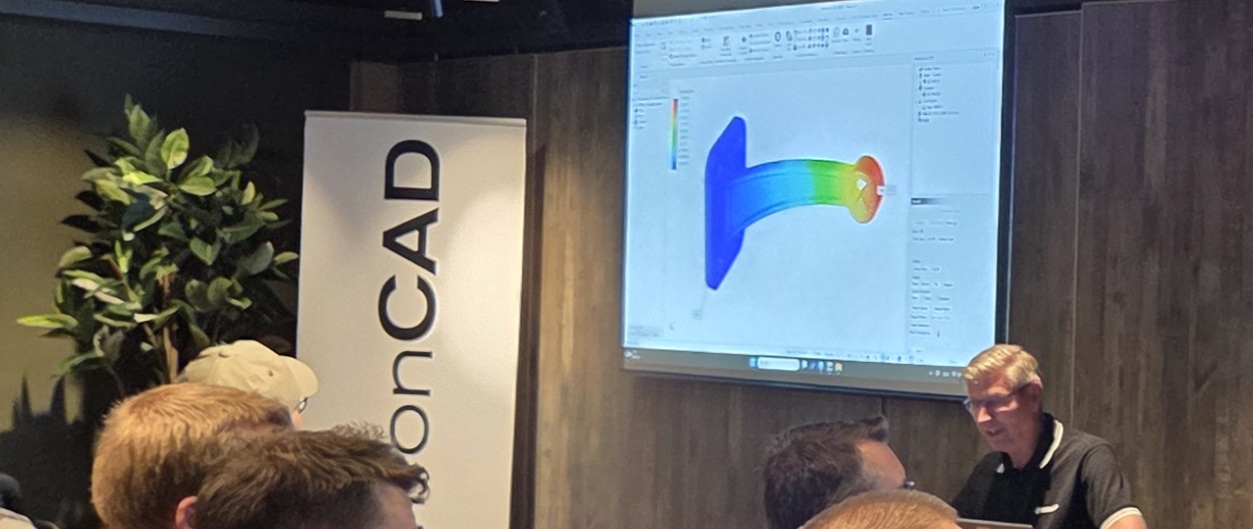
The presentation continued with Henrik from Solidmakarna who took the opportunity to highlight some key aspects of FEA calculations that can be performed using the add-in MultiPhysics for IRONCAD. The add-in is now also available as a subscription option with support for basic functions that meet the needs of the vast majority of our users.
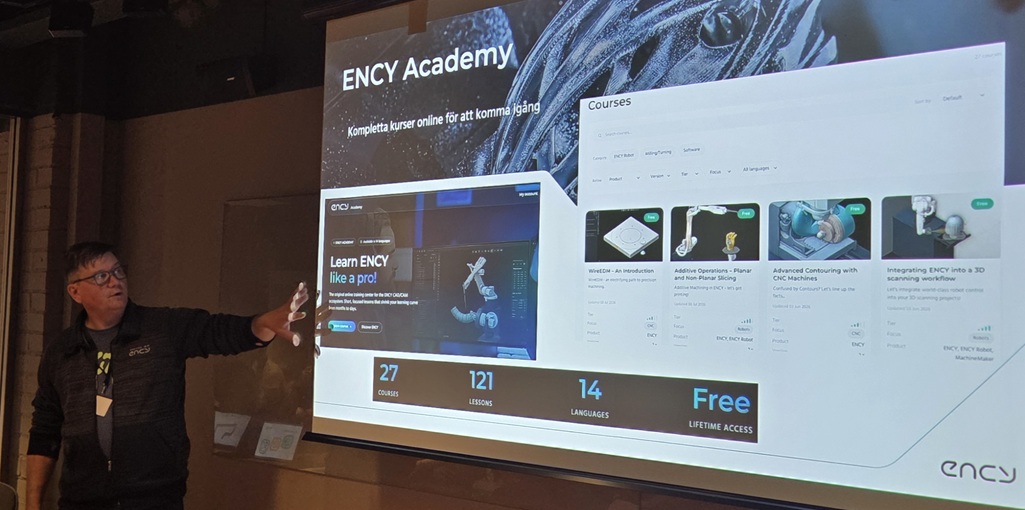
The day concluded with Peter Forsell from Forsell Teknik presenting an interesting overview of the sophisticated CAM system ENCY, which - with its cutting-edge “Go Beyond CAD/CAM” philosophy - gives you and your colleagues access to quick changes of machines and also assistance/guidance - even remotely! With ENCY Academy, all training information is available online, including step-by-step guides and certifications.
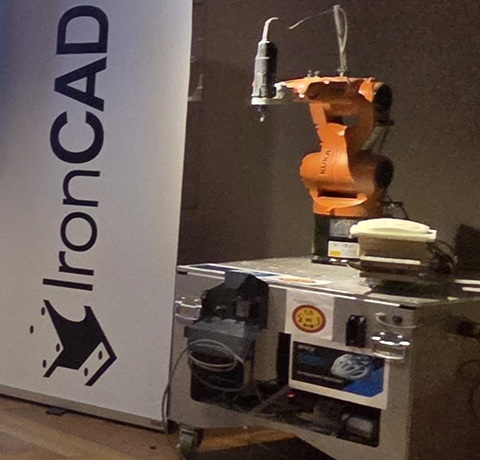
Peter also brought along a KUKA KR6 robot, which was a big hit among the participants; it was equipped with a milling head and was performing a test run of a milling operation on a part.
Solidmakarna wouId like to take this opportunity to thank everyone who took the time to come visit us in Stockholm. As usual, there’s always more to talk about, but we could both see and hear that the day had been rewarding and that everyone was looking forward to the next opportunity to meet and discuss everything from robots and Swedish industry to various features on IRONCAD.

Answer: On the News page we publish news, updates and important information about IRONCAD, Design Data Manager, Rhinoceros and our trainings and courses. You will find everything from program updates, new features and tips to invitations to courses and seminars.
Answer: We post news as soon as there is relevant information - for example, when new versions of IRONCAD, DDM or Rhinoceros are released, or when we start new training courses. This way, you can always stay up to date with the latest in CAD and product data management.
Answer: The news is aimed at designers, CAD users, project managers and anyone working with IRONCAD, DDM or Rhinocerosas well as people who want to develop their skills through our training courses. The information is relevant for both new users and experienced professionals.
Answer: Yes, you can subscribe to our newsletter or follow us on social media to get the latest information on program updates, courses and tips directly in your inbox.
Answer: Of course we share tips and guides, but these are published on our support blog. On Current you will mainly find news, updates and information about programs and trainings, while the blog provides deeper instructions and practical solutions for IRONCAD, DDM and Rhinoceros.
Answer: When we publish courses or seminars on Current Affairs, there is always clear information on the date, location and registration. You can register directly via our training page or contact us for more information.
Answer: Yes! We appreciate suggestions from our users and customers. If you have ideas or tips on topics related to IRONCAD, DDM, Rhinoceros or training, please contact us via our contact form. We will be happy to address relevant topics in future news posts.
Answer: We always try to specify whether the news applies to a particular version of IRONCAD, DDM or Rhinoceros. Also, many updates and tips work for multiple versions, but we always specify if something is limited to newer versions.
Answer: By following News, you will receive information that will help you use the programs more efficiently, learn about new features right away, and avoid common mistakes in CAD projects. The news complements your training and daily work, keeping you ahead of the curve in your design work.
Answer: Yes, we often link directly to guides, how-to videos or blog posts that explain new features. In addition, you can participate in our training courses for a deeper understanding and practical training in IRONCAD, DDM and Rhinoceros.