LAST CHECKED:
October 29, 2026

Emil Rindell

Jonas Bryntesson

Henrik Andersson
PUBLISHED:
2024-10-29
Emil Rindell
Jonas Bryntesson
Henrik Andersson
2024-10-29
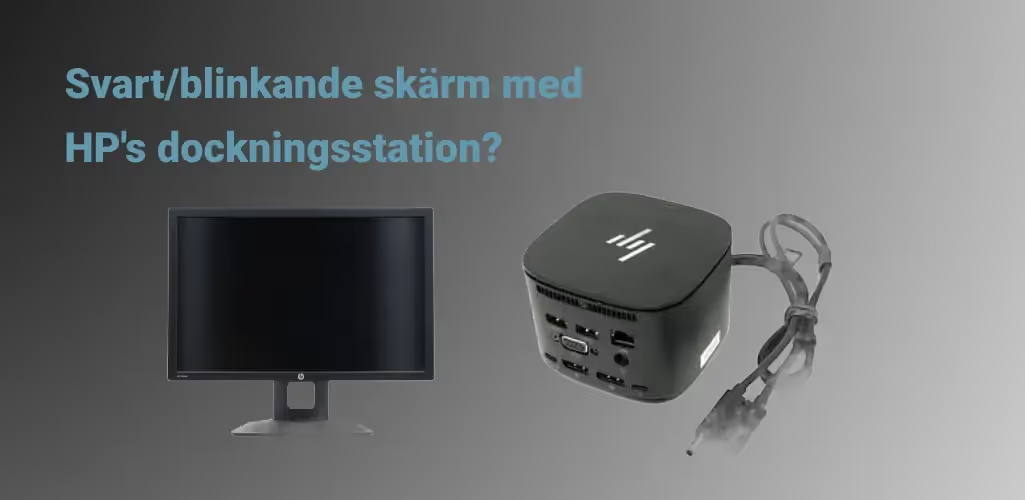
If you are using a portable workstation from HP, there is a known problem associated with some docking stations (e.g. USB-C Dock G5) where the external screen sometimes blacks out for a few seconds, once a day or week. It all happens very briefly and irregularly but can be very annoying.

We have tested different display cables(HDMI and DisplayPort) from different manufacturers and the only difference we have seen is how often this happens, but no change of cable has solved the problem. In our case, DisplayPort was worse, but this is probably not a rule.
1) Firmware
Make sure to download a new firmware for the docking station. If you are experiencing this problem, you probably have the model shown in the picture above (older) or below (newer). If you already have the latest version, go to step 2.
HP USB-C Dock G2
HP USB-C Dock G5
For other HP docking stations, search here

2) Update frequency
Then change the refresh rate to 60 Hz. Most likely it says 59.996 Hz or similar and this seems to be a reason for the problem.
Right-click in the background of the Desktop and select Display Settings at the bottom of the menu.

At the bottom you will find Advanced Screen Settings.

At the bottom, you will find the Refresh rate interval for the monitor frequency. Change it to 60 Hz.

This now seems to have largely solved the problem for us. It's very rare that it happens but it's unfortunately still not 100% completely gone. We hope this helps you!
3) Change screen
The final solution to the problem was for us to replace the screen when it went black for the last time. The older spare screen did not have these flickering problems at all. Recently, the docking station has also been replaced, and this problem has now completely disappeared for us.
Read more about the problem and possible solutions on this discussion forum