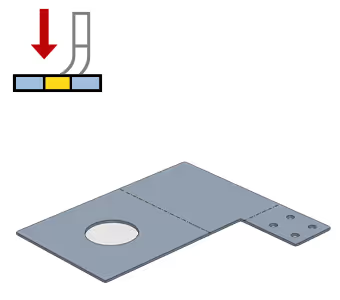
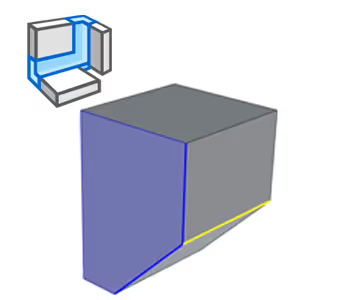
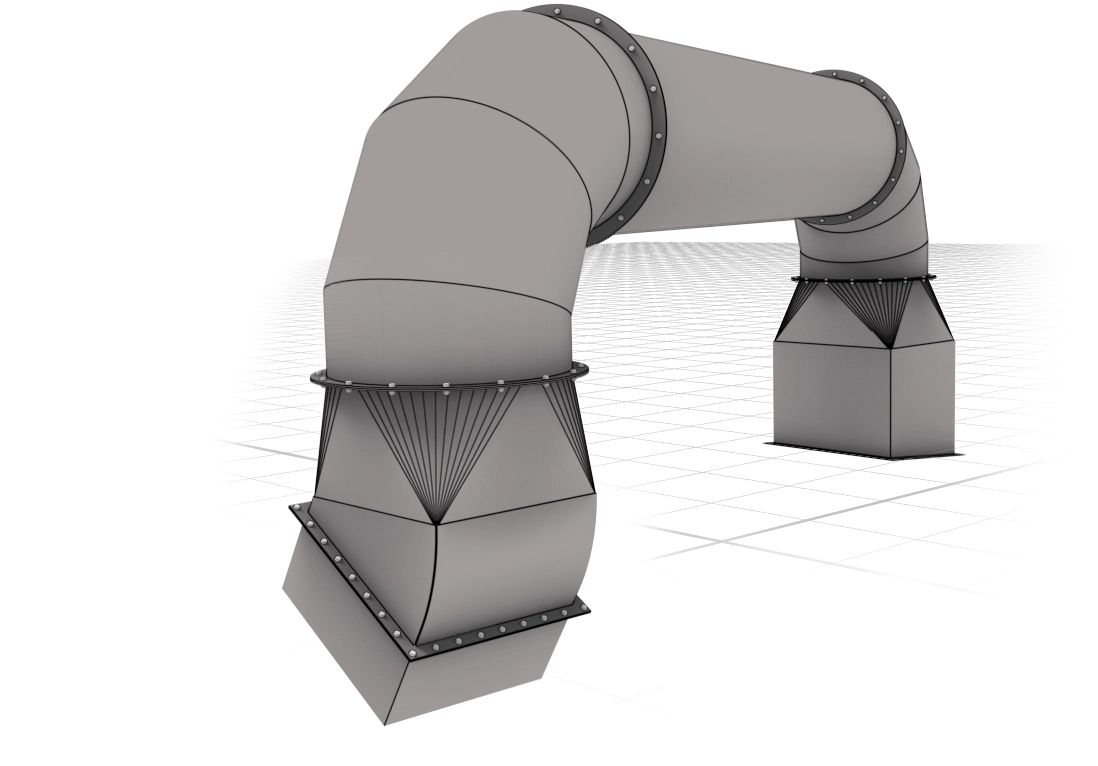
With IRONCAD's Sheet Metal features, you can design bent sheet metal directly in 3D. Create details from basic shapes, add holes, corners and bends with drag-and-drop from catalogs or via 2D sketches. Quickly change material, thickness or radius with handles in the scene and see the result in real time. Once the model is complete, you can easily unfold the sheet and export to DXF for laser cutting or other production - faster and smoother than with traditional CAD tools.
Flexible workflows with Drag-and-Drop and Sketched Bend
You can build sheet metal parts directly from catalogs with ready-made bends, corners and holes. These are fully editable and can be customized with your own dimensions. If you want full control over angles and radii, you can use Sketched Bend, where bend lines are drawn directly on the sheet and adjusted freely in the 3D environment. This provides an efficient workflow that saves time and reduces the need for readjustments.
Powerful Sheet Metal Tools
IRONCAD offers a host of smart features for sheet metal design:
- Unfold/Refold - unfold and fold back the sheet without losing control of geometry.
- Create Loft & Forming Tool - create advanced shapes and bends.
- Corner Relief & Add Miter/Closed - handle corners and sharp edges easily.
- Face To DXF - export surfaces directly from the 3D model to production-ready DXF files.
These tools are combined with an intuitive handle system that makes it easy to change features, angles and locations without having to go back to the original sketch.
Sheet metal table - Full control over material and bending
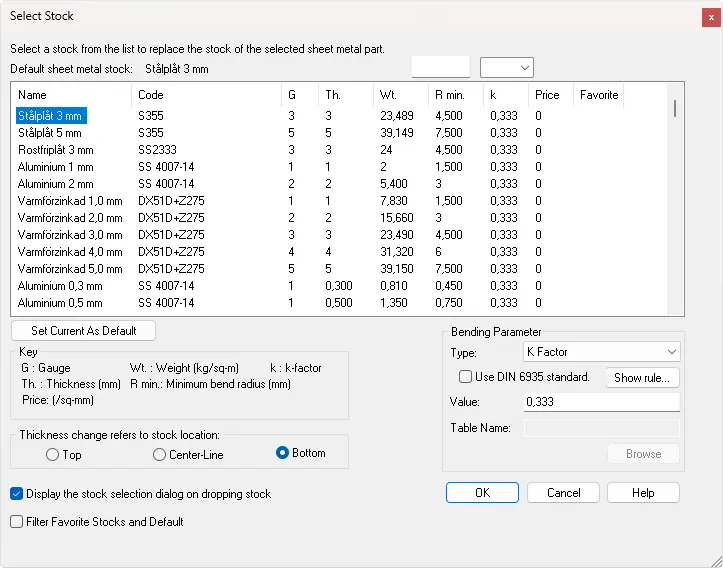
The sheet metal table allows you to define thickness, radii and k-factors for each sheet metal part. Changes are automatically updated in the 3D model and drawings, ensuring accurate and production-ready results. This feature gives you precision and efficiency at every stage of sheet metal design.
Free training materials and webinars
To get you started, we offer free training materials with clear examples and exercises for both beginners and experienced designers. You can also follow our webinar on Sheet Metal in IRONCAD, where we show smart tips and tricks for bent sheet metal.