Looks like you don't have ESC button on your device
Choose one of the following options
trial versionHas a license

Looks like you don't have ESC button on your device
Choose one of the following options
trial versionHas a licenseDirect modeling in CAD
Direct modeling (direct editing) means that you select a surface or a solid and drag, rotate, or move it without having to navigate a history tree. Here, we’ll go over how it works, when it’s appropriate, and when it isn’t enough. In IRONCAD includes direct modeling as standard, along with flexible and parametric modeling in the same file.
Comparing CAD Programs? A Guide to CAD SoftwareAre you switching from SolidWorks? A flexible alternative to parametric CAD
Since 1988Support and training in SwedishImported files are edited without a history
Direct Face Modeling in IRONCAD: An imported model is modified without a history
Designers who make changes directly in the model every day





What is it?
 Direct modeling is a 3D CAD technique in which you modify the geometry directly: select a surface, an edge, or an entire solid, and then drag, rotate, or move it. The model does not require a history of sketches, dimensions, or constraints to be modified, which is why this method works just as well on a file from another CAD system as it does on one created in your own system.
Also known as
Try it yourself
The same modification—a longer aluminum profile—in two different systems. It’s a simplified example, but this is exactly what determines how long a late modification takes.
One step. The holes are still where you drilled them.
Change the dimensions in the sketch; wait for the redesign.
In " IRONCAD ," the left side is the default. If you want the holes to follow the length, you add a parameter—only where needed. That's what's called flexible modeling.
Three Methods
Most CAD programs are based on one of these methods and include the others as tools. In IRONCAD , all three are available in the same file, and you can choose which one to use for each part.
Changes the geometry immediately, without a history. Fastest for imported files and one-off changes.
Strength: Works with everything; requires no prior knowledge of the model.Limitation: The change has no intended effect; relationships are not affected.In " IRONCAD": Direct Face Modeling on imported bodies, in the same file as your own parts.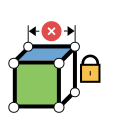
Everything is governed by dimensions, planes, and constraints in a history tree. Standard in SolidWorks, Inventor, and Fusion 360.
Strength: Variations of the same product with new dimensions.Limitation: A late change could disrupt the terms and conditions and necessitate a redesign.In IRONCAD: optional. Parameters and conditions are applied to the details that require them.
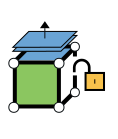
The freedom of direct modeling with intelligent parts: details can be moved freely using handles and TriBall, and the history is preserved without any locking.
Strength: concepts, specialized machinery, fixtures, and layouts where the next change is impossible to predict.Limitation: Requires a well-organized structure when many people share files, which DDM solves the problem.In IRONCAD: the default view. Catalogs with drag-and-drop, TriBall, and free editing at the detail and summary levels.Would you like to see how this works in practice? The support blog demonstrates the various methods for 3D modeling in IRONCAD, the TriBall tool, and when parametric modeling is the right choice.
Select a situation
Choose the option that most closely resembles your daily routine, and you'll see which method is the fastest and how it works at IRONCAD.
A STEP file has no history, so there is no tree to search through. Select the surface you want to move and drag it, or add your own parts around the imported geometry.
The entire assembly is imported as parts in a single file with a complete structure. Länna Svets accepts DWG, DXF, STEP, X_T, SLDPRT, and SLDASM files from its customers and delivers manufacturing files in return.Länna Svets: Customer files from all CAD systemsLate in the project, it’s the unforeseen changes that cost money. In a parametric tree, moving a single detail can trigger changes in dozens of others. With flexible modeling, you can move the part using TriBall, and the rest stays in place.
After 27,000 hours in the IRONCAD , Forsell Maskin has never experienced parts being placed incorrectly without exception. An advanced machine can be modeled in a few hours and modified at any time, even in the final stages.Forsell Maskin: Over 250 machines with no jamsIRONCAD ing excels at handling variations with new dimensions. The difference in ing is that the parameters are applied to the specific details that require them, rather than locking the entire model from the start.
NEFAB designs packaging using flexible modeling and parametric technology within the same file, assembly, or part. 300 users worldwide work in the same way.NEFAB: Flexible and parametric in the same fileIn a client meeting, a proposal should be able to be modified in seconds. A version history tree shouldn't get in the way, and no error messages should appear when a detail is moved.
Industrihydraulik modifies hydraulic systems in real time in front of the customer, and Lövstål Verktyg revises fixture proposals directly during the Teams meeting. It’s common for customers to ask which CAD software they use.Industrial Hydraulics: Real-Time Changes at the Customer's SiteOlder models without a history, scanned geometry, or 2D drawings from AutoCAD do not need to be rebuilt. Import them, edit the surfaces directly, and continue working on your own parts in the same file.
Hexagon Metrology had large volumes of 2D data and a mix of AutoCAD and SolidWorks. Since making the switch, they have been designing entire projects in a single file, which has increased their productivity by 75 percent.Hexagon Metrology: From AutoCAD and SolidWorksImported Files
The most common reason to use direct modeling: a file from a customer or supplier needs to be modified, and it has no history.
Included in IRONCAD
With the addition of Translator
The standard installation opens STEP, IGES, Parasolid, ACIS, and DWG/DXF files. With Translator original files from SolidWorks, Inventor, Creo, NX, CATIA V5, Solid Edge, JT, IFC, and Rhinoceros are opened directly, without going through STEP.
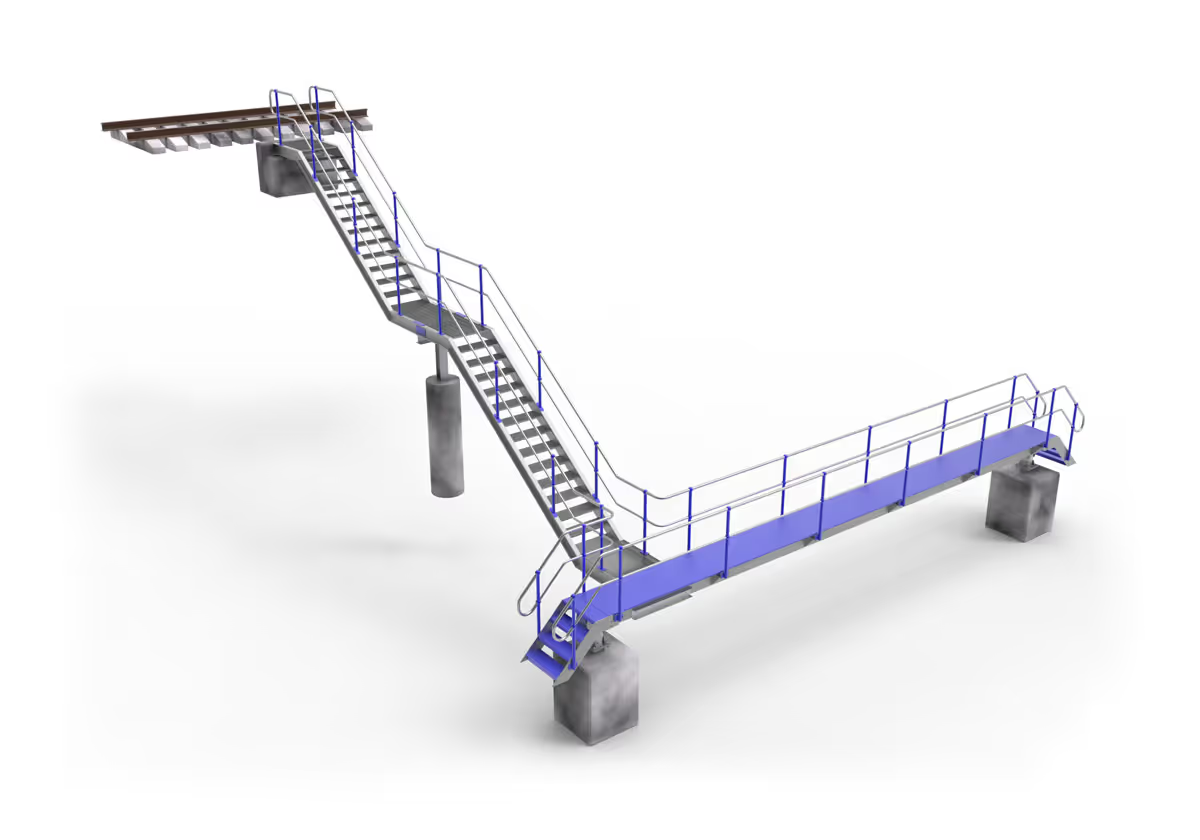
Watch videos
Short clips taken directly from IRONCAD. Start with direct modeling, then move on to flexible and parametric modeling if you want to go deeper.
Direct Modeling of Imported Geometry
Customer Results
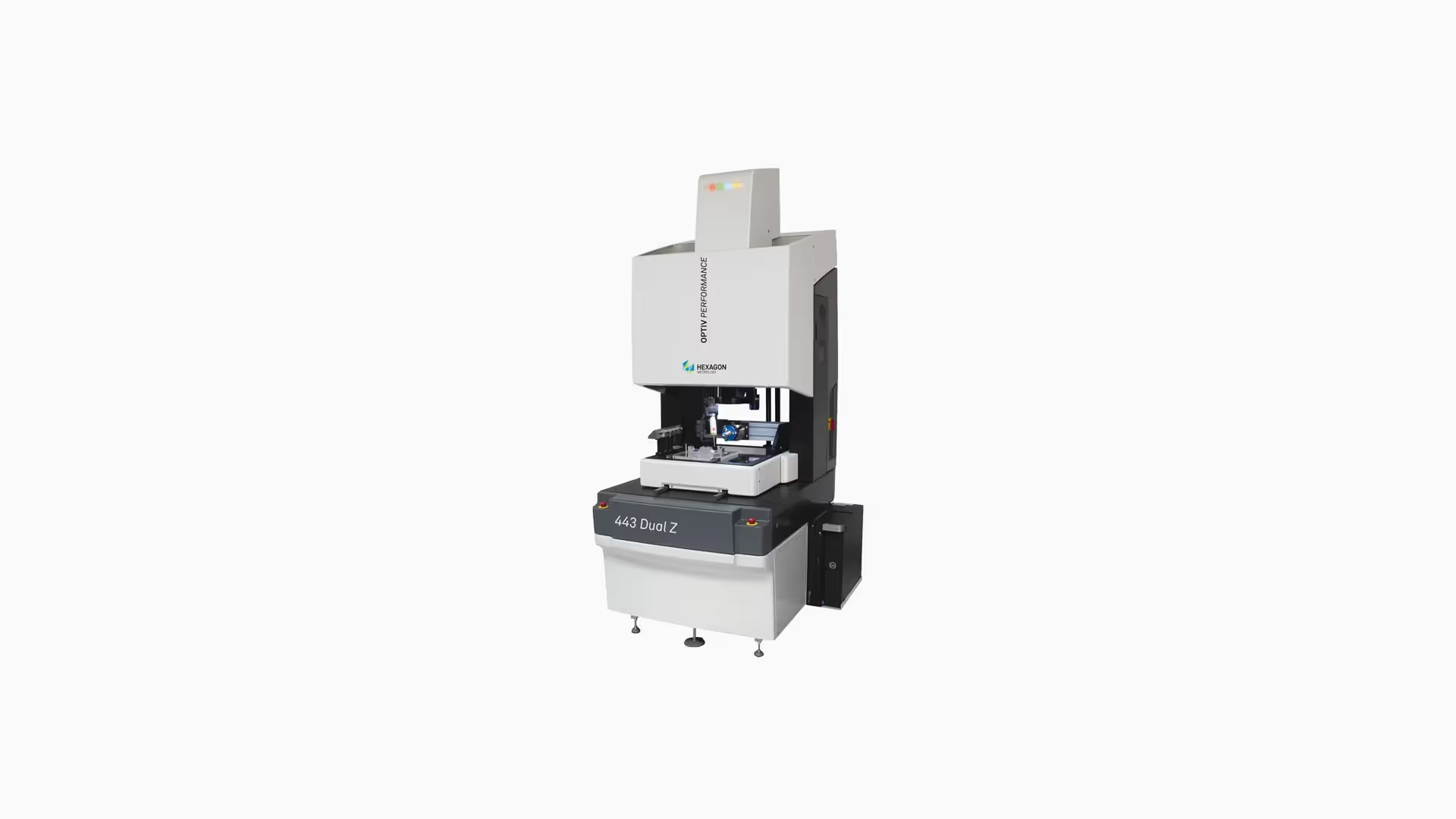
Hexagon Metrology switched from AutoCAD and SolidWorks to IRONCAD and no longer has to deal with parametric relationships and constraints.
Read the customer case study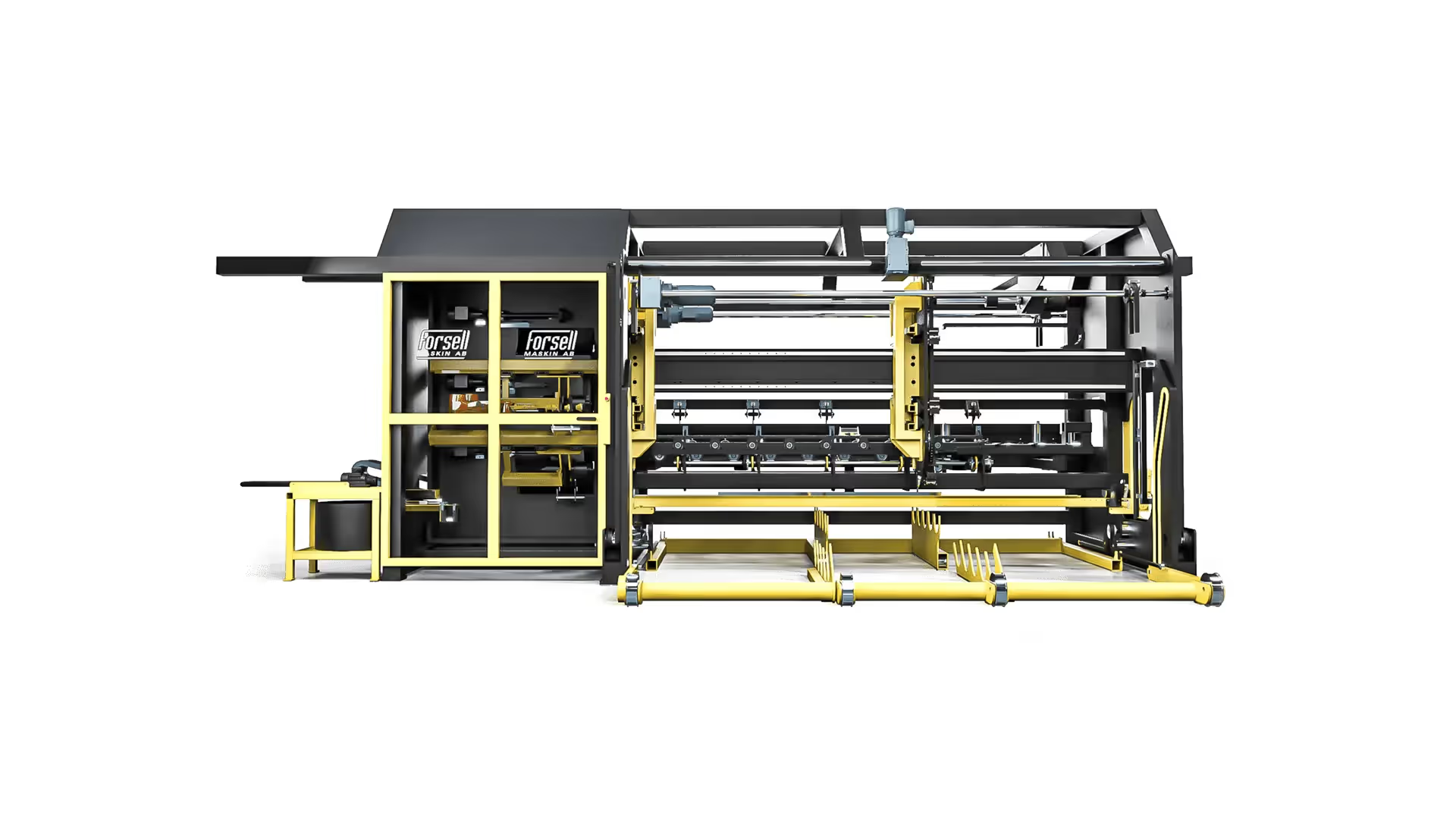
Forsell Maskin makes changes freely at the detail and assembly levels, even late in the project. STEP files are modified in the same way as everything else.
Read the customer case study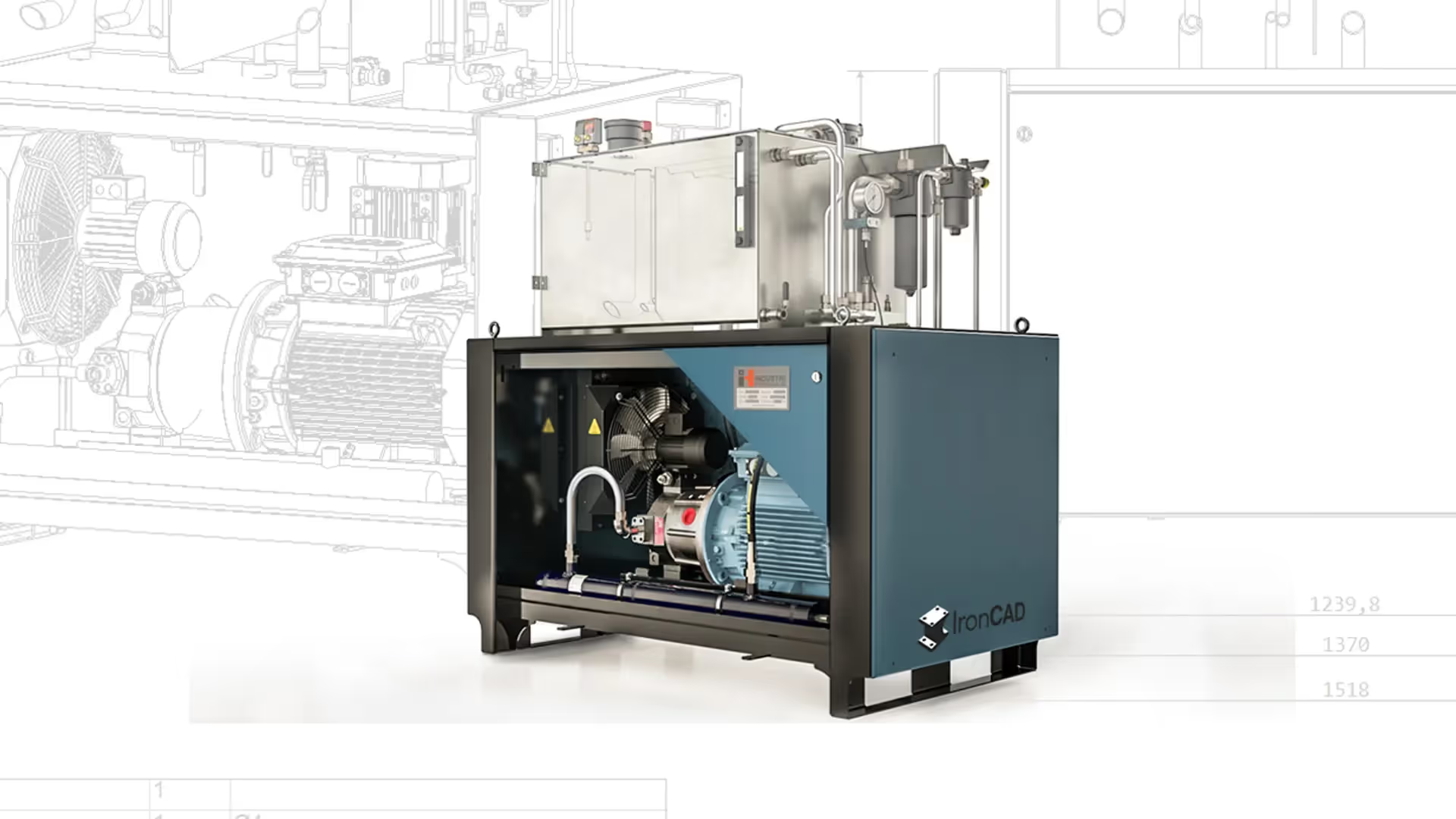
Industrial hydraulics modify the design on-site in real time, without the error messages that are common in condition-based systems.
Read the customer case studyMore examples from workshops, machine builders, and woodworking shops can be found among our customer case studies.
Frequently asked questions
Direct modeling is a method in which you modify 3D geometry directly—by dragging, rotating, or moving surfaces and solids—rather than editing dimensions and constraints in a history tree. It is also known as direct modeling, direct editing, or explicit modeling.
In parametric modeling, the model is built from sketches, dimensions, and constraints that are stored in a history, and every change is recalculated from the beginning. In direct modeling, the geometry is modified directly without a history. Parametric modeling is suitable for variations governed by fixed rules, while direct modeling is suitable for imported files and changes that could not be anticipated.
Yes, in practice. Direct editing and Direct Face Modeling are different terms for editing surfaces on a finished model without a history. In IRONCAD , the term Direct Face Modeling is used for the tools that work on imported bodies.
Yes. Imported files have no history, and direct modeling is the only way to work with them. IRONCAD opens STEP, IGES, Parasolid, ACIS, and DWG/DXF files by default, and with the Translator add-on, it also opens SolidWorks, Inventor, CATIA V5, Solid Edge, NX, Creo, JT, and IFC files. The models are edited directly in the same file as your own parts.
The change itself has no intended purpose, so any relationships that need to be included must be added separately. In IRONCAD , individual parts retain their history without locking; drawings and extensions are updated when the model changes; and parameters can be added to the details that require them.
Flexible modeling is IRONCAD's default mode: details are created and moved freely using handles and TriBall, just as in direct modeling, but the parts retain their intelligence and history without any constraints. Direct modeling is part of this and is used primarily on imported geometry.
Most modern programs offer some form of direct modeling, but in many of them, it is a tool used alongside the parametric history tree. The difference lies in what is the default setting. In IRONCAD , free modeling is the default. Compare workflows and licensing options in our guide to CAD software.
Yes. You don't need to plan sketches, layouts, or specifications before you start drawing, and you can modify other people's models without understanding how they were built. Most people are able to create designs in IRONCAD after just a few days, and Solidmakarna offers basic training on-site or remotely, as well as free self-study materials.
Next step
Book a demo and we'll work with your files, or try direct modeling for free for 30 days. Support in Swedish.