Program · Compose
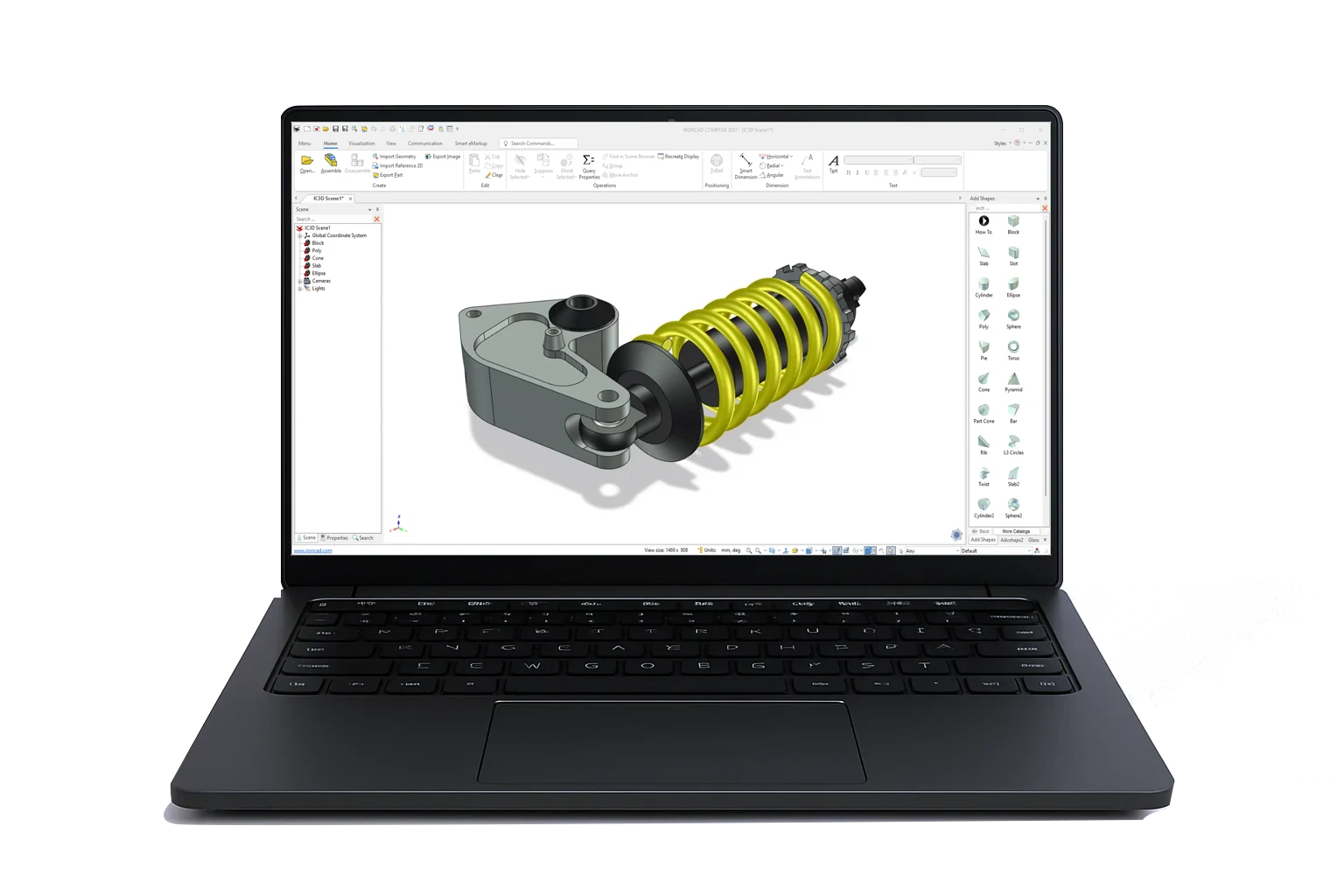
Compose is a free viewer for opening 2D drawings and 3D models. Compose can also be upgraded into a configurator.




"You are incredibly good at following up and providing pinpoint solutions"
Henrik Ljungbäcker, Stoeryd
"You always provide great service—outstanding, actually."
Thomas Pettersson, HangOn AB
" support is truly fantastic. It's always easy to reach someone there. They have a knowledgeable staff."
Robert Åberg, Quiptec AB"IRONCAD meets our various design needs in a way that no other 3D system can."
Urban Olars, NEFAB Packaging
"Quick and thoughtful responses from Solidmakarnas support "
Annika Lindholm, Aratron"We have found that there are significant benefits to using IRONCAD"
Åke Lindholm, Husqvarna
"Solidmakarnas has exceptionally good Support!"
Lennart Freidlitz, Innopend Teknikpartner AB
"You can't make better educational materials than this. The learning process is truly effective."
Johan Hertz, Ankarsrum Electric Motors AB
"Everyone at Mixon is extremely satisfied with both IRONCAD and the support."
Birger Johansson, Mixon AB
"The best educational material I've ever seen, across all categories."
Christer Lilja, Nominit
"Profits clearly increased after the switch to IRONCAD"
Daniel Erlandsson, LeroconIRONCAD COMPOSE is free software that can be installed on Windows.
COMPOSE can be used as a powerful viewer to open IRONCAD 3D (*.ics) and 2D (*.icd and *.exb) files directly.
However, 2D DWG and DXF files can also be opened in COMPOSE. In addition, COMPOSE can open a number of 3D polygon formats. The 3D environment includes tools for easily measuring, inspecting, and positioning parts. This allows, for example, users in production to easily open files created in IRONCAD and inspect or measure the models.
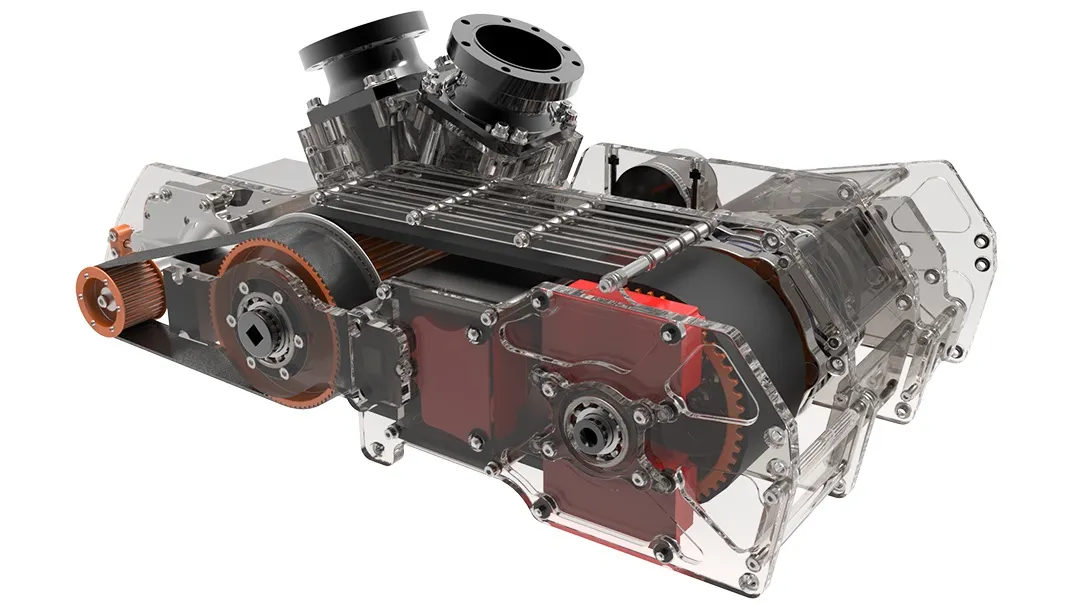
For a low cost, your sales department can upgrade Compose to Configurator. You can easily create your own products at IRONCAD and save them in various catalogs. These catalogs can contain various 3D parts or assemblies, including information such as part numbers or prices, for example.
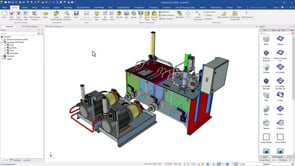
Catalogs
IRONCAD offers the ability to work with “magnet points” (attachment points) that automatically position objects when they’re dropped into the 3D space! This makes it very easy for the salesperson to use drag-and-drop to build a solution—just as easy as building with Legos. The salesperson can also generate a BOM list, including prices, with a single mouse click. In addition, parts can be moved or copied using the ingenious TriBall tool. There are also built-in tools for creating both sales-oriented renderings and explanatory animations! Sales support doesn’t get any easier or more effective than this!
Contact us for more information
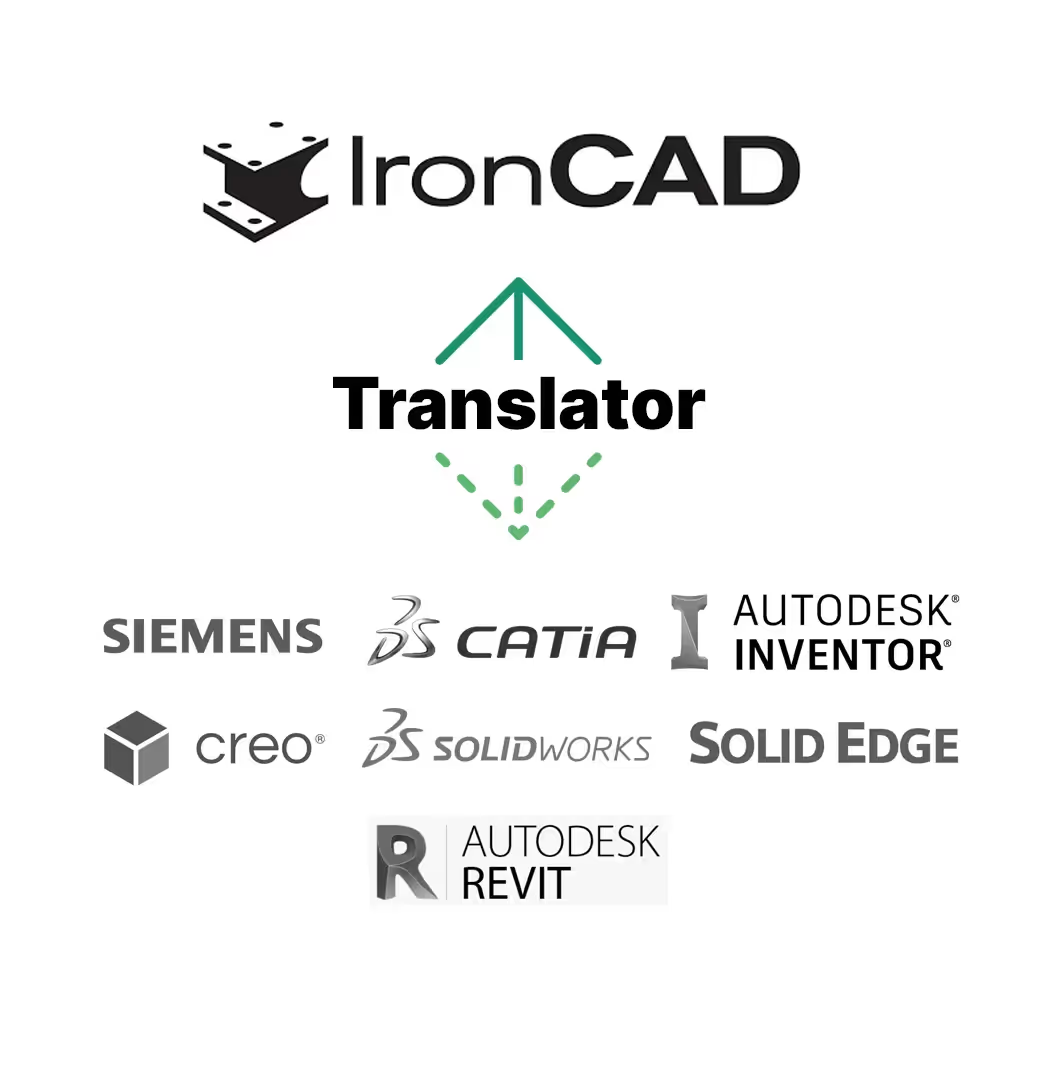
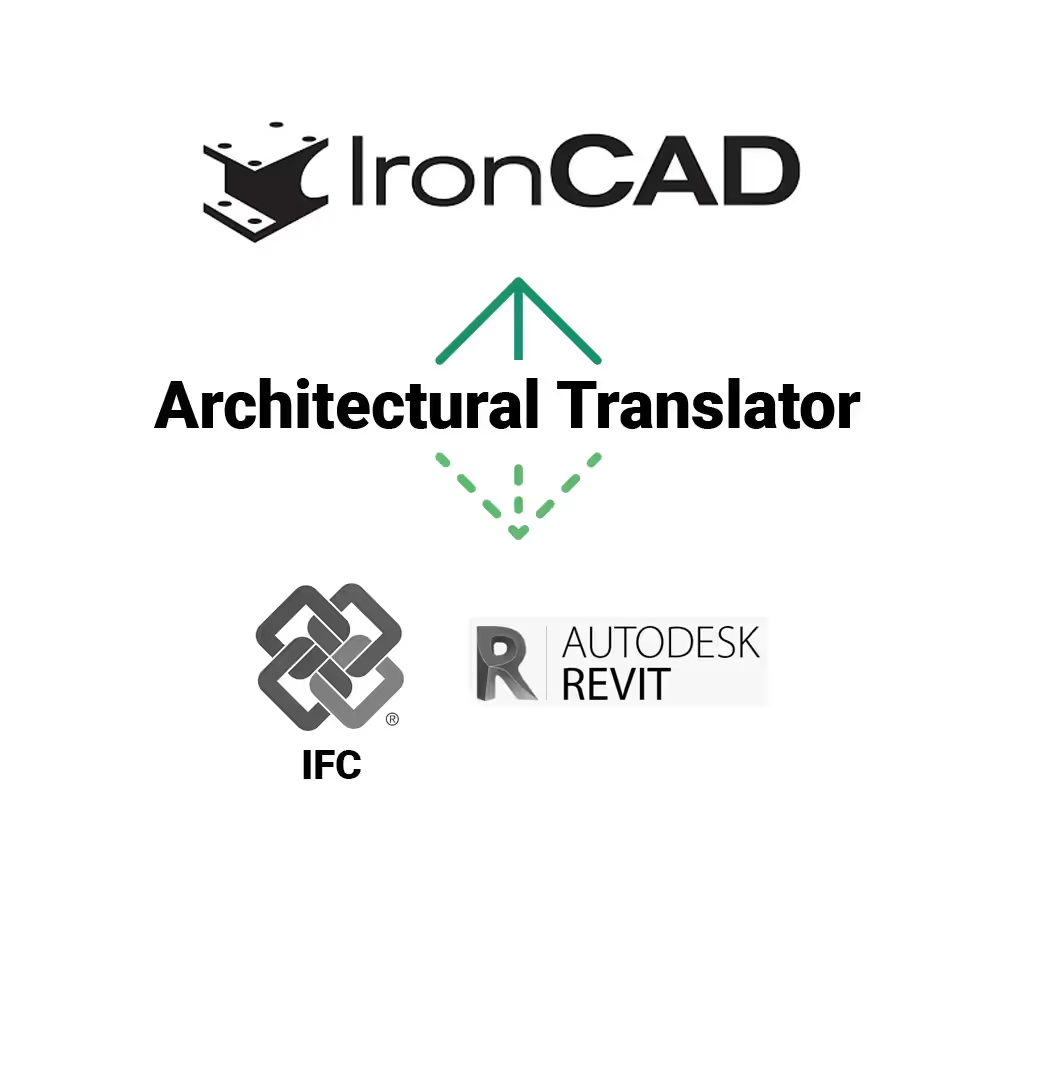
Import: The file can be opened at COMPOSE. Export: The file can be saved from COMPOSE. See the respective add-on pages for version information.
Free for anyone who needs to view, measure, and discuss IRONCAD models—production, engineering, sales, and customers—without a CAD license.
IronCAD DCS (Design Collaboration Suite) is a family of 3D and 2D CAD programs built around the core IRONCAD. Here you can see the four programs and which add-ons are compatible with each one. Hover over a program or an add-on to highlight the connections.