

Looks like you don't have ESC button on your device
Download IronCAD DCS
Choose one of the following options
trial versionHas a license

Looks like you don't have ESC button on your device
Choose one of the following options
trial versionHas a license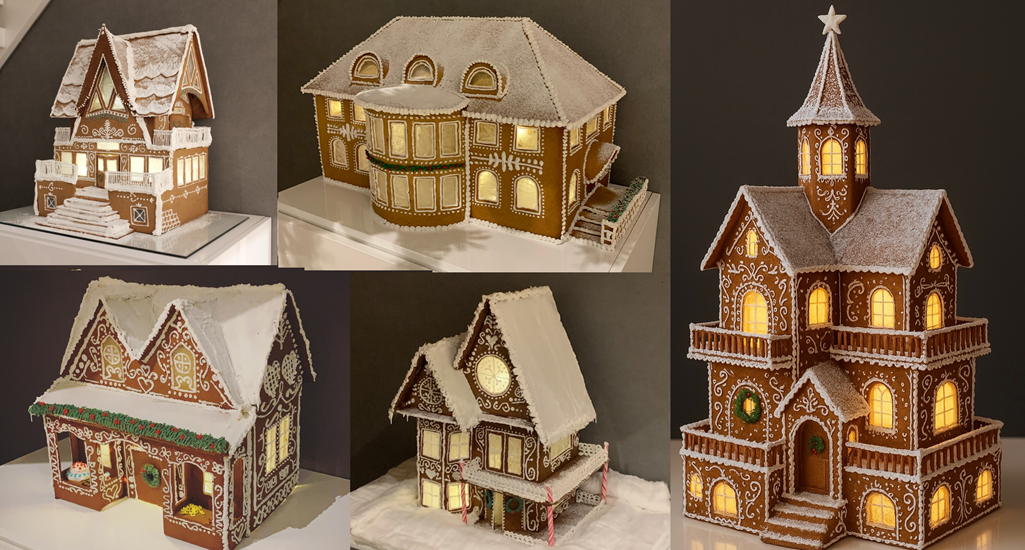

Emil Rindell

Jonas Bryntesson

Henrik Andersson
December 23, 2025
Emil Rindell
Jonas Bryntesson
Henrik Andersson
December 23, 2025
"Dad, what a small gingerbread house we've made."
Daniel couldn't help but smile when he heard his five-year-old express a somewhat disappointed comment about this year's gingerbread house building. What had already become something of a tradition in the family after just a few years and several impressive constructions had clearly built up high expectations.
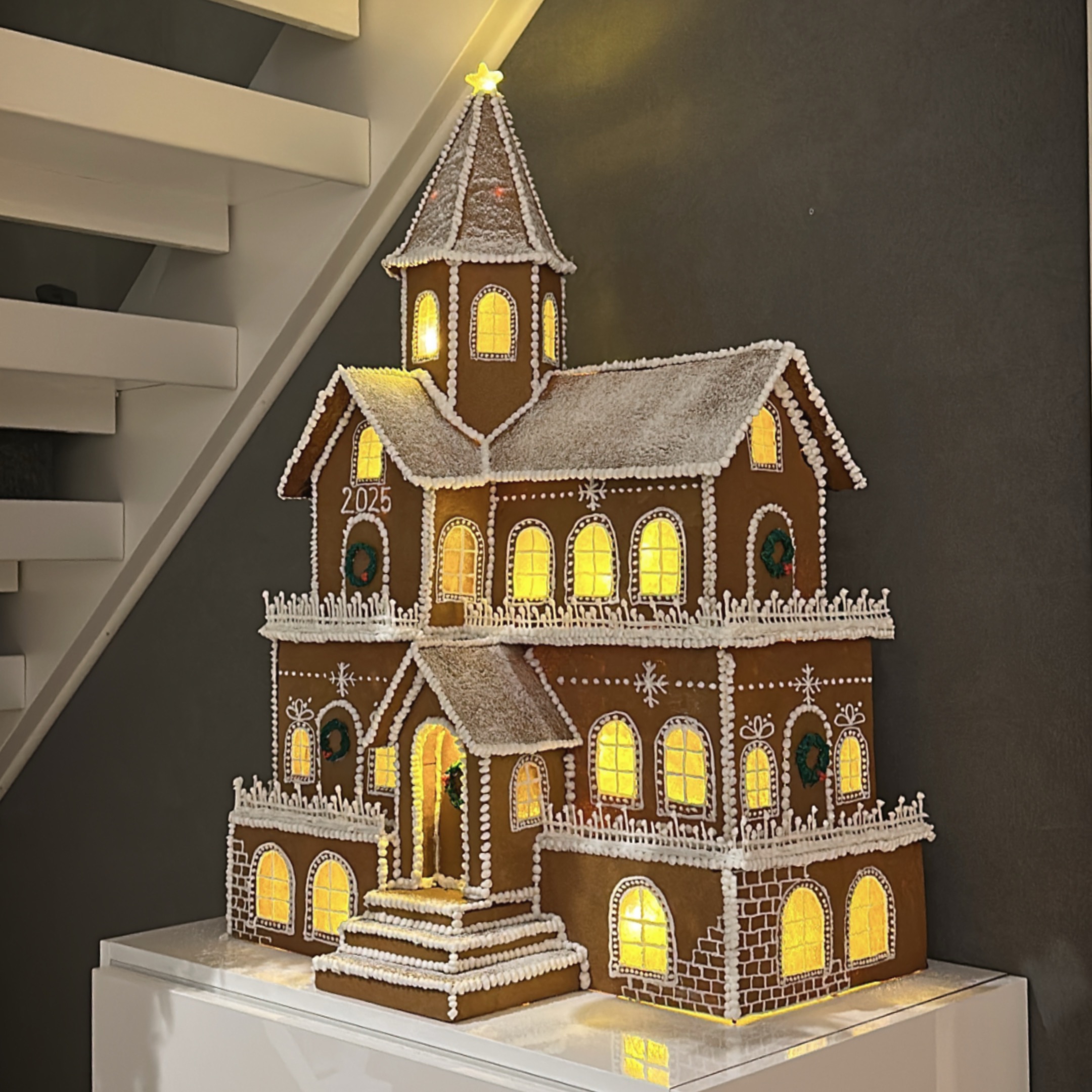
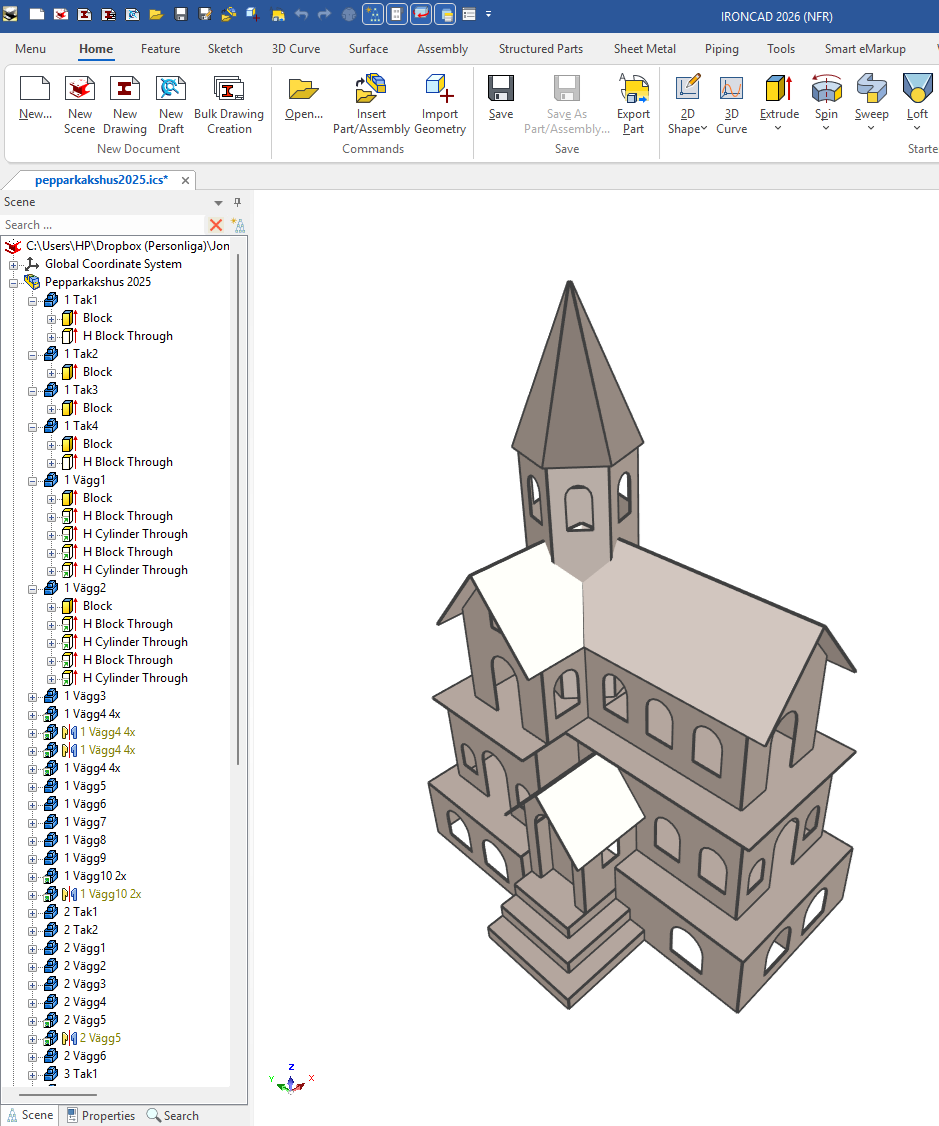
Just before Advent, Daniel usually downloads a demo version of the latest IRONCAD and starts sketching ideas for the family's annual gingerbread house. Since he gets started just minutes after downloading and installing the software, and you can get quite far by dragging out ready-made extruded 3D geometries such as Block and H Block from the Starter catalog, the construction is often well underway, and sometimes even finished, by the first evening.
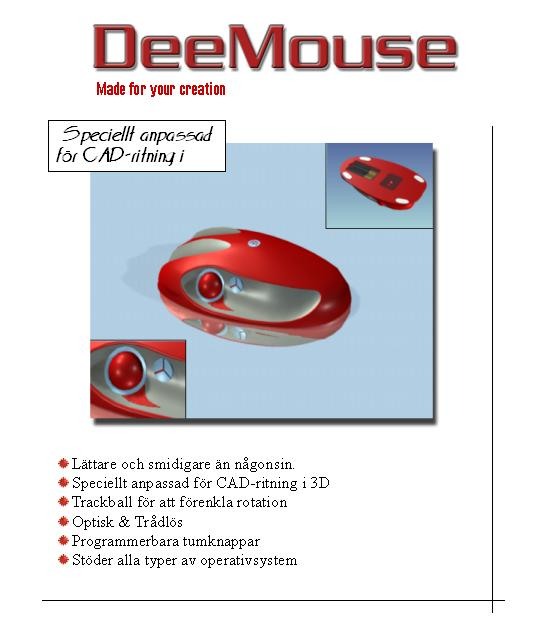
Daniel learned how to use IRONCAD in the early 2000s while studying at Hjalmar Strömerskolan high school in Strömsund, Jämtland. There, he was one of several students in his class who particularly appreciated the easy-to-use 3D CAD program, and he developed a well-designed "CAD mouse" in a design course.
His technology teacher, Ola Sonidsson, had stumbled across the program a few years earlier at the Technical Fair in Älvsjö and quickly decided to take it home to Strömsund, where it became part of the CAD courses in the Technology Program. Around 20 licenses were managed with "hardware locks" that were connected to the computer's printer port at the time. These were later upgraded to network licenses.
A few years later, Daniel had a stay in Stockholm where he worked for a period with technical support for Solidmakarna, where he was reminded once again of how easy IRONCAD is, but also established a good contact with IronCAD in Atlanta, where he reported several smart requests that developed the program. He then got a job with IRONCAD at Höga Kusten Teknikresurs in Svartnora and was able to continue working with IRONCAD, among other things, for a few years.
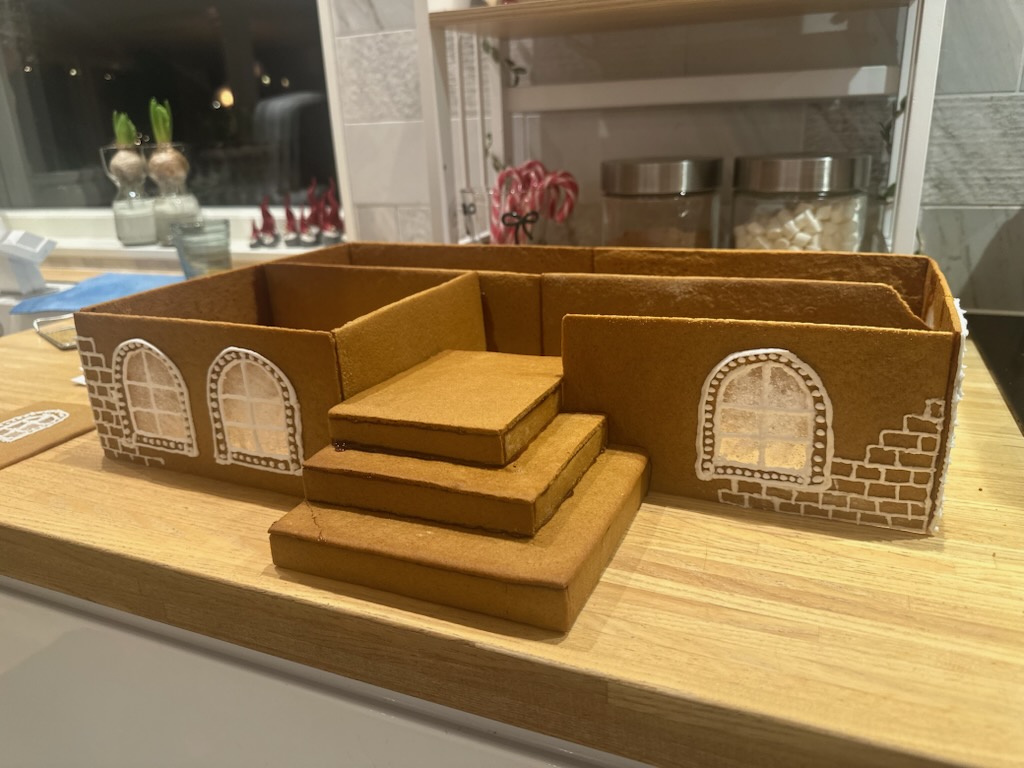
To ensure that the fundamentals are not forgotten, the gingerbread house has become a suitable sized and recurring project. It keeps the IRONCAD know-how alive while also maintaining the desire to create and build, and provides a perfect opportunity to create something beautiful together with the family. "It's so much fun and so easy to build 3D models with these handy basic functions in IRONCAD which anyone can learn," says Daniel.
Each individual wall and all the small parts are then laid out on a 2D drawing with lots of sheets and then printed out on paper at a scale of 1:1. It usually takes about a week of evening work and gingerbread baking to roll out and cut out all the parts. The actual assembly then takes about a week in the evenings as well, and it takes several batches of both sugar for glue and powdered sugar for decoration.
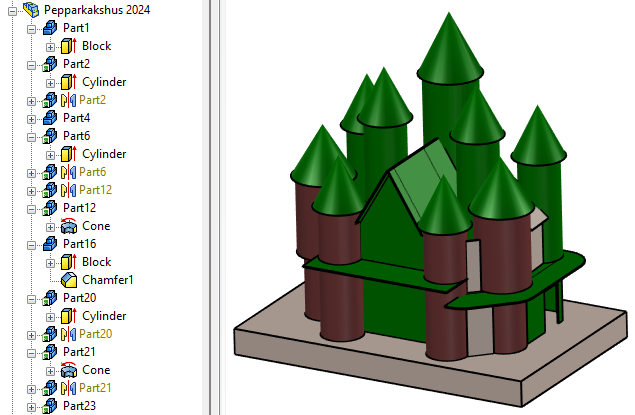
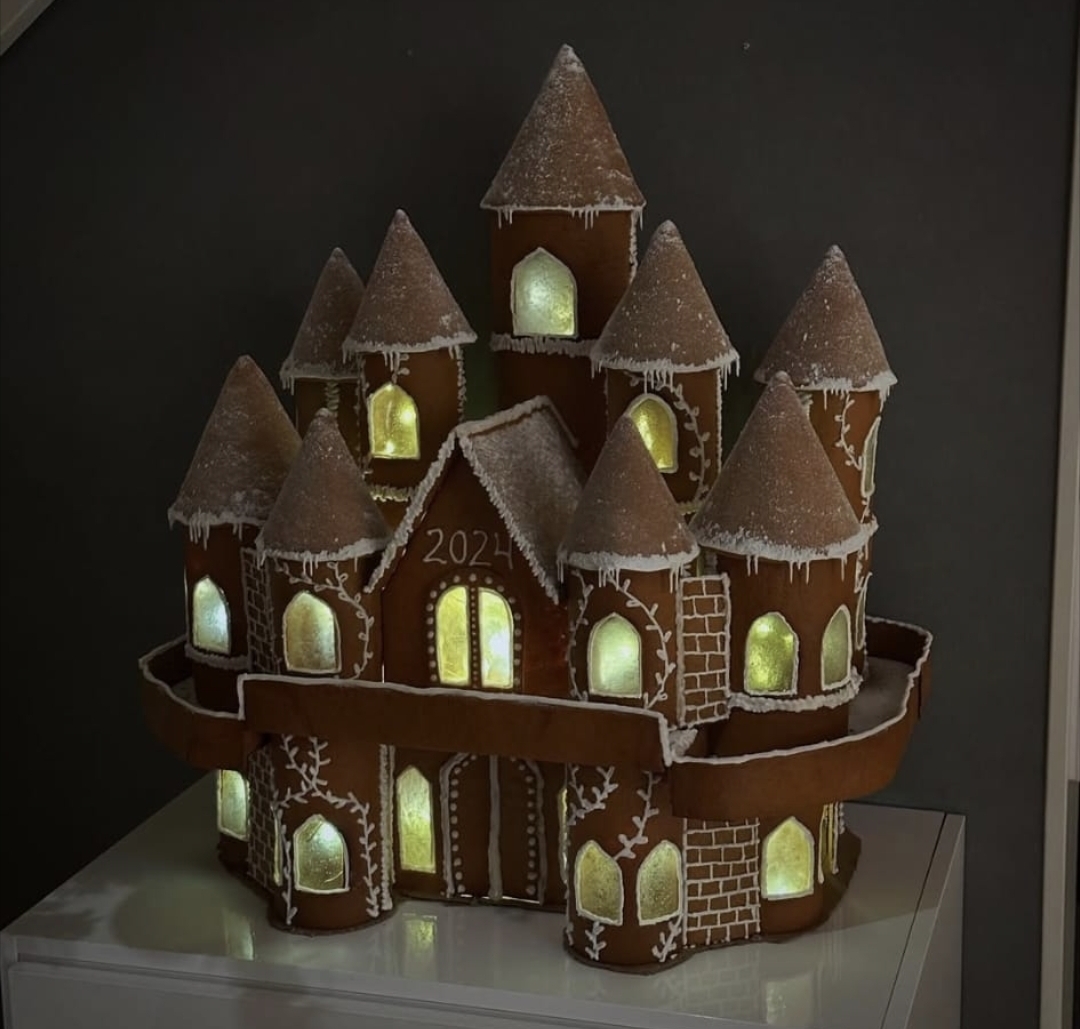
Here is last year's impressive construction with spires and towers! The theme was more about round shapes that were still very easy to produce and modify using the ready-made Cylinder and Cone shapes available in the catalog system that comes with IRONCAD. As you develop a concept, the finished model emerges step by step, and sudden changes are easily accommodated because no constraints are needed.
The 2023 construction was also really impressive! A 2D drawing with 11 sheets was created for the construction, with some of the sheets depicting smaller parts and therefore having several views on the same sheet of paper.

The final result in 2023 consisted of many small parts that were held together with several spoonfuls of sugar as glue and had to remain on display in its place under the stairs.
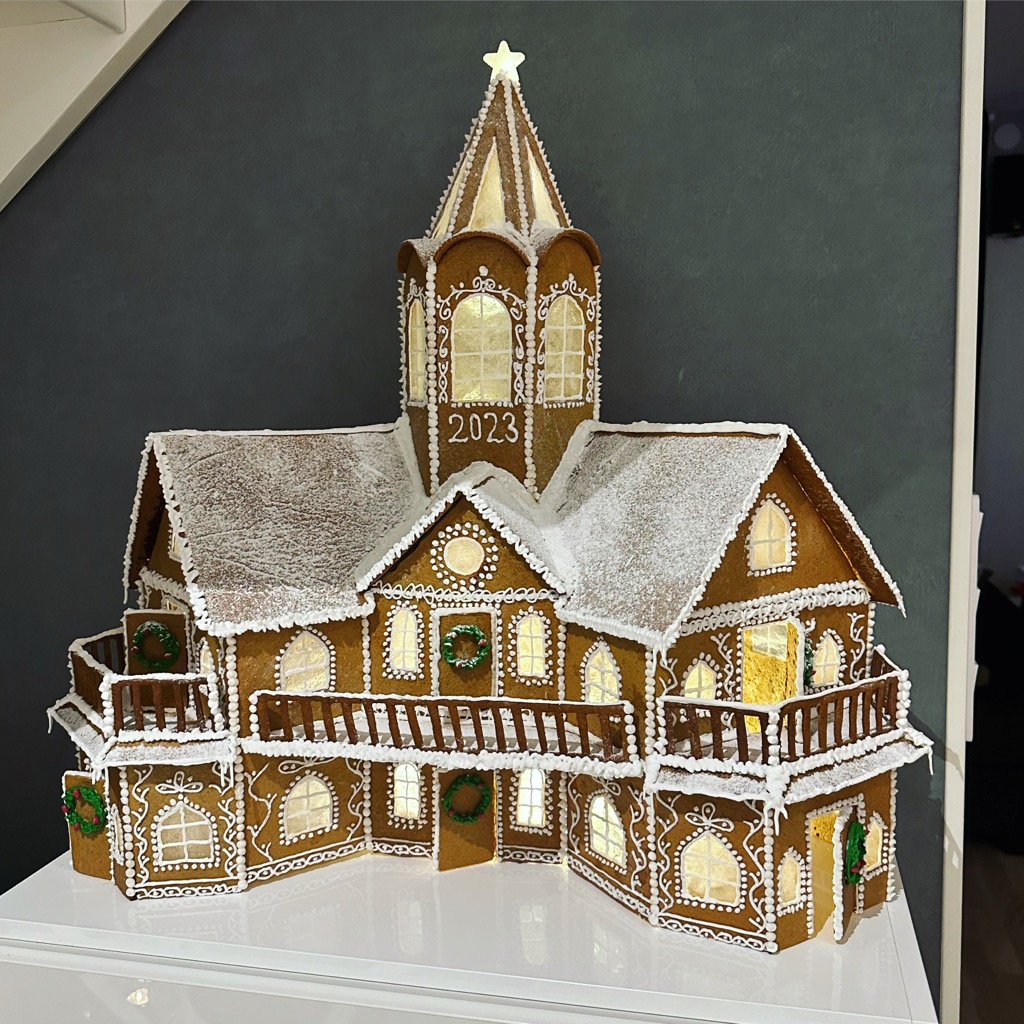
We at Solidmakarna would like to take this opportunity to thank Daniel for the photos and wish him and his family a Merry Christmas and a Happy New Year!
Finally, you can try zooming and rotating this year's gingerbread house as a 3D model. We helped Daniel upload it to the SketchFab website directly from the 3D scene. It's a cool and handy feature!
If you want to try it yourself, the tool is located under the Add-Ins tab. An account is required but is free of charge. Don't forget to save the model in IRONCAD before uploading. NOTE! You will also need an ID number (API token), which you can find behind your login on Sketchfab, under Settings and Password/API.

Answer: Here we publish tips, guides, news and solutions for those who work with IRONCAD and Design Data Manager (DDM). The blog covers everything from basic functions to advanced workflows, helping you to optimize your design work. You'll find examples of smart shortcuts, practical instructions, solutions to common problems, and best practices for product design, mechanical design, and product data management.
Answer: Our guides and tips are designed for both beginners and experienced CAD users. They are aimed at designers, engineers and project managers who want to work more efficiently with IRONCAD and DDM, improve the design process, reduce mistakes and save time in product development.
Answer: We regularly publish new articles when the software is updated, when new features are introduced, or when our users ask for solutions to specific problems. The blog is therefore a reliable source for keeping up to date and getting tips that make everyday CAD work easier.
Answer: Many of our instructions and tips work in multiple versions, but we clearly indicate if an article applies to a specific version. We strive to make the content useful for older versions as well, and also provide recommendations on how to adapt workflows to the version you are using.
Answer: Absolutely! If you can't find the solution in the blog, you can contact our technical support via solidmakarna.support. Our experts will help you with everything from installation and configuration to advanced features in IRONCAD and DDM, so you can solve problems quickly and efficiently.
Answer: Yes! We appreciate suggestions from our users. If you have questions, tips or want us to address a specific issue in IRONCAD or DDM , please contact us via our contact form and we will prioritize relevant topics in future posts.
Answer: The blog contains, among other things:
Practical step-by-step guides to help you use IRONCAD and DDM more effectively.
Productivity and workflow tips for faster design and construction.
Solutions to common problems encountered by users in CAD programs.
Updates and news on new features, versions and improvements.
Best practices for data management and project organization in DDM.
Answer: All tips and guides are directly applicable in daily work. For example, you can use shortcuts and smart features in IRONCAD to speed up modeling, structure files better in Design Data Manager, or follow our step-by-step solutions for specific problems that often come up in design projects.
Answer: We strive to ensure that all guides and tips are relevant to the latest versions of IRONCAD and DDM. We also clearly mark when a post applies to an older version, so you always know if the instruction is directly applicable to your system.
Answer: Yes! Many of our users share the articles with colleagues and use them as internal training materials. The blog is a great complement to formal training and helps teams learn features faster, avoid mistakes, and standardize workflows in IRONCAD and DDM.
