CAD Training
Three ways to learn CAD at Solidmakarna: a free self-paced course you can start today, a free student license, or a four-day instructor-led introductory course at Stockholm or online. No prior experience is required.
Are you a student? Get a free one-year student licenseAre you a teacher? Free introductory course for schools
Since 1988Courses in SwedishCertificate upon completion of a teacher-led course

Has learned CAD with us





Find Your Way
Three questions, and you'll find the right course, price, and next steps.
Video lessons and exercises in Swedish. You'll build a Stirling engine from scratch, using blueprints and assembly instructions, at your own pace.
Two plus two days of lectures and independent study, real-time support, and practice files to keep. You start from scratch.
Two days at our training facility in Stockholm , with a training computer, coffee breaks, and lunch, followed by two days via Teams. You’ll start from scratch.
A four-day introductory course offered as an open class via Teams, or customized for your organization using your own designs as exercises.
A four-day introductory training course at our training facility in Stockholm, or at your location if there are several of you, tailored to your own designs.
For those of you who already use IRONCAD. We’ll build on your designs and focus on the areas where you want to improve: sheet metal, catalogs, drawings, or importing. Often within a day.
Recorded webinars ranging from 30 to 90 minutes, self-paced courses on sheet metal, sketching, rendering, and constraints, and advanced training when you're ready to dive deeper.
Full version of IRONCAD free for one year, renewable for as long as you're a student. Learn how to use the program with the self-study course at IronCAD Academy.
Ready-to-use teaching and student materials, including tests, review questions, and exercises. Students and teachers can use IRONCAD free of charge.
Three Paths
All three courses teach you the same software, IRONCAD, which is used by over a thousand Swedish engineering departments. The difference lies in the pace, support, and cost.
 Self-Studies
Video lessons, exercises, and instructions in Swedish. You'll build a Stirling engine from scratch, create blueprints, and learn how to assemble it—whenever you want and at your own pace.
 Teacher-Led Basic Training
Lectures alternated with independent work in small groups, two plus two days. Held at Stockholm using training computers, with coffee breaks and lunch, or entirely remotely via Teams. Certificate awarded upon completion of the course.
 Customized for Businesses
For teams that already use IRONCAD, or want to combine basic and advanced training. The content, level, time, and location are tailored to your needs—at your location, at ours, or online.
 Student
Full version of IRONCAD for students, with a license key provided within one to three business days after submitting proof of enrollment. Renew as long as you're enrolled, and learn the program with the self-study course.
Teachers and SchoolsReady-to-use teaching and student materials covering the Swedish National Agency for Education’s CAD curriculum for Levels 1 and 2, including sample test questions and review questions. Students and teachers can use IRONCAD free of charge.
Here's how the course works
Four sessions a day, each consisting of a brief review followed by independent work with the teacher at your side. Here’s what the first day looks like, from 8:30 a.m. to 4:30 p.m.
A brief overview of Solidmakarna IronCAD, and how the four days of the course are structured. Then we dive right into the basics of part modeling with hands-on work: dragging shapes from the catalog into the scene and shaping them with handles, without sketches or constraints.
A brief overview of TriBall, IRONCAD's positioning tool for moving, rotating, copying, and linking objects in 3D. Then, practice on your own until you've got the hang of it.
An overview of how part —modeling, catalogs, and TriBall—interact within an assembly. This is followed by hands-on work modeling parts directly within the assembly, in the same file.
When the shapes in the catalog aren't enough, draw a cross-section and create the geometry using Extrude, Spin, Sweep, or Loft. A brief overview, followed by independent work on the sketch.
Overview of the 3D scene in * IRONCAD*, 16 minutes. The same film that participants receive as part of the course materials.
All lessons on the course page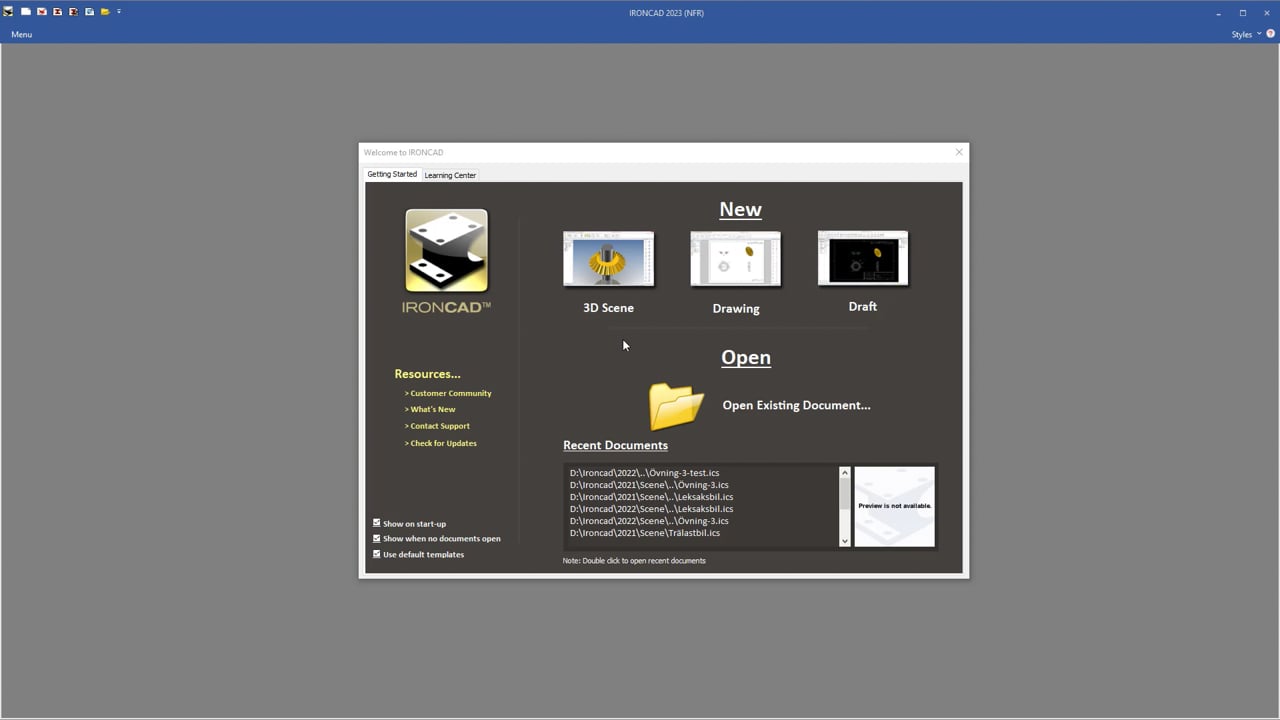
D1-1 Overview of the 3D Scene
The complete course syllabus, upcoming dates, and registration information can be found on the pages for distance learning and undergraduate education at Stockholm.
What You'll Be Able to Do Afterward
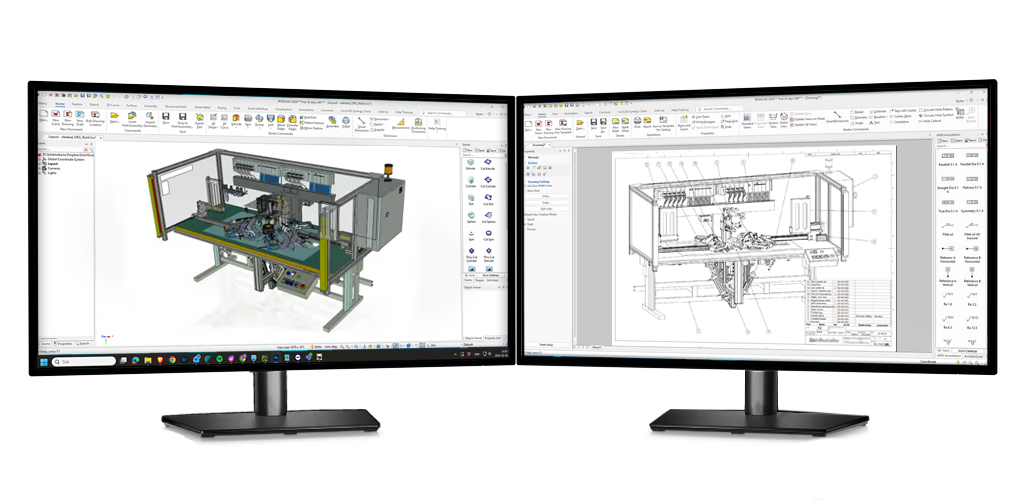
The content is the same whether you take the self-study course or the instructor-led course. It’s not just an introduction—it’s a comprehensive foundation on which to build.
Get started for free
IronCAD AcademyThe complete introductory course as a self-study program in Swedish, with video lessons and practice files.
Start the course 30-Day TrialFull version of IRONCAD to practice with while taking the course. Students receive a one-year license.
Download Webinars and self-study coursesRecorded webinars ranging from 30 to 90 minutes and self-study modules on sheet metal, sketching, rendering, and constraints.
See the list The YouTube channelShort videos about specific features and workflows—great to have on hand while you practice.
Go to the channelParticipants
The course instructor is Jonas Bryntesson, who has trained over 800 people in IRONCAD.
The training is a basic course yet provides a very comprehensive overview. Great!Timo Nevala, Landskrona Energi Kraft AB
Excellent reviews and easy to get help!Jesper Erlandsson, Ljuniq AB
Very good; there was also time for quite a few individual questions about how we work.Johan Aldenbrand, Ornunga Maskin & Teknik AB
You can find more testimonials from companies that have switched to IRONCAD in the customer case studies.
FAQ
No. The introductory course and the self-study course are designed so that you can start from scratch. Being comfortable with computers and having an interest in technology is enough. For advanced training and certain webinars, it’s helpful to have completed the introductory course or to have worked with the program for a while.
The introductory course at IRONCAD lasts four days, divided into two sessions, and after that you’ll create your own models, collages, and drawings. You can take the self-study course at your own pace; most people need a few days to complete it. You’ll really pick up speed once you start working on your own projects.
The self-study course at IronCAD Academy, the webinars, and the student license are free. The instructor-led basic training course costs 9,900 SEK plus tax per participant, either online or in- Stockholm. Customized corporate courses and continuing education are priced based on content and the number of participants.
Yes. The basic training is available entirely online via Teams, or as two days in- Stockholm , followed by two days online. During the online sessions, you’ll see the instructor’s screen, share your own screen when you need help, and work on the same exercises as you would in person.
Yes, after completing a teacher-led course, you will receive a certificate indicating which course you took, the program it applies to, and the date. The self-study materials do not result in a formal certificate, but the content corresponds to most of what is covered in the introductory course.
Yes. Students receive a full version of IRONCAD free of charge for one year upon presentation of proof of student status—such as a Ladok transcript or a Mecenat card—and will receive a license key within one to three business days. The license can be renewed for as long as you are enrolled in school.
Yes. The content, level, time, and location are tailored to your needs—at your facility, at our location in Stockholm , or online. Many people combine basic training for new designers with advanced training for those already working in IRONCAD.
For in-person classes at Stockholm , a training computer is provided. For distance learning, a standard Windows computer is sufficient for the course exercises. For large-scale data processing, we recommend a dedicated graphics card and 32 GB of RAM; see our computer specifications at IRONCAD.
Next step
The self-study course is free and requires no registration. If you'd like to have an instructor guide you, check the training page for the next course date.