

Looks like you don't have ESC button on your device
Choose one of the following options
trial versionHas a license

Looks like you don't have ESC button on your device
Choose one of the following options
trial versionHas a licenseTired of slow machine design?
Custom machinery, automation, and large assemblies—completed in hours instead of weeks.
Download trial version of IRONCADBook a demoOver 1000+ satisfied customers
.png)


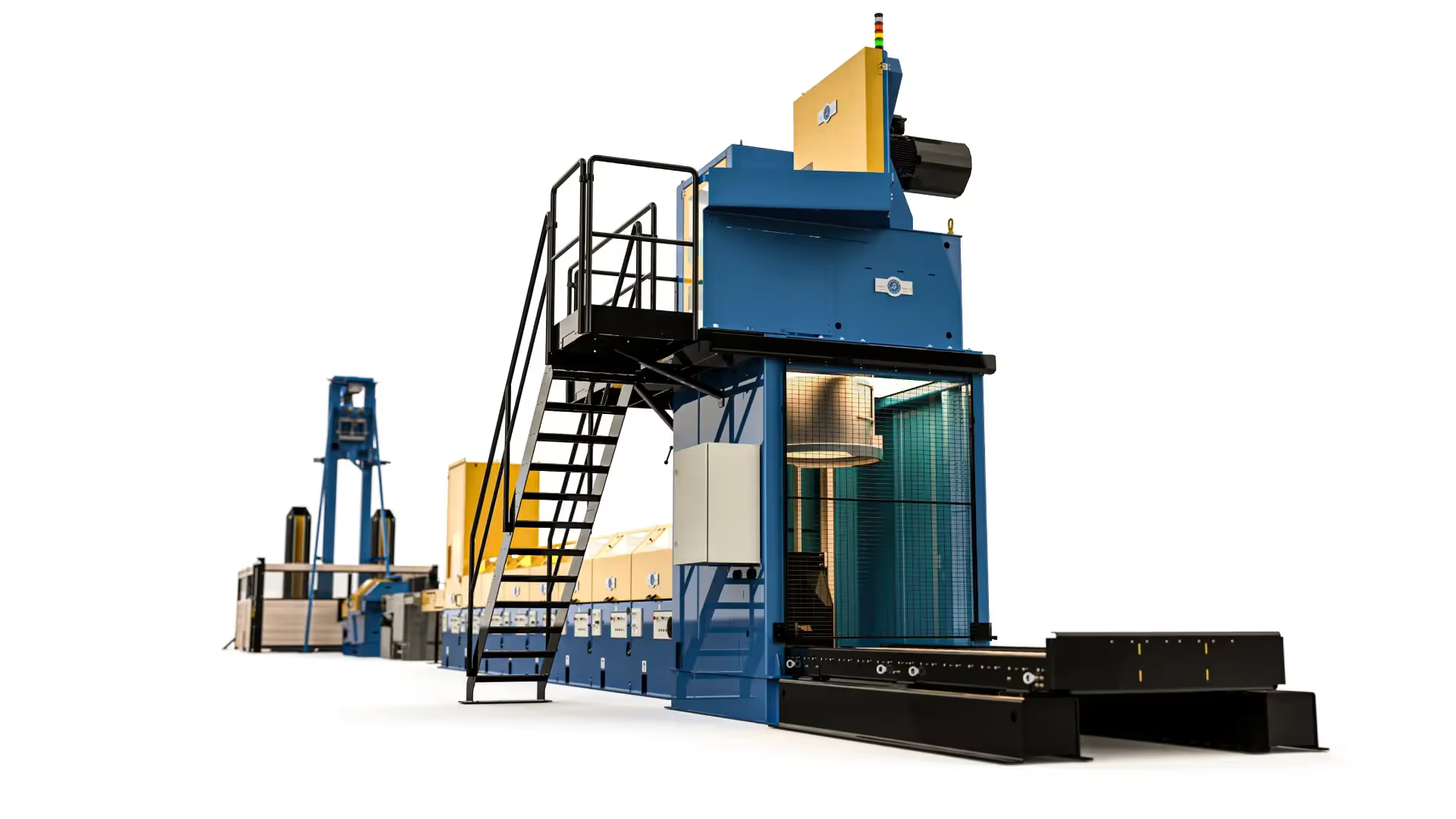
No Twist Coiler (NTC) designed by Lämneå Bruk AB in IRONCAD
Reusable components
Mechanisms & Simulation
In-house sheet metal fabrication
IRONCAD catalog system IRONCAD your work faster than you ever thought possible. Drag and drop 3D components directly into your design—standard parts, custom parts, and entire assemblies.
IC Mechanical a smart add-on for IRONCAD provides you with a comprehensive and flexible toolkit for all types of standard components in your 3D models.
Thanks to IRONCAD’s extensive 3D library, you can access beams, pipes, bolted joints, ball bearings, packing boxes, lock washers, and more—all in accordance with current standards—and then drag and drop them instantly right into your drawing. It saves both time and effort!

IRONCAD all common file formats, such as STEP, IGES, and scan files, with ease. Edit customer geometry directly in 3D—add reinforcements, holes, or milled features, or modify the design for repairs—with or without history. No rebuild issues, just smooth editing.
Reuse standard profiles, hinges, and platform elements using Drag-and-Drop from the catalogs in just a few seconds. Everything is saved in a single file, making it easy to manage even large service projects.
Generate 2D drawings with automatic bills of materials. Design up to three times faster—what is that worth when every hour of downtime costs thousands of kronor?
TriBall is a patented tool in IRONCAD revolutionizes the way designers work with 3D models. Move, rotate, copy, and mirror objects using an intuitive method that traditional CAD systems cannot offer.
Learn more about Triball in IRONCAD
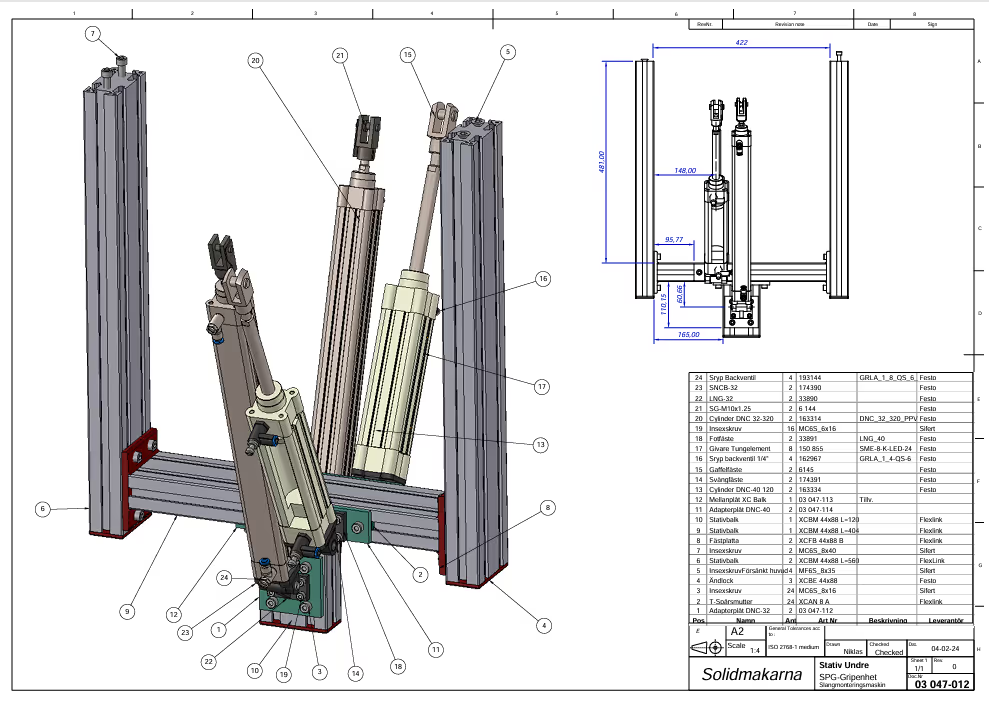
Once your 3D design is complete, you can generate associated 2D views directly in IRONCAD a IRONCAD seconds. For documentation purposes, an automatic bill of materials (BOM) is created that lists all components. Individual parts can be easily dimensioned according to ISO standards, including tolerances, providing you with a complete, production-ready set of drawings.
If you make any changes to the 3D model, the drawing updates automatically—everything stays perfectly synchronized. Save everything as a PDF or export to DWG/DXF for easy sharing and further processing.
Fast, easy, and no duplication of effort!
Samuel Eriksson, of Lämneå Bruk AB, says:
"When we were looking for a 3D CAD solution that suited our design and customization needs, we chose IRONCAD. A great decision! The software is user-friendly, and we can create large assemblies and detailed drawings quickly and easily. We open the assembly, break links, save a new version, and make changes freely without affecting others. We then link the sub-assemblies with new names. Fantastic!
"We use Sheet Metal for sheet metal parts and have optimized wire handling in IRONCAD the fastest speed on the market—which is crucial for our customers. When integrated with business systems, design and production become highly efficient. No other system is as good as IRONCAD!"
Learn more about Lämneå Bruk here
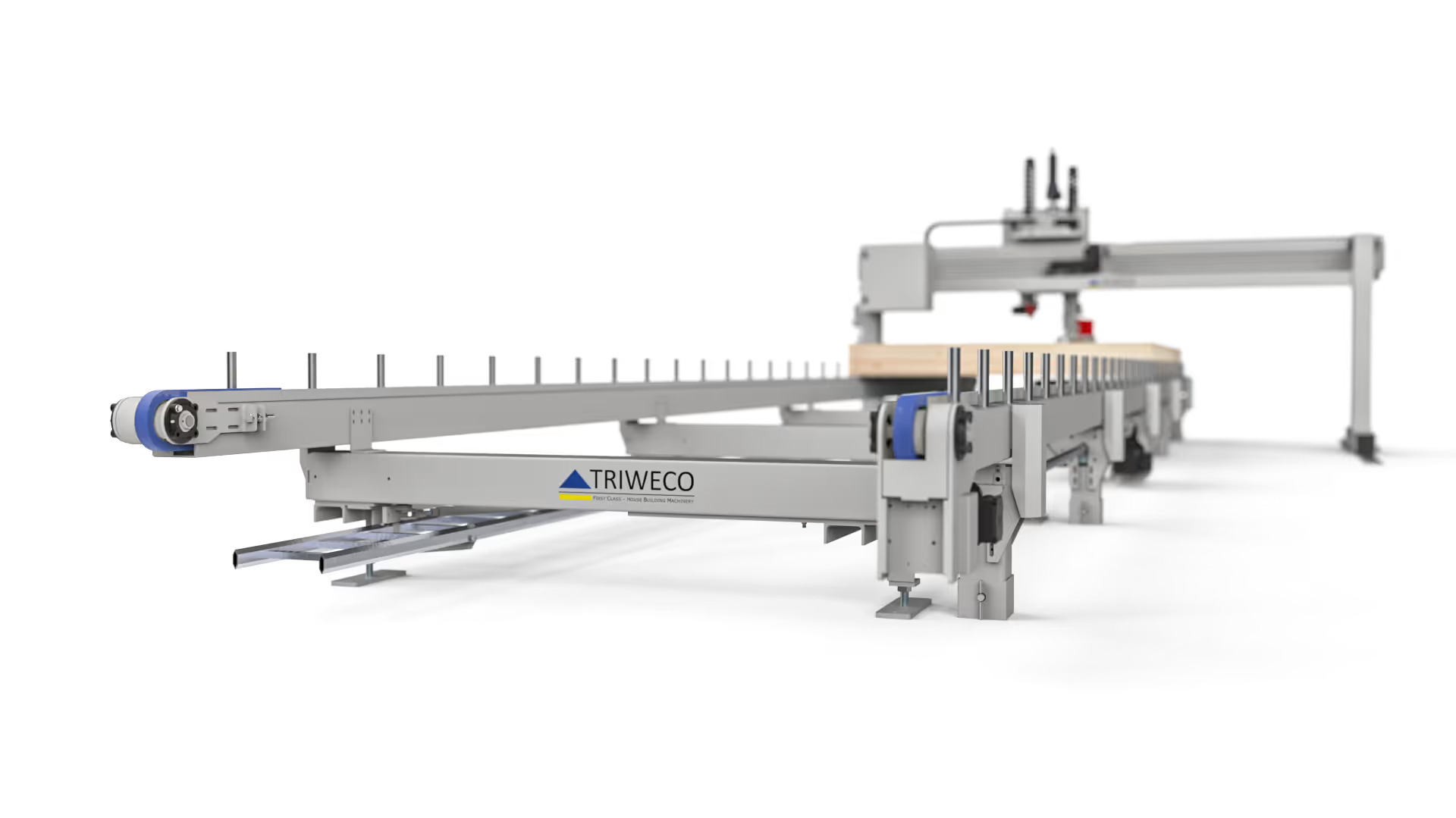
Triweco AB demonstrates how CAD and IRONCAD can be used to develop flexible, automated machines for prefabricated building components. With IRONCAD , the company IRONCAD quickly design and modify machines, adapt factory production, and deliver high-quality solutions that meet customers’ specific needs. For more information about Triweco AB, visit their website.
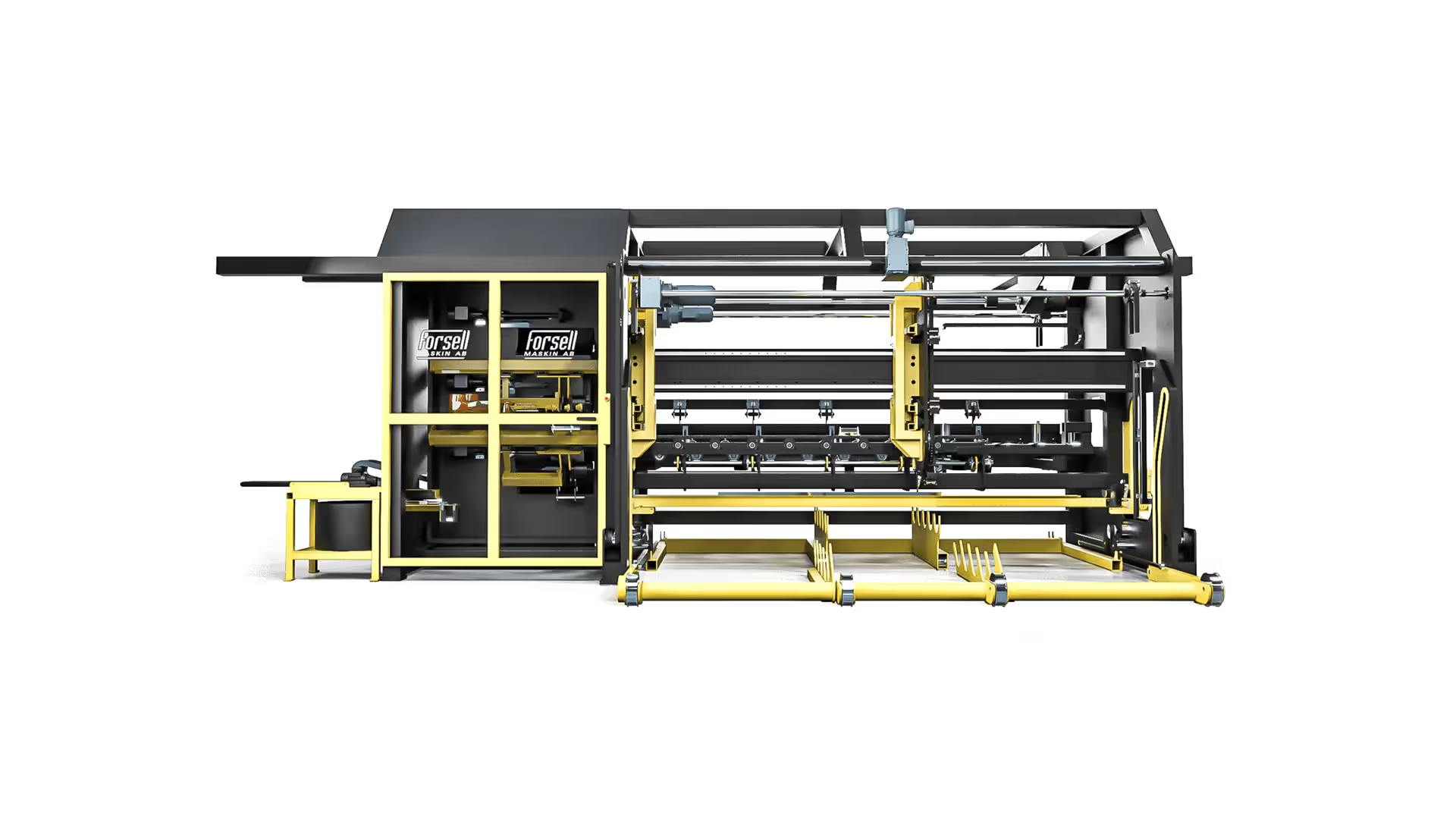
Here’s what Jörgen at Forsell Maskin has to say about IRONCAD: “I’ve modeled a complex machine in just a few hours, and it’s no problem to make an unexpected change at any time, even late in the project’s final stages.” The history tree provides a good overview of the structure—which part which assembly, as well as which features each part of—and I drag and drop parts between assemblies in the tree structure every now and then (you never know what the customer might suddenly come up with...).”
Learn more about how Forsell Maskin uses IRONCAD

IRONCAD is built for design-intensive industries where you often work with large assemblies, sheet metal, hydraulics, layouts or special machines. You can drag and drop finished components from catalogs, change entire machines in seconds, and switch freely between 2D and 3D environments - perfect for automation, sheet metal bending, construction machinery, hydraulic systems, layout planning, construction forging, and packaging design.
Our basic training is 2 + 2 days (4 days in total). Already after the first two days, most designers are fully productive on basic 3D modeling and assembly. The final two days focus on advanced features, catalog management and your own projects.
Yes - we supply ready-made basic templates and catalogue structures that you can easily customize yourself with your own standard components, beam profiles, hydraulic hoses, sheet metal parts or packaging standards. It only takes a few minutes to fill up with your items and you save a lot of time in the future.
Absolutely. With our Translator, you can open, edit and save files from other CAD systems without losing geometry.
Extremely powerful. You can manage tens of thousands of parts in the same file, move entire machines or factory layouts with a single click and see everything in real time - perfect for layout, construction machinery and automation projects.
Sheet metal bending and layout is included in the basic version of IRONCAD - you get sheet metal layout, bending lines and accurate fabrication data instantly. For construction forging, powerful beam and profile tools and hole tables are included in IC Mechanical.
Yes - all our support and training is in Swedish and we have extensive experience in automation, sheet metal bending, hydraulics, construction and packaging. You get answers quickly.
Of course we do. We always provide a free trial license (30-60 days) with your own drawings and layouts so you can see exactly how much time you save before you decide.
Download a free trial or are you ready for a demo of IRONCAD?
