Looks like you don't have ESC button on your device
Choose one of the following options
trial versionHas a license

Looks like you don't have ESC button on your device
Choose one of the following options
trial versionHas a licenseIRONCAD is a comprehensive 3D CAD program. In interior design and woodworking, cabinets, kitchens, furniture, and store fixtures are designed directly in 3D. The cutting list is generated from the bill of materials, and if you want nesting and CNC code from the model, you can add WoodLAB or Para-Flex.
Over 1000+ satisfied customers



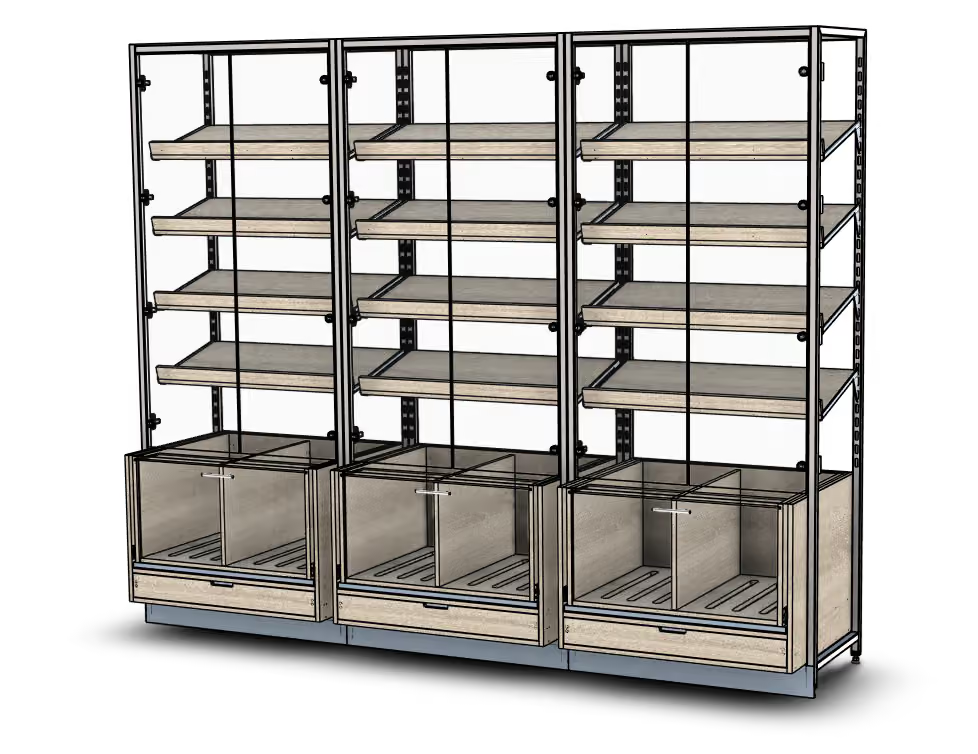
Cabinetry and furniture are designed directly in 3D
Cut list from the bill of materials
CNC code directly to the milling machine
IRONCAD IRONCAD is a 3D CAD program for industrial design, ranging from machinery and sheet metal to layouts and fixtures. What sets apart from traditional CAD systems is the freedom of choice: you decide for yourself how to model. Design freely using drag-and-drop and TriBall, add constraints and parametric dimensions only where they’re needed, and modify imported geometry directly without a history tree. These methods can be combined within the same , and the entire assembly is contained in a single file. This page shows how cabinetmakers use it, and what the and Para-Flex add-ons offer those who want to generate production data from the model. part WoodLAB
The video is from WoodLAB’s own channel and shows how a kitchen is built in WoodLAB based on IRONCAD: the cabinets are positioned and customized to fit the room, doors, drawers, and hardware are added, and the finished kitchen is presented to the customer. This is the same workflow used by JJ Snickeri, Asteberg, and Swärd Design, with CAM files for the router generated from the same model. The video is in English. Would you like to see what your next kitchen would look like in IRONCAD?
Book a demo and we’ll show you!
You select the method for each part, not for each program.
All three work in the same file, and they can be combined in a single 3D model.
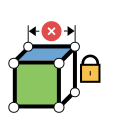
For cabinet families and recurring kitchens. Lock the width, height, and spacing using constraints in IRONCAD, and the next size will be recalculated. With WoodLAB , the cabinets are built parametrically from the start, with fittings and CAM files included.
MOST POPULAR
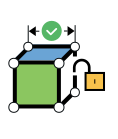
The standard method for custom-built cabinetry. Drag frames, doors, and drawers from the catalog, position them against the wall using TriBall, and make changes freely whenever the customer wants an additional door. No restrictive constraints.
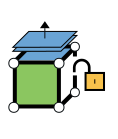
For the architect's and client's files. Open a DWG or IFC file, select a wall and drag it, or add a niche. No history is required.
Cabinetry, kitchens, furniture, and entire interiors are designed directly in IRONCAD, with no add-ons: countertops are drawn as solids, drawers and doors are copied using TriBall, and dimensions are adjusted using handles. Custom frames, fronts, and hardware are saved in the catalog and reused in the next project. The video shows how to build a cabinet from scratch, step by step, in Swedish.
The same exercises are available for an agency and a table, free for anyone who wants to try them. The fine woodworking program at S:t Eriks High School in Stockholm , teaches “ IRONCAD ” to its aspiring furniture and interior carpenters.
If you want to work faster with standard cabinets, add WoodLAB on top of IRONCAD. Frames, doors, drawers, shelves, and baseboards are available as ready-made building blocks: specify the width, height, and depth, select the number of drawers and the front type in the dialog box, and the program will build the frame with the correct panel thickness and joints.
A previously used kitchen is repurposed and customized to the next customer's measurements in just a few minutes.
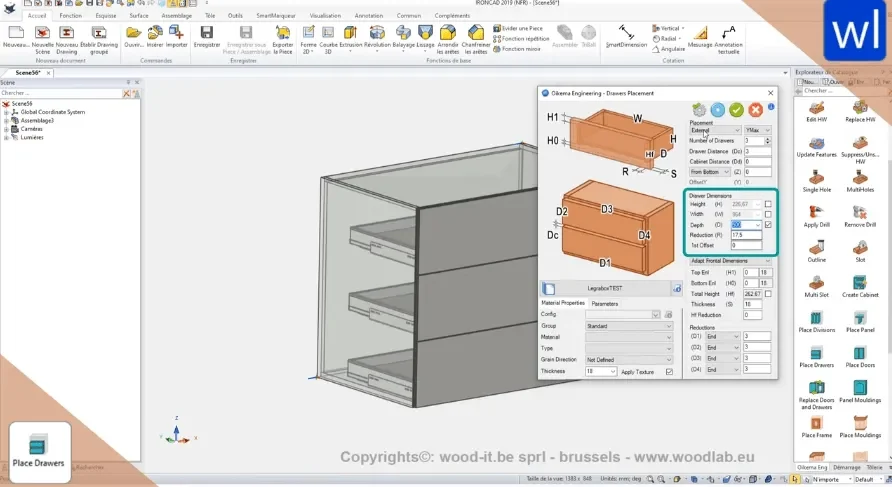
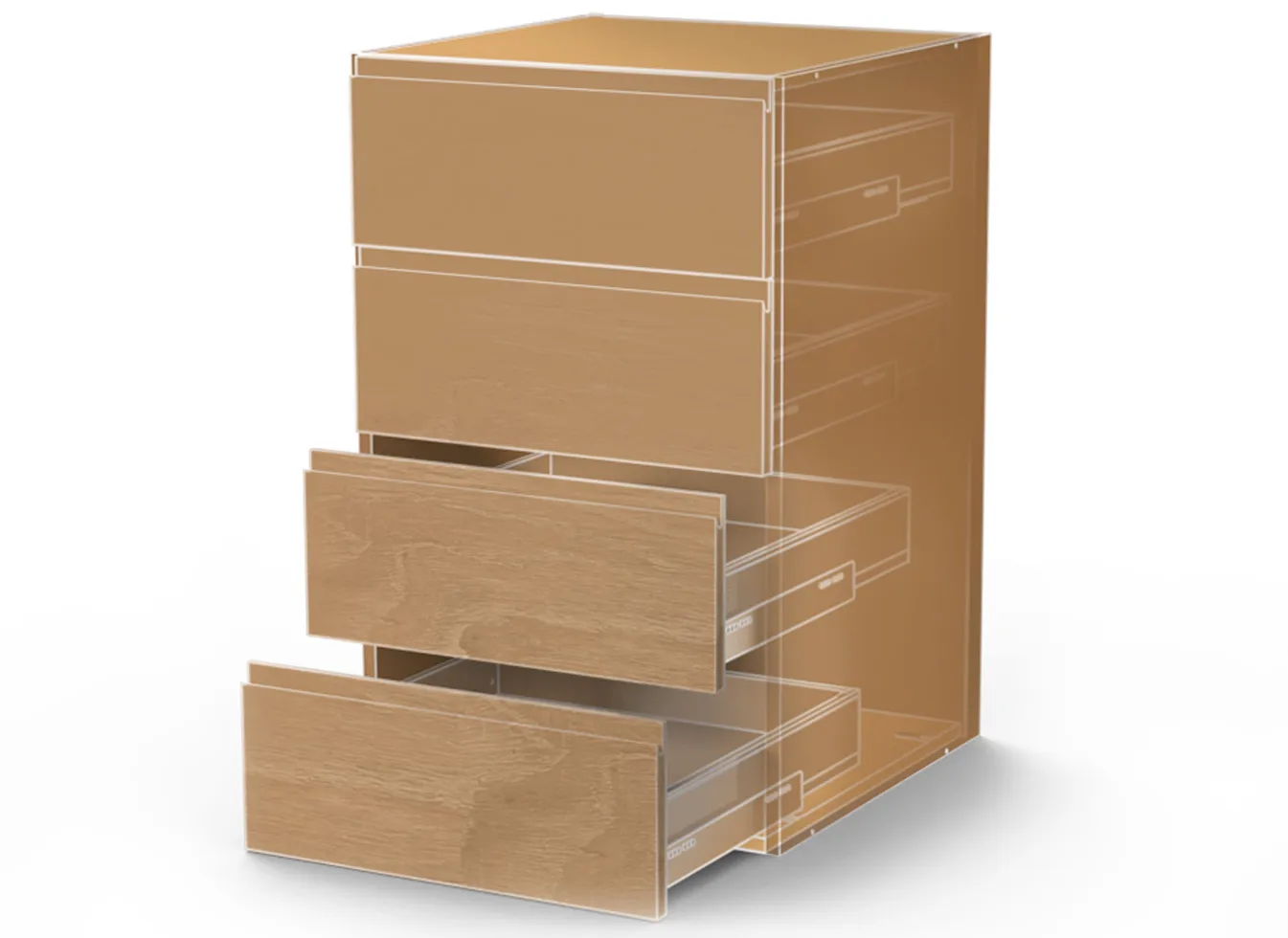
In " IRONCAD ," you build your own catalogs featuring hinges, drawer slides, dowels, and handles, with mounting points that ensure the hardware aligns correctly in the cabinet when it is pulled in. With " WoodLAB ," the hardware comes pre-assembled, and the holes for each piece of hardware are automatically created in the frame and front panel.
If the customer switches from surface-mounted to recessed fronts, the hardware and hole patterns must be recalculated. Asteberg describes it as just a few clicks.
Taps and holes are cut into the panels so that the parts can only be assembled one way and are positioned correctly during gluing. The tool is included in the IC Mechanical and works on both standard parts and sheet metal parts.
The parts are sent to the CNC milling machine or laser cutter with the correct dimensions, with the pins still in the correct position.
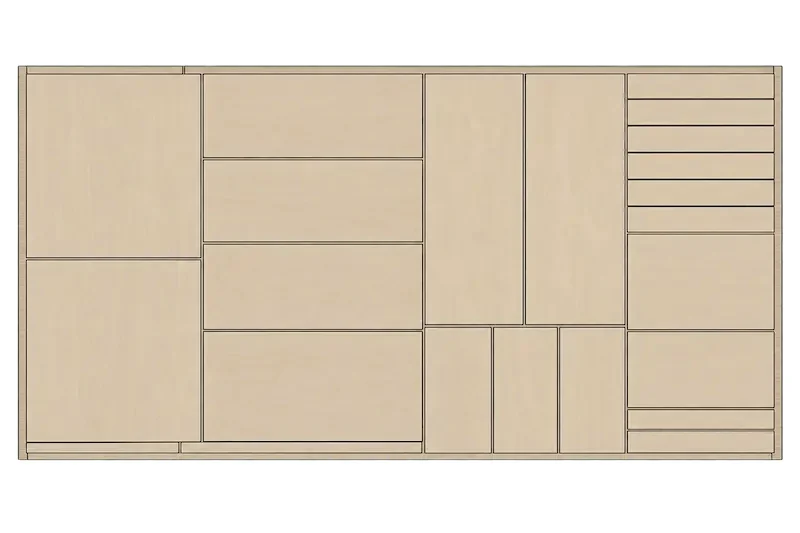
The cut list comes directly from IRONCAD: customize the cut list with the columns the woodworking shop wants, and let Code Generator in IC Mechanical retrieve the length, width, thickness, and material for each panel and write them as a description or part number. The tool is designed for beams and sheet metal, but can be configured for panel materials in just a few minutes. If the cabinet is modified, the list is updated accordingly.
If you want to take it a step further, add Para-Flex: cutting lists with gross and net dimensions and edge banding, parts lists with hardware, panel nesting, reports, and CNC code—all generated from the same model.
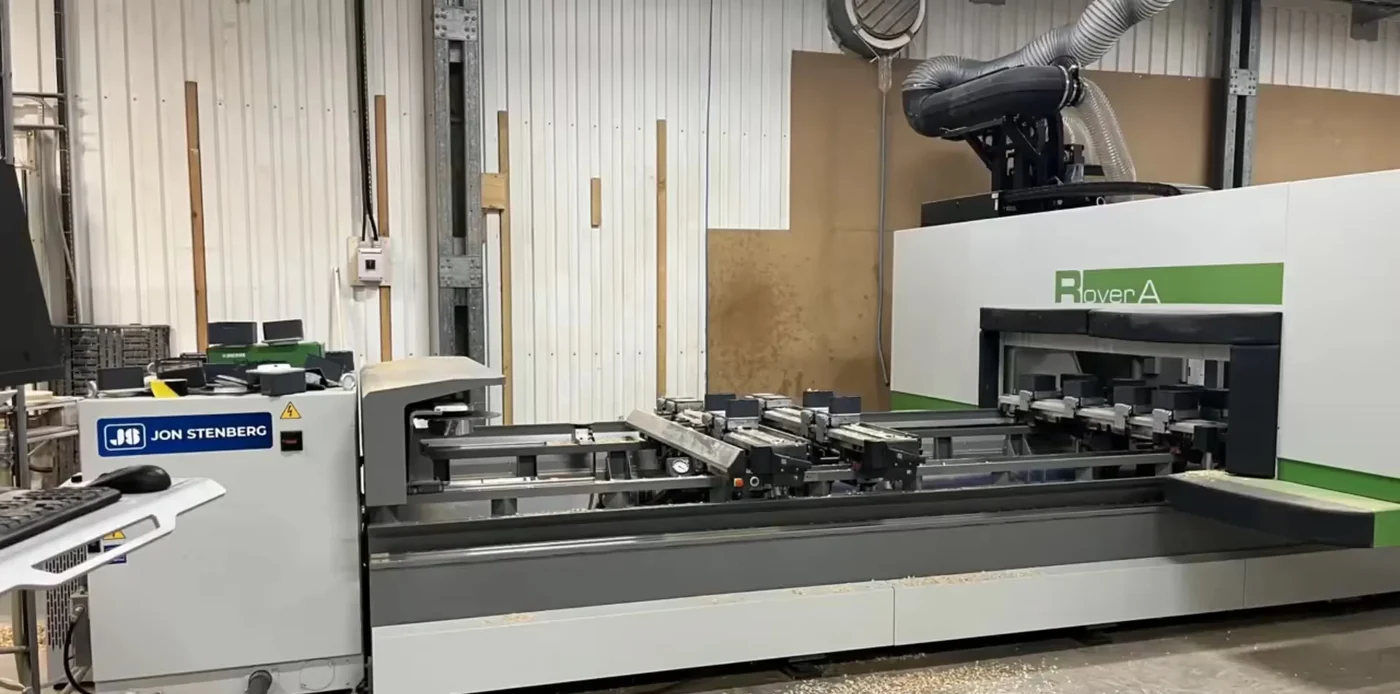
WoodLAB CAM offers post-processors for Biesse, Homag, SCM, and Masterwood, which we customize on-site to fit your machine. Tools and machine parameters are built into the software, so the NC program is generated directly from the 3D model.
Asteberg operates its Biesse machine from WoodLAB without 2D drawings, and Swärd Design has post-processors optimized for its router.
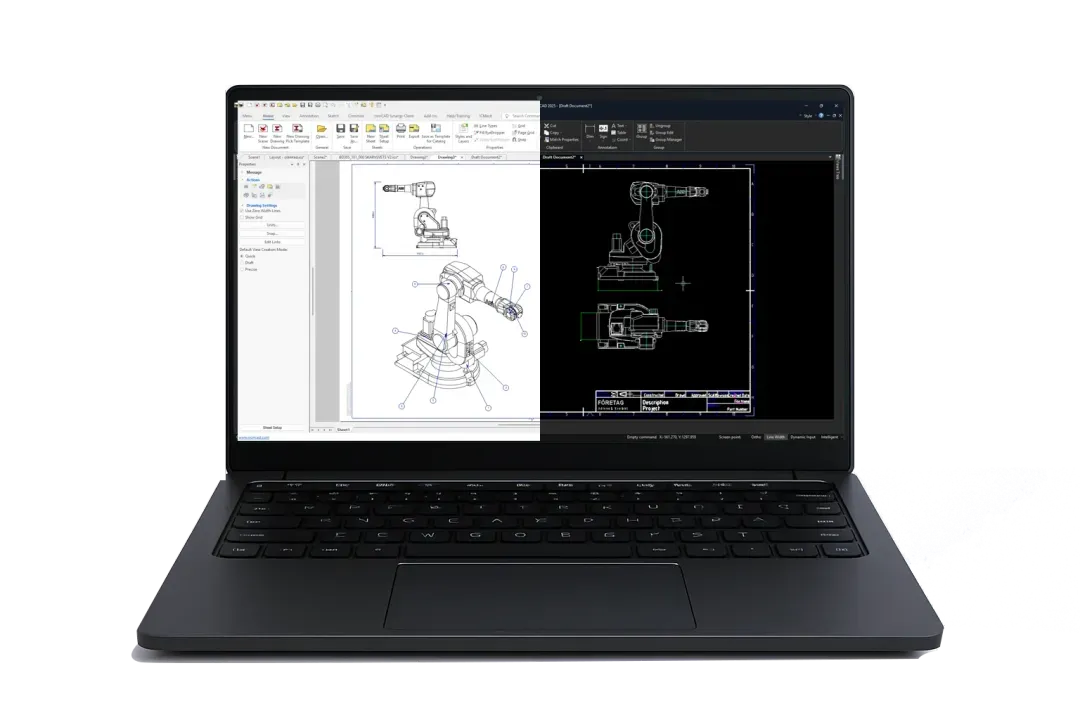
ICD generates the kitchen drawings—including floor plans, elevations, sections, and a bill of materials—directly from the model. DRAFT features a traditional 2D interface similar to AutoCAD and opens the architect’s DWG files.
Both follow the template when the cabinet is modified. The customer receives the drawing, rendering, and quote from the same file.
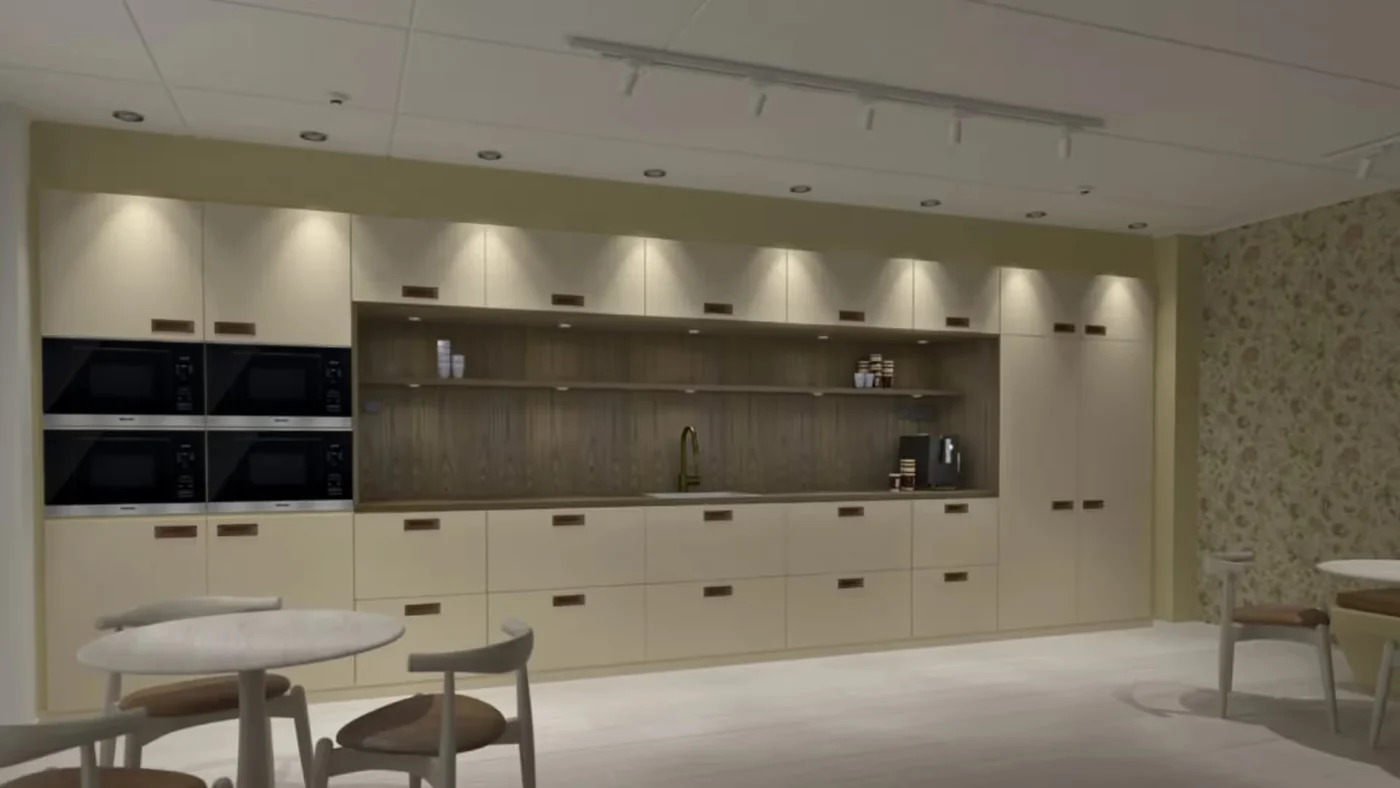
Use KeyShot to render the kitchen for the quote, directly from the model, with the correct wood species, countertop, and lighting. The customer can see how the interior design fits into the room before anything is cut.
If the customer wants to view it themselves, the 3D model opens in the free viewer COMPOSE.
Files from the architect and the client from all CAD systems as reference material.

Free-form designs for cabinet fronts and countertops are sketched in 2D or directly in 3D. Use parameters when you want to—not because you have to.

Frames, doors, hardware, and our own standard drag-and-drop solutions.

Position and copy cabinets, drawers, and hardware precisely, without constraints.



Custom-made furniture and complete interior design solutions since 1993. WoodLAB is integrated with the company’s Biesse router, using post-processors optimized for the machine.

“The combination of IronCAD andWoodLAB is an easy-to-use 3D solution that has proven to be as time-saving as we had hoped.”
Carlos, Swärd Design
Custom-built kitchens and cabinetry from our own woodworking shop in Hyssna—each piece is unique to every customer. WoodLAB provides cabinets, hole drilling for hardware, and a ready-to-use CNC program for the Biesse router—all without the need for 2D drawings.
“With just a few clicks, you can change things like dimensions, front panel designs, the number of drawers, and so on. Hole placements for hinges, drawer slides, and dowels are created automatically.”
Anders Sörli, Asteberg Inredningssnickeri AB
A Dutch interior design and construction firm since 1944, a leader in retail interior design. After a year-long evaluation, the company chose IRONCAD for all of its departments, with direct integration into its CAD/CAM production.

“IronCAD , allows us to quickly visualize our ideas and produce designs much faster. Additionally, the data in the 3D- IronCAD model enables us to establish direct connections with our existing CAD-CAM production software.”
Rene Hollegien, IT supervisor, Van Keulen Interieurbouw

No. Cabinets, kitchens, furniture, and store fixtures are designed directly in IRONCAD, using dedicated catalogs for frames and hardware. The cutting list is generated from IRONCAD’s bill of materials. WoodLAB adds pre-made cabinets, automatic hole drilling, and CAM, while Para-Flex provides nesting, parts lists, and CNC code based on the IRONCAD model. Contact us, and we’ll go over what your production needs.
Yes. In “ IRONCAD ,” the parts list is converted into a cutting list that includes length, width, thickness, and material per sheet, and the Code Generator in “IC Mechanical ” populates the values from the model. “Para-Flex” adds gross and net dimensions, edge banding, purchase lists with hardware, nesting, and reports, and “ WoodLAB ” has corresponding lists built in.
Yes. Para-Flex CAM and WoodLAB ’s CAM send machining data to Homag, Biesse, SCM, and Masterwood, among others. The Pro package in Para-Flex generates DXF files for each part if the machine is controlled in a different way.
Render the model using KeyShot to create a photorealistic image, or send the model to the customer so they can open it in the free viewer at COMPOSE and explore the kitchen on their own. Any changes made to the model are automatically reflected in the documentation.
Yes. DWG files open immediately, and with Architectural Translator , IFC and Revit files are imported along with walls and rooms, so that the interior design is placed in the correct building from the start.
With Design Data Manager, every kitchen, cabinet, and drawing is assigned a part number, revision, and searchable properties, so that salespeople and cabinetmakers can find the right documentation when a customer calls about the same kitchen again. Works with files from IRONCAD, WoodLAB , and other CAD programs.
Full version for 30 days, free of charge. Swedish support and training from Solidmakarna.

30-day full version of IRONCAD . No credit card information required, no obligation to purchase.

Install the software, open your own files, and follow the setup wizard in the IronCAD Academy.

We'll show you how IRONCAD fits your specific production needs—in just half an hour.

A 2 + 2-day instructor-led introductory course, or self-paced study. Course instructors who design their own projects in IRONCAD.