Looks like you don't have ESC button on your device
Choose one of the following options
trial versionHas a license

Looks like you don't have ESC button on your device
Choose one of the following options
trial versionHas a licenseIRONCAD is a comprehensive 3D CAD program. In mechanical engineering, it is used to build custom machines from proprietary modules and standard components, make changes freely even late in the project, and generate drawings and bills of materials from the same model.
Over 1000+ satisfied customers



Reusable parts in your own catalogs
Make changes late without having to start over
Drawings and bills of materials from the model
IRONCAD IRONCAD is a 3D CAD program for industrial design, ranging from machinery and sheet metal to layouts and fixtures. What sets apart from traditional CAD systems is the freedom of choice: you decide for yourself how to model. Design freely using drag-and-drop and TriBall, add constraints and parametric dimensions only where they’re needed, and modify imported geometry directly without a history tree. You can mix these methods within the same , and the entire assembly is contained in a single file. This page shows how machine builders use it. part
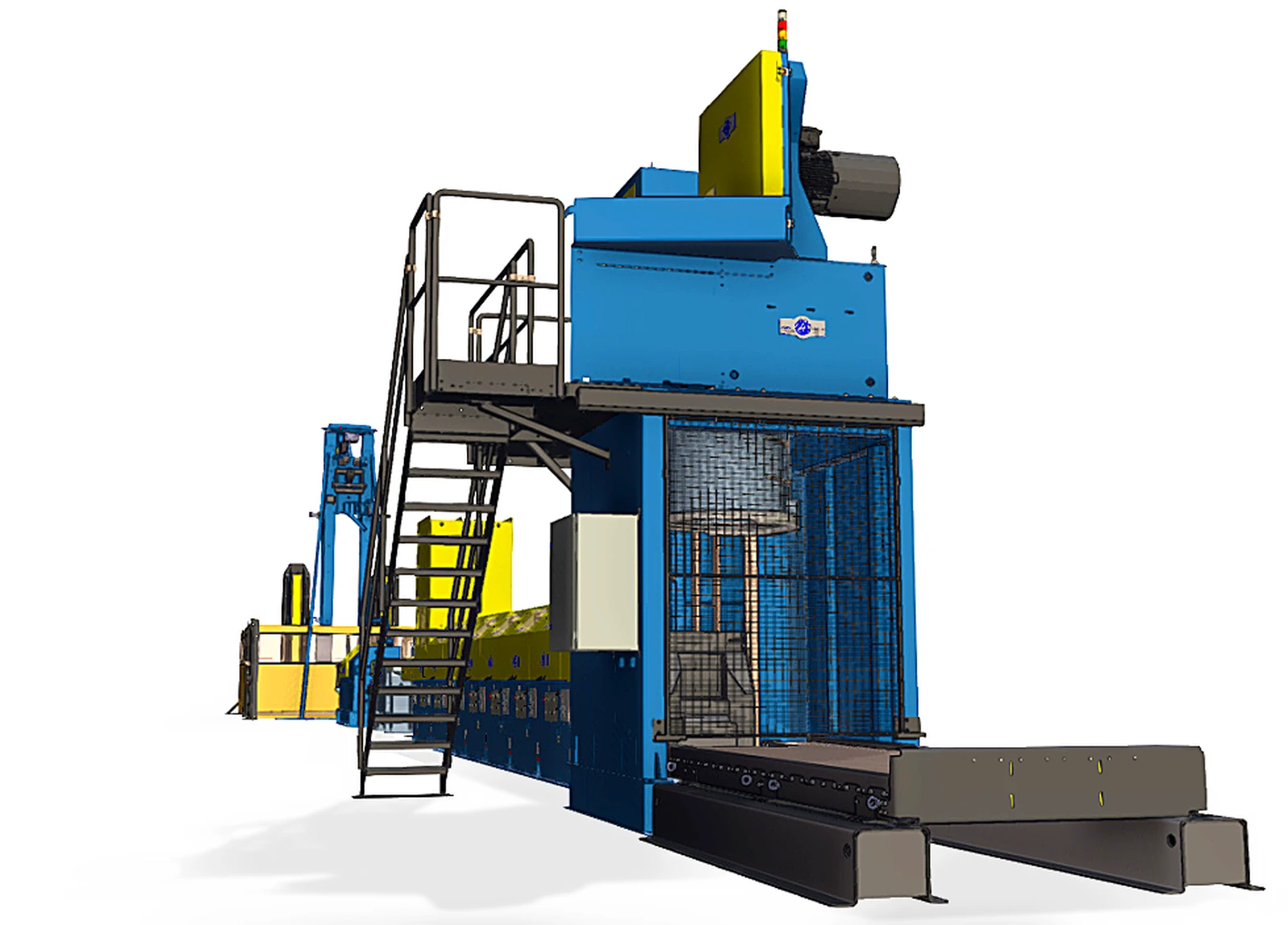
The video shows how Logosol’s B1001 band sawmill is developed and built. The sawmill handles logs up to 1,001 millimeters in diameter and is developed and manufactured in Sweden. Logosol has been designing in IRONCAD since 2005, using free-form 3D modeling without fixed relationships between parts, and manages versions and documentation in Design Data Manager. Would you like to see what your next machine would look like in IRONCAD? Book a demo and we’ll show you!
You select the method for each part, not for each program.
All three work in the same file, and they can be mixed on the same machine.
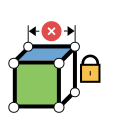
For modules that require variant management. Lock dimensions and positions using constraints, so that a new length or width is recalculated without you having to redraw the model.
MOST POPULAR
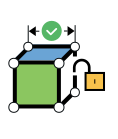
The standard method for mechanical designers. Drag and drop parts, position them using TriBall, and make changes freely when the customer comes up with a new idea. Intelligent features, no restrictive constraints.
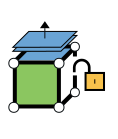
For customer and supplier STEP files. Select a surface and drag it, move holes, and add fasteners. No history is required.
Custom modules, standard parts, and entire subassemblies are imported from the catalog and are automatically positioned correctly with attachment points. If you replace one module with a different variant, the rest of the assembly updates accordingly. Everything you build can be saved back to the catalog and reused in your next machine.
Beams, pipes, bolted joints, ball bearings, packing boxes, lock rings, chains, and gears are available in accordance with current standards in IC Mechanical. The bolted joint automatically calculates the correct length and is included in the bill of materials. IC Mechanical is included with an active support agreement.
STEP, IGES, and Parasolid files open immediately, and with “ Translator ,” SolidWorks, Inventor, and CATIA files open as well. Add reinforcements, holes, and fasteners to the imported geometry, with or without history. “ solid kernels ” reduces import errors and handles geometry that other systems cannot.
Parts are positioned using TriBall instead of constraints, so a change late in the project doesn’t cause any rebuild errors. Parameters are applied only to the elements that need to be controlled.
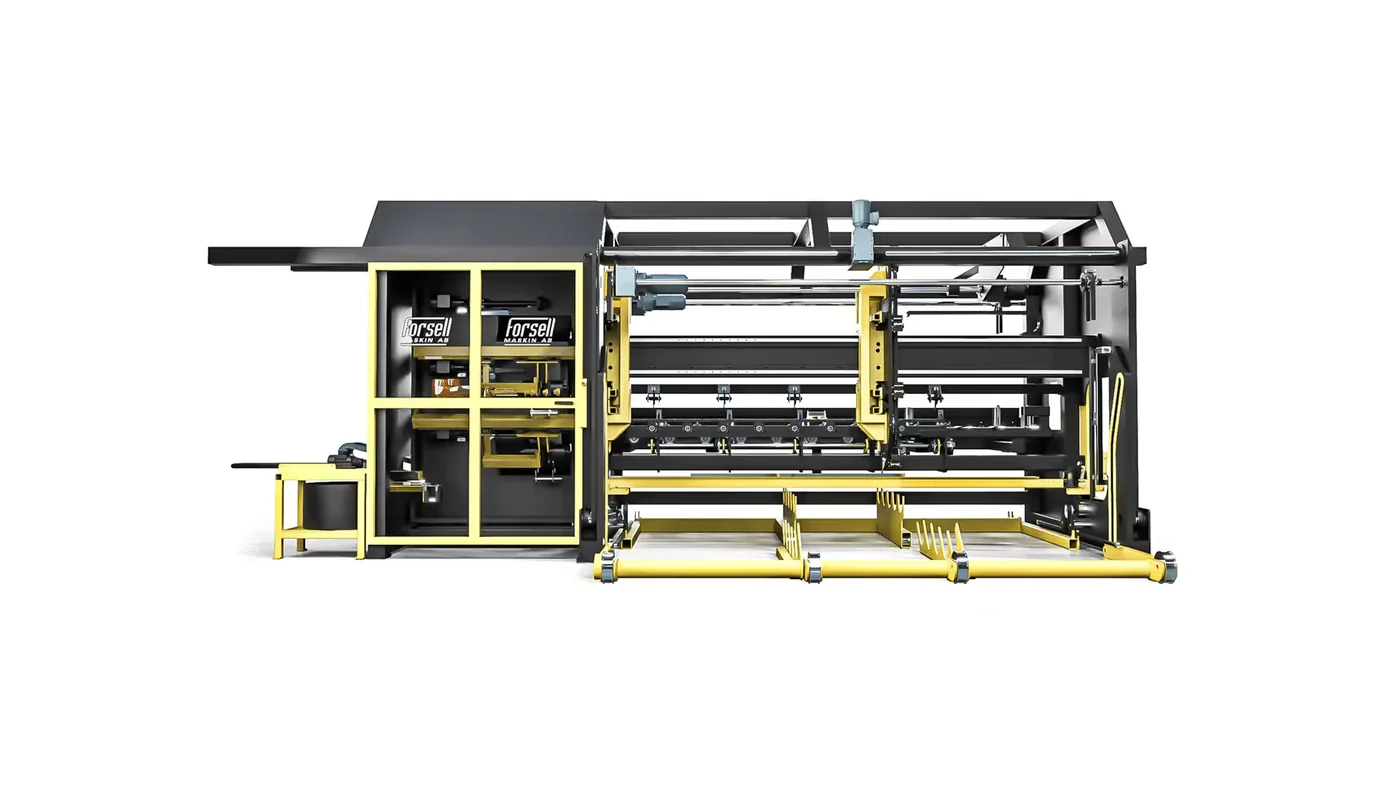
“I’ve modeled a complex machine in just a few hours, and it’s no problem to make an unexpected change at any time, even late in the final stages of the project,”says Jörgen at Forsell Maskin in Skellefteå.
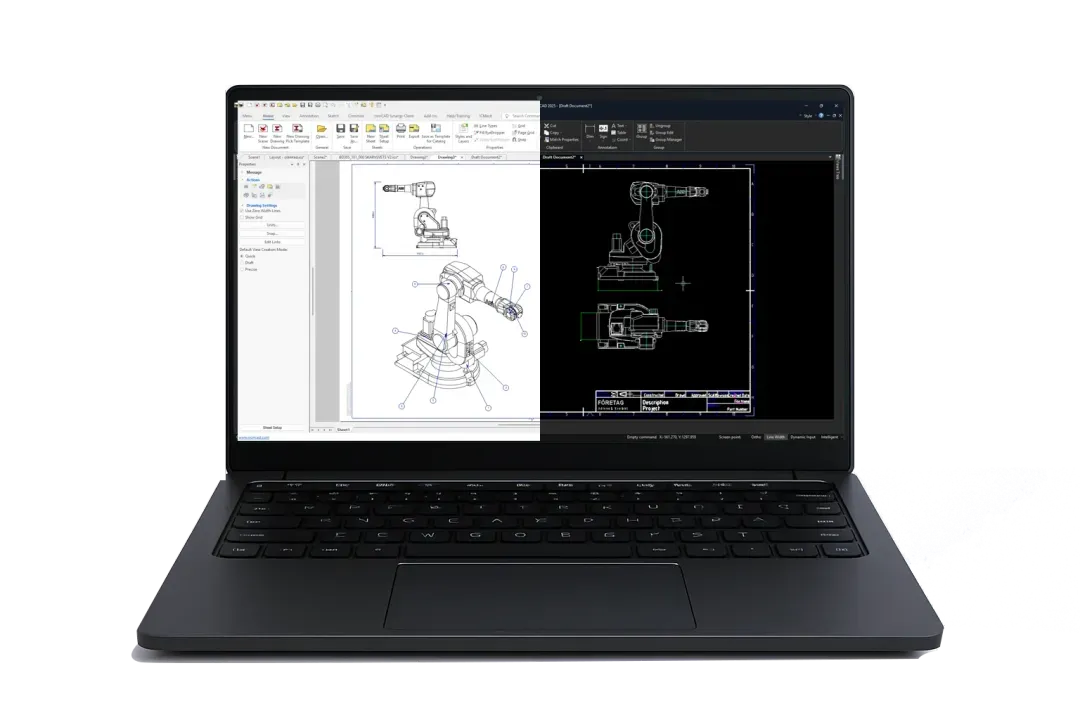
IRONCAD has two drafting environments. ICD directly renders the 3D model with views, sections, ISO-compliant dimensioning, and an automatic bill of materials. DRAFT features a traditional 2D interface similar to AutoCAD, opens and saves DWG and DXF files, and creates schematics and pure 2D drawings. Both update the model when the machine is modified. Choose the one that suits your drawing, or use both.
Mechanisms in IRONCAD define joints, chains, and ranges of motion, allowing you to visualize movements and collisions in the model before anything is manufactured. The motion can be played back as a video for the customer. The video shows an excavator boom with mechanisms.

MultiPhysics IRONCAD calculates stress, strain, natural frequency, and thermal effects directly on the machine model, without exporting data to a separate FEM program. The report is generated at the push of a button. Change the geometry and recalculate.

Custom machine modules and standard parts with drag-and-drop functionality.

Move, copy, and align parts precisely, without constraints.

Guards, covers, and brackets made of bent sheet metal, including dimensions and DXF files.
Sketch freely in 2D and build in 3D. Use parameters when you want to—not because you have to.

Individual machines, complete wire production cells, and entire factories, developed and manufactured in Sweden. Machinery for the wire industry since 1823.
"The program is user-friendly, and we can create large assemblies and detailed drawings quickly and easily. We open the assembly, break links, save a new version, and make changes freely without affecting others."
Samuel Eriksson, Lämneå Bruk AB
Portal machines that nail, glue, saw, and mill prefabricated house components in a factory. Each factory has its own layout, so the machines are customized at IRONCAD.

“We are very pleased with how IRONCAD meets our design needs and also with the support we receive from Solidmakarna.”
Arne Alvarsson, Triweco AB
Concept, design, manufacturing, and CE marking in Skellefteå—over 250 machines in 25 years. Most recently, assembly lines for a house factory in Los Angeles—an order worth nearly 30 million.

“It’s no problem to make an unexpected change at any time, even late in the final stages of the project.”
Jörgen, Forsell Maskin AB
Modular sawmills and woodworking machines in 65 countries, developed and manufactured in Sweden. IRONCAD since 2005, using Design Data Manager for versions and documentation.
.avif)
“With IRONCAD , we can use the concept model all the way through to the finished product. We don’t have to redraw it just because the CAD system wants us to do it a certain way.”
Erik Svensson, Product Developer, Logosol AB
Ergonomic lift carts made of 304 and 316 stainless steel for cleanrooms in the pharmaceutical industry, since 1995. 3D images, dimensional drawings, and manufacturing documentation from IRONCAD, visualized at KeyShot.

“Solidmakarna “has an outstanding support and really takes the time to help and answer your questions.”
Maria Jarenheim, Marketing Manager, Svenema AB
A full-service provider in mechanical engineering, hydraulics, FEM analysis, and CE marking since 1993. We design and manufacture our own sawmill machinery for customers throughout Europe, and our assemblies consist of several hundred thousand parts.
“The program offers more flexibility and is well-suited for testing various alternative solutions. We start with the customer’s needs and test different options until we find the best solution.”
Stefan Andersson, Höga Kusten Teknikresurs AB

Parts are imported and placed directly into the assembly without constraints or history trees, so the design can be modified late in the process without causing rebuild errors. Parameters are applied to the elements that actually need to be controlled. Customers such as Lämneå Bruk and Forsell Maskin report design times that are up to three times shorter.
Yes. Mechanisms in IRONCAD define joints, chains, and ranges of motion, allowing you to visualize movements and collisions in the model. The result can be played back as a video for the customer.
Yes. MultiPhysics for IRONCAD calculates stress, deformation, natural frequency, and thermal effects directly on the model, with a report available at the click of a button. Change the geometry and recalculate.
Save modules and your own standard parts in catalogs with attachment points. The next machine is built by dragging in the modules and replacing variants from the catalog. Drawings and bills of materials are included.
Yes. STEP, IGES, and Parasolid files open immediately, and Translator adds support for SolidWorks, Inventor, CATIA, Solid Edge, NX, and Creo. The files can be edited without losing their history and exported back in the same format.
With Design Data Manager, every machine, module, and drawing is assigned a part number, revision, and searchable properties, regardless of whether the file comes from IRONCAD, SolidWorks, or Inventor. Logosol uses DDM for versions and documentation in its product development.
Full version for 30 days, free of charge. Swedish support and training from Solidmakarna.

30-day full version of IRONCAD . No credit card information required, no obligation to purchase.

Install the software, open your own files, and follow the setup wizard in the IronCAD Academy.

We'll show you how IRONCAD fits your specific production needs—in just half an hour.

A 2 + 2-day instructor-led introductory course, or self-paced study. Course instructors who design their own projects in IRONCAD.