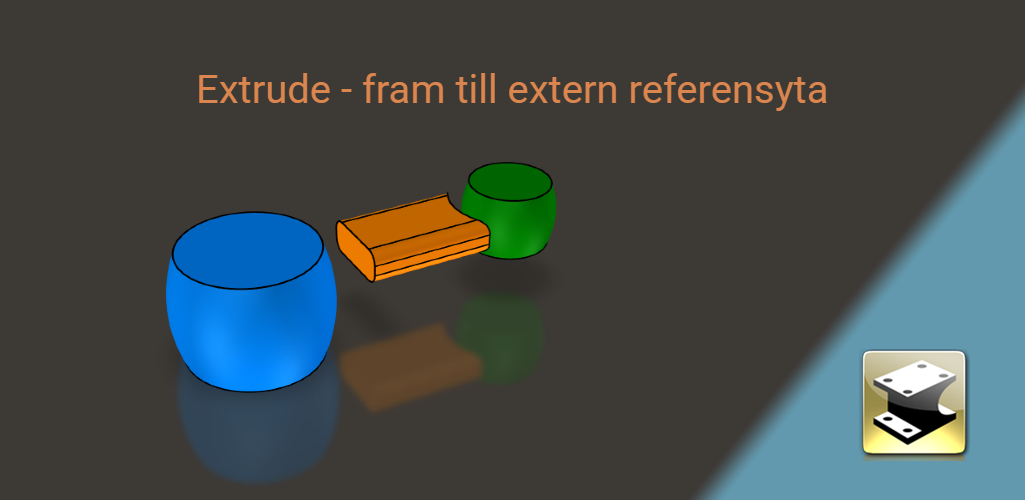
Extrude to an External Reference SurfaceAn extrusion in IRONCAD can now terminate at a surface in another part. Here's how to use an external reference surface as a terminator and how the link is updated when changes are made.
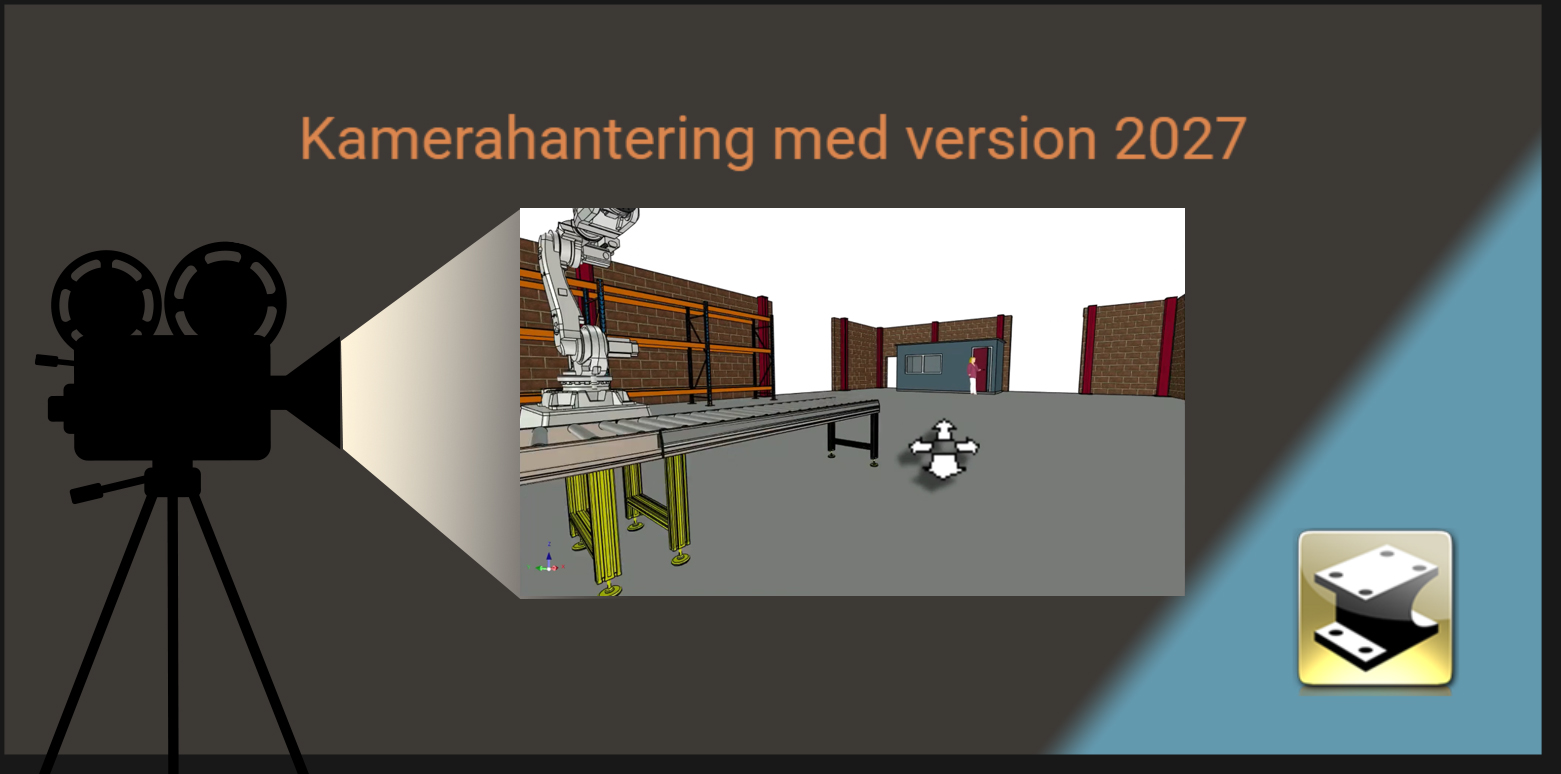
Camera Management with v2027New ways to use the camera in " IRONCAD " 2027: Here's how to rotate, pan, and zoom more quickly in the 3D scene and save your own views for later use.
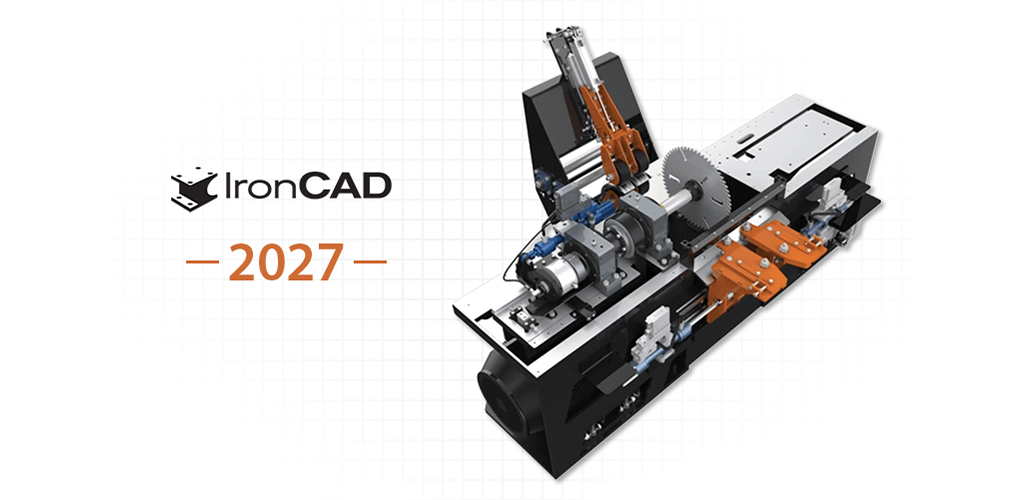
IronCAD DCS 2027 has been launchedIronCAD LLC has released version 2027 of the IronCAD DCS. Here, we summarize the most important new features and explain how you, as a customer with a support contract, can access it.
SP2 for IRONCADService Pack 2 (SP2 or 2026.00.02.0) for IRONCAD has now been released...
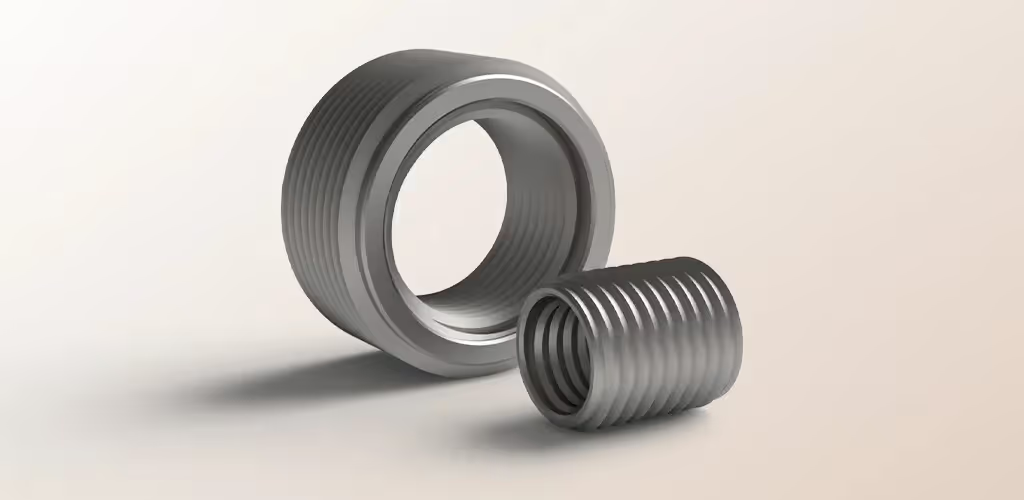
Create a realistic threadIn some cases, you may need to create a realistic thread in 3D CAD. Perhaps you want to print a screw or a socket nut on your 3D printer?

Webinar: What's new in IRONCADWatch our recorded webinar, where we go over what's new in " IRONCAD " 2026: new features, improvements, and tips for your daily work.
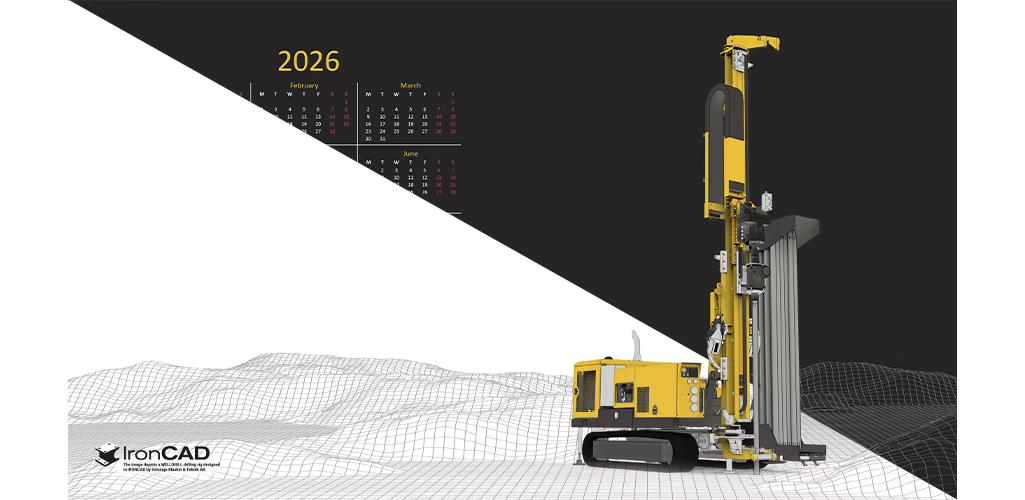
Wallpapers for version 2026We've created wallpapers with and without calendars. This time, we used a 3D model of a WELLDRILL drilling rig from our IRONCAD user Ornunga…

Gingerbread house building with IRONCADJust before Advent, Daniel, as is his custom, downloads a demo version of the latest edition of * IRONCAD* and begins brainstorming ideas for the family’s annual…

Turn off Tips & Tricks messagesHere's how to turn off the Tips & Tricks notifications that appear when IRONCAD launches, and how to turn them back on if you want the tips to reappear.
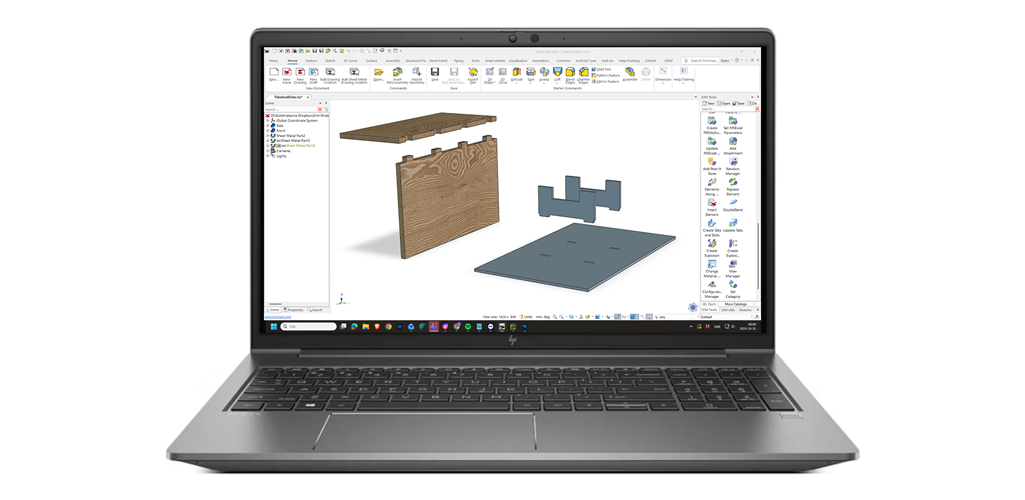
Create pins and holes in IRONCADThis feature is included in IC Mechanical —a powerful add-on for IRONCAD that makes it quick and easy to create mechanical parts.
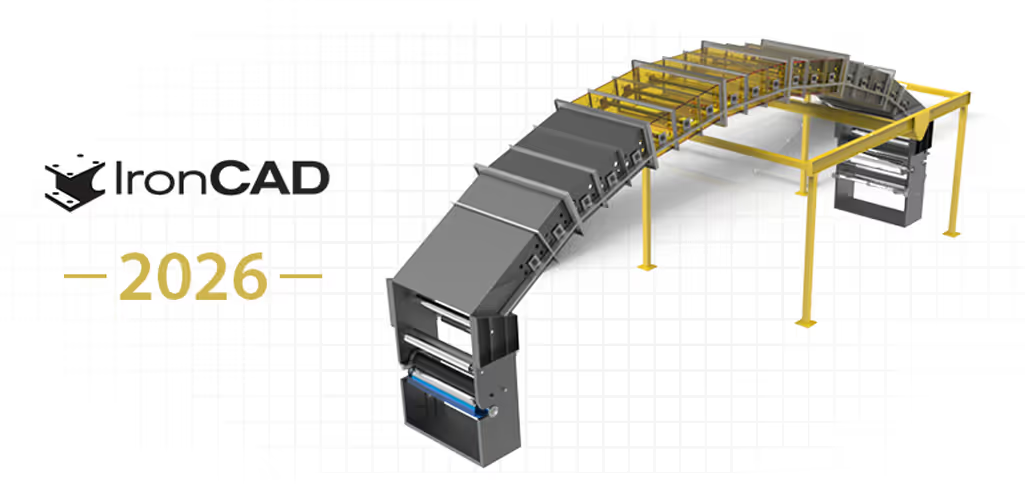
IronCAD 2026 is launchedIronCAD LLC has released version 2026 of the IronCAD DCS. Here, we summarize the most important new features and explain how you, as a customer with a support contract, can access it.

Happy summer!We at Solidmakarna wish you a great summer! July 7 - August 8, the response times from support may be slightly longer than normal...
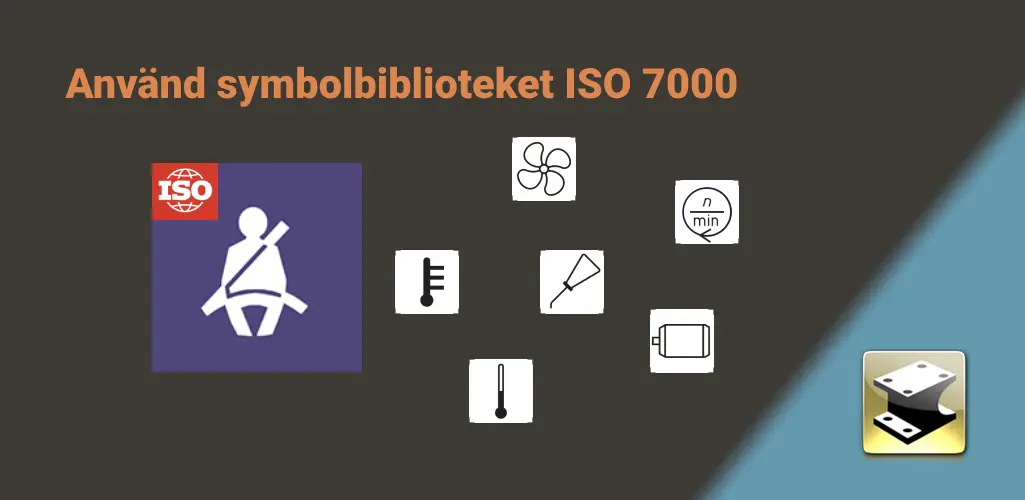
Symbol library for ISO 7000There are a large number of standardized symbols according to ISO 7000 and it is easy to insert such images into a 2D drawing...
PU1 for IRONCAD 2025Product Update 1 (PU1) for IRONCAD 2025 has been released, featuring new features and quality improvements. See what's new and how to install it.
News in DDM 2025.01Discover new features in Workbench, Administrator, DDM Web Dashboard and a brand NEW greatly improved interface for IRONCAD users...
SP1 for IRONCAD 2025Service Pack 1 (SP1) for IronCAD DCS 2025 has been released. Here you can see the fixes included in SP1 and how to download and install the update.

Resetting DDMAre you missing buttons or menus in the DDM that do not seem to be recoverable...

Beta test IRONCAD 2025The official beta testing of version 2025 has now begun, and you can of course explore all the new features and test the version here...
SP2 for ironcad 2024 PU1Service Pack 2 (SP2) for IronCAD DCS 2024 PU1 has been released. Here you can see the fixes included in SP2 and how to download and install the update.

SP1 for IRONCAD 2024 PU1Service Pack 1 (SP1) for IronCAD DCS 2024 PU1 has been released. Here you can see the fixes included in SP1 and how to download and install the update.
PU1 for IRONCAD 2024Product Update 1 (PU1) for the 2024 IRONCAD s has been released, featuring new features and quality improvements. See what's new and how to install it.

Do you not work with planes in IRONCAD?Yes, all the time. Here’s how the work plan works in IRONCAD: how to position, rotate, and work according to the plan using TriBall and the sketch, without getting stuck in a history.

DDM IRONCAD WorkshopsThere are quite a few DDM tutorials you can check out to learn more about how to use DDM and IRONCAD together...
DDM Focus Workshop – PDF WatermarksRecording of the Focus Workshop " DDM " on PDF Watermarks: How to add watermarks—such as status, revision, and date—to PDF drawings created from DDM.
No results. Please try another search option.